



PolarisLite Shaders for Minecraft 26.3
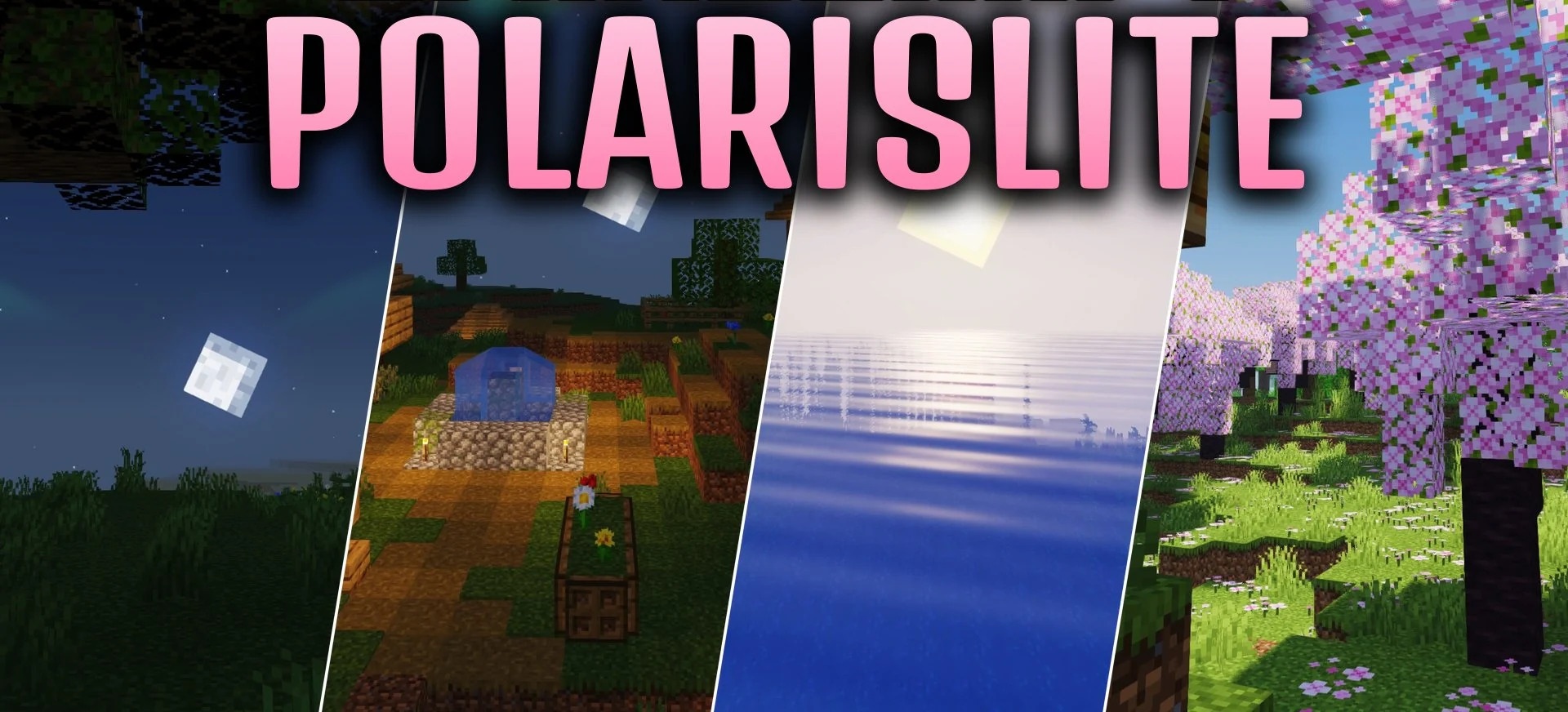
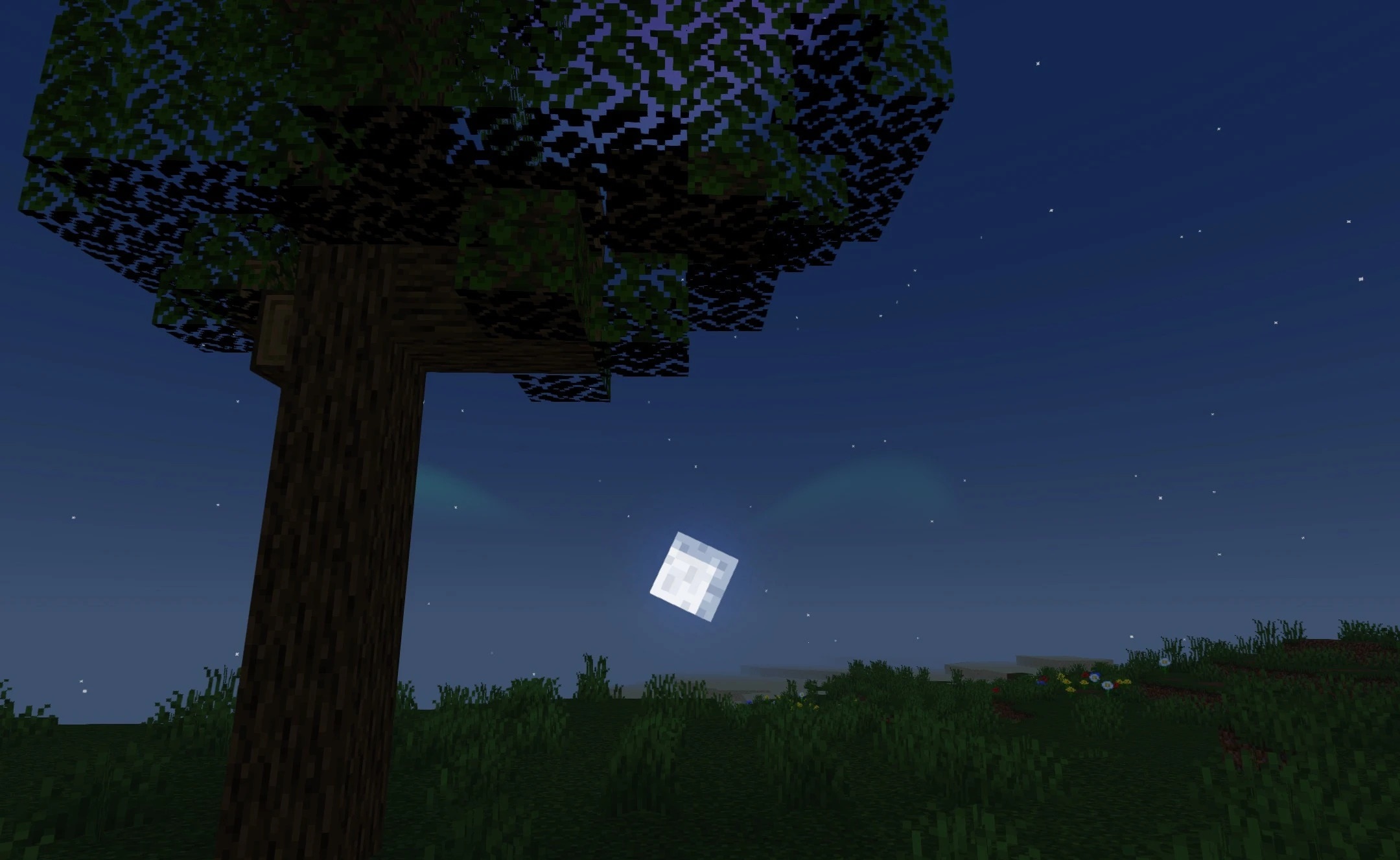
PolarisLite Shaders was made with computers that struggle to handle demanding graphics effects in mind. Rather than going for elaborate realism, it offers a lighter look with a few fantasy touches. Minecraft's colors and blocky geometry are still easy to recognize, even if the lighting gives familiar landscapes a slightly different feel.
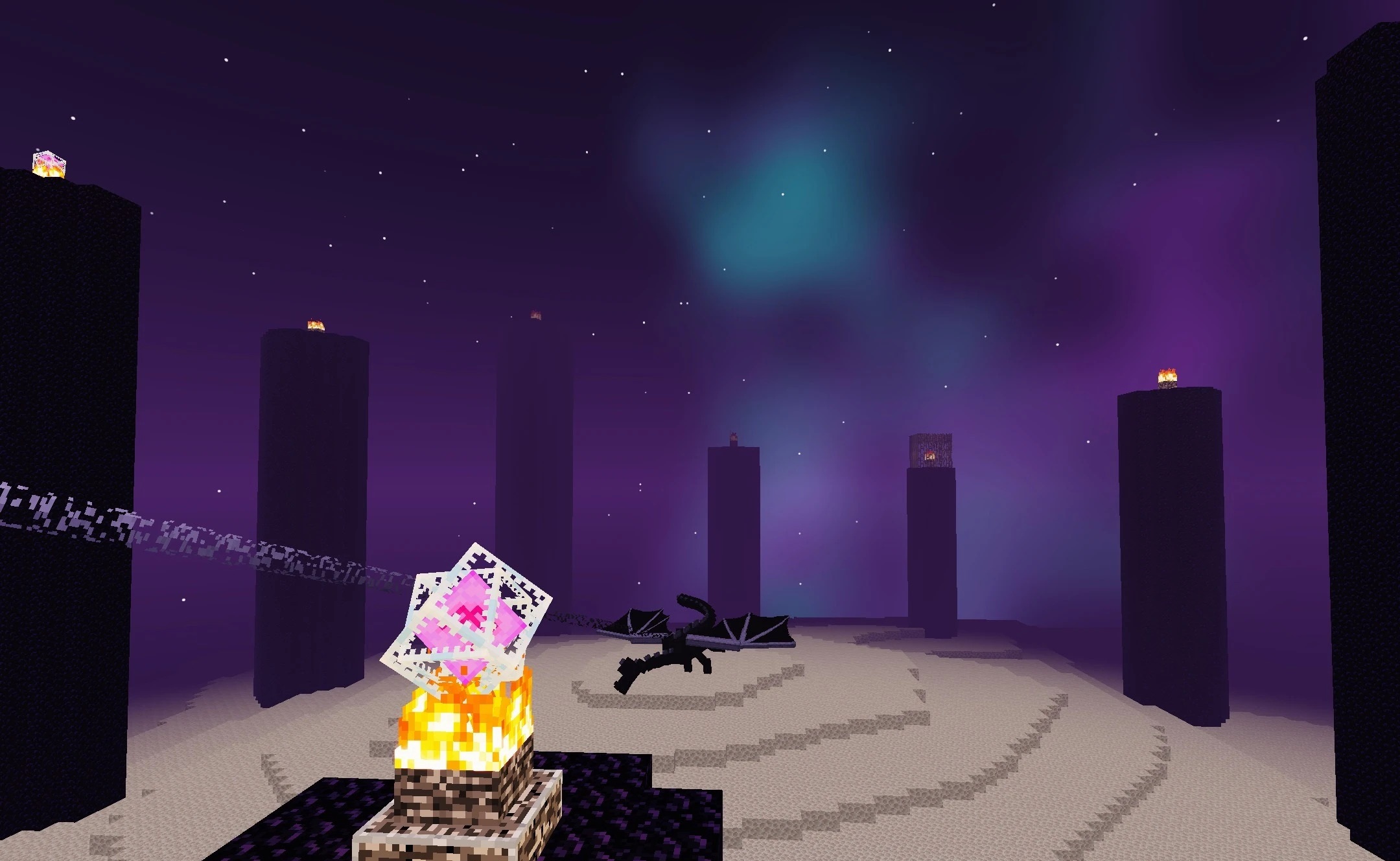
The aim is to improve the visuals without asking too much of the graphics card. That's why the pack doesn't try to replace the game's art style or squeeze in every possible effect. It's an option for players who want a visual refresh but need to put performance first.
How to install a shader:
Step one: Download the shader pack using the link below.
Step two: Extract the downloaded archive and copy the folder to the following path: c:\Users\Пользователь\AppData\Roaming\.minecraft\shaderpacks\ (if this folder does not exist, create it yourself) (For Windows)
Step three: In the game, go to Settings, then Video Settings. Select the ‘Shaders’ section and enable your chosen shader pack.
Comments (0)