



Prismatic Shaders for Minecraft 26.3
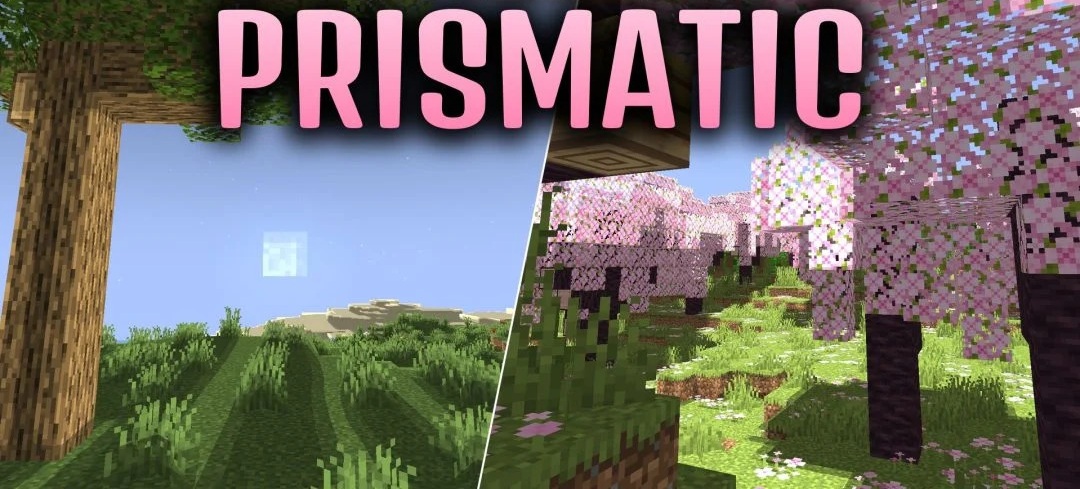
Blocks receive a more pronounced shine and clear shadows in Prismatic Shaders. The pack changes the way surfaces interact with light, adding a polished effect that makes illuminated sides look glossier. During the day, shadows beneath mobs, buildings, and individual blocks become clearly visible, enhancing the sense of depth in the landscape.
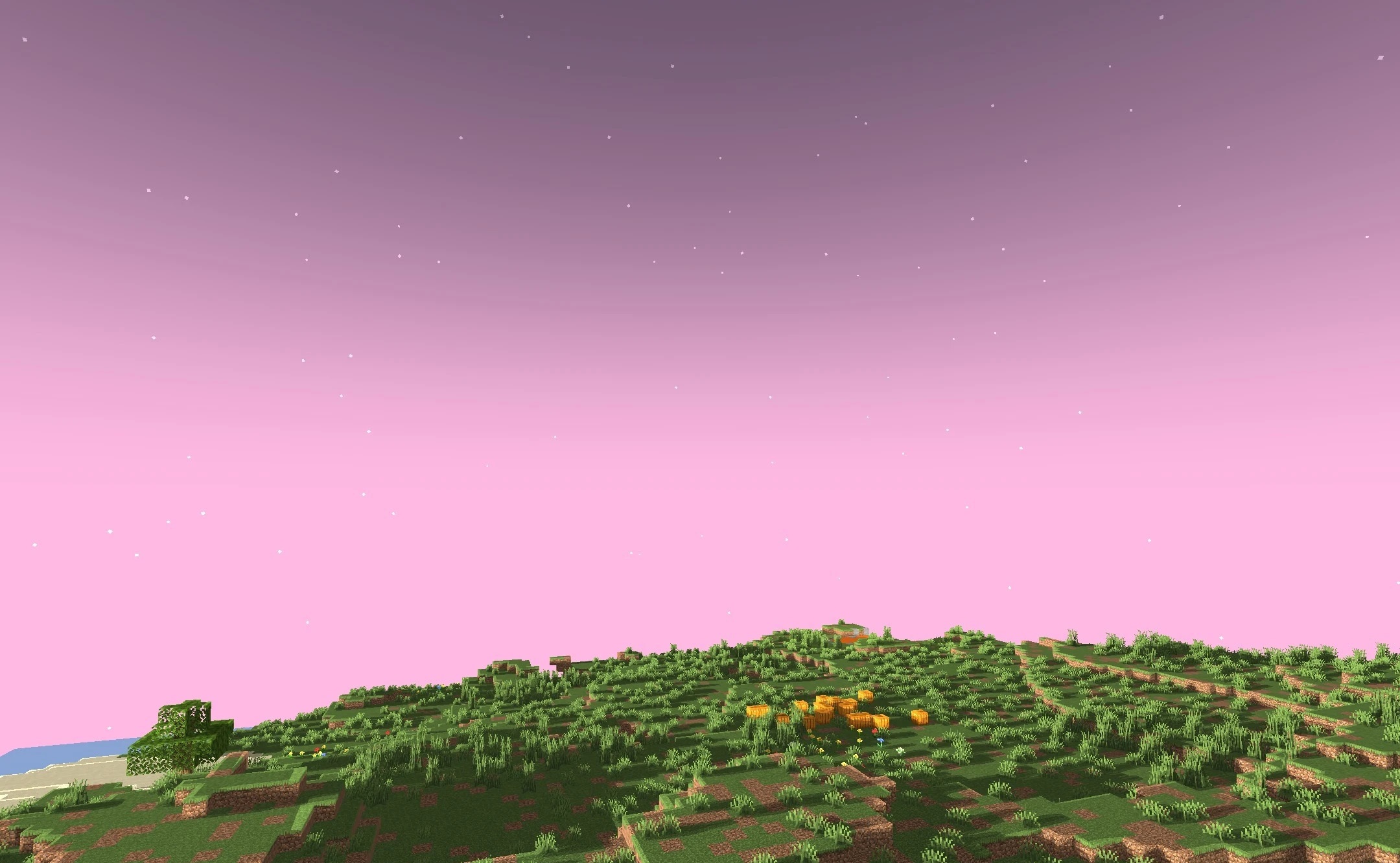
The overall lighting system is also reworked: daytime scenes look brighter, while nighttime scenes remain clearer and easier to read. The effects work consistently across different biomes, so changing locations does not disrupt the overall style of the pack.
How to install a shader:
First step: download the shader package from the link below.
Second step: Unpack the downloaded archive and copy the Prismatic Shaders folder to c:\Users\User\AppData\Roaming\.minecraft\shaderpacks\(if this folder does not exist, create it yourself) (For Windows)
Third step: In the game, go to Settings, then to Graphics Settings. Select the "shaders" section and activate the shader pack of your choice.
Comments (0)