



ProcPromo Shaders for Minecraft 26.3
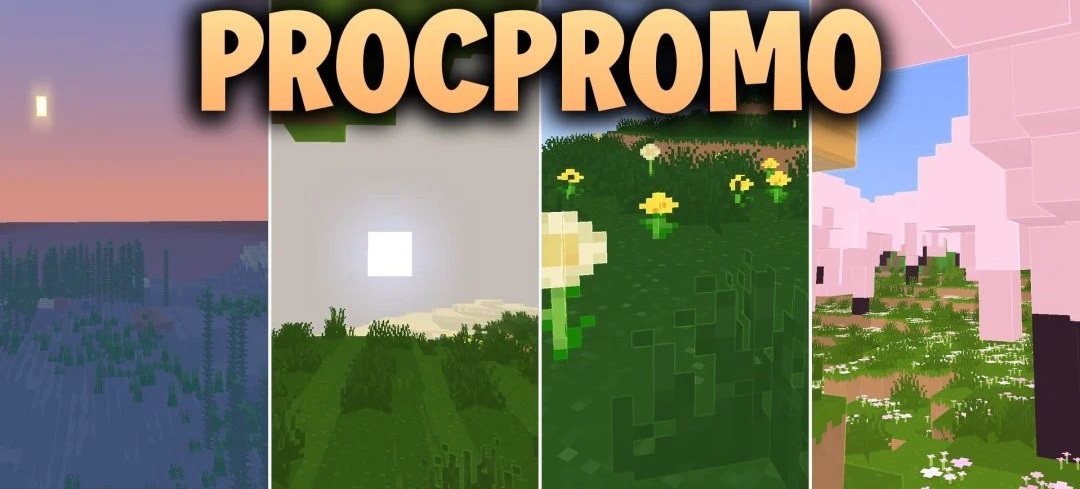
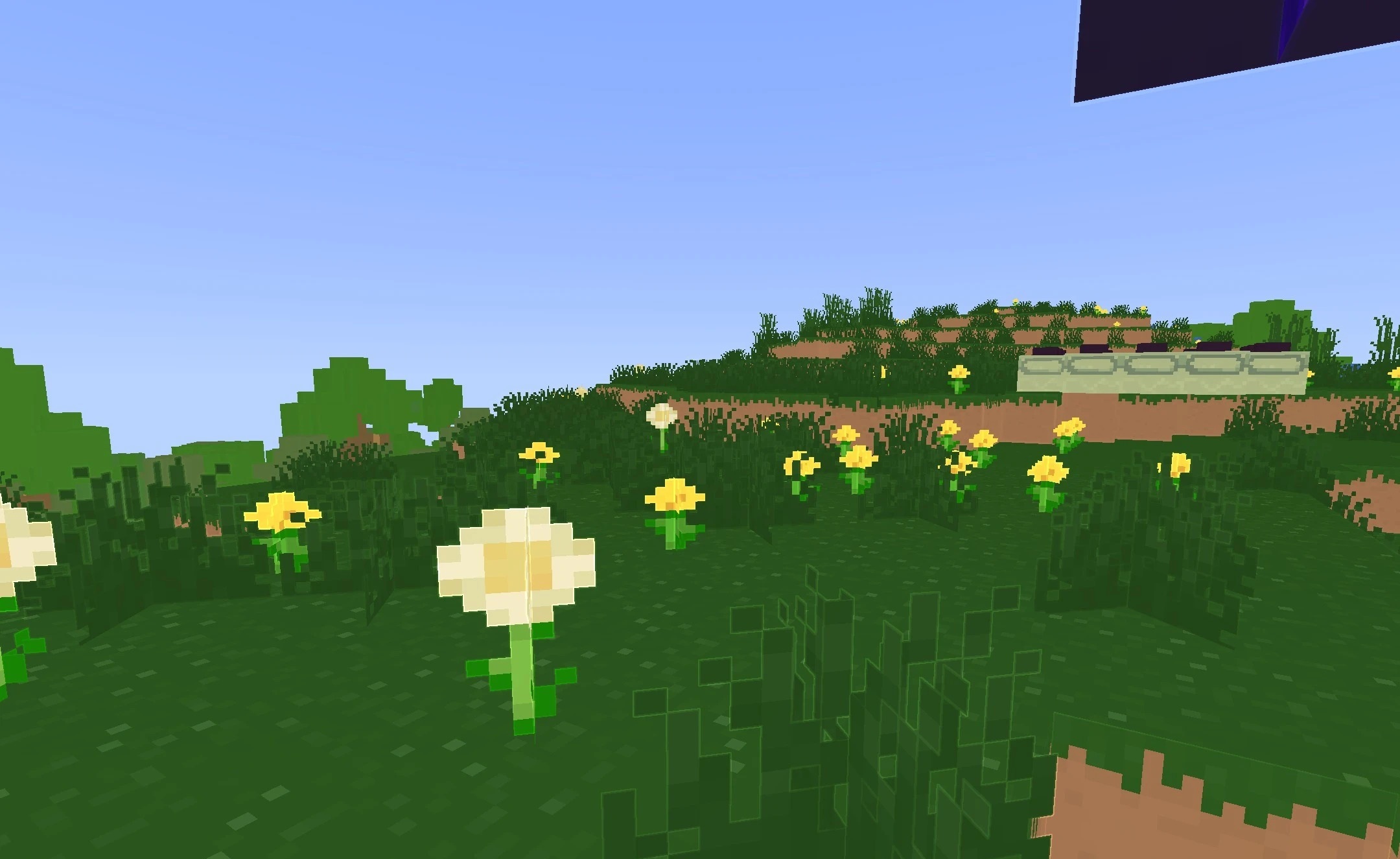
ProcPromo Shaders brings the visual direction of official Minecraft promotional artwork and trailers into the game. Block edges are emphasized with light outlines, giving buildings and terrain a more graphic, cartoon-like appearance.
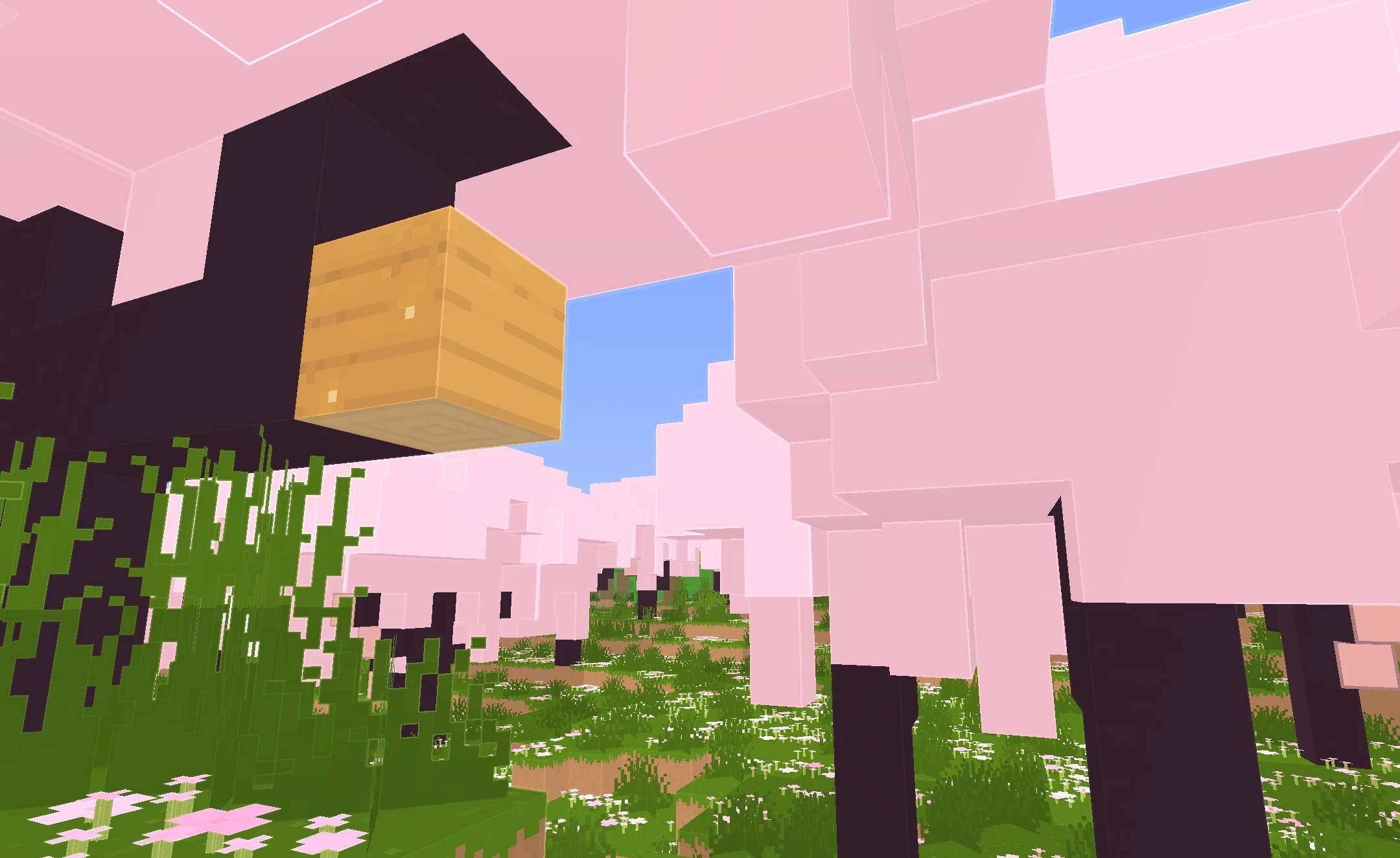
Foliage changes into soft rounded shapes reminiscent of the style used in promotional images, while shadows remain clean and do not darken the scene too much. The main palette remains bright, so the world looks rich even without heavy realistic effects. Several quality levels are available for different systems, ranging from low to high settings.
How to install a shader:
First step: download the shader package from the link below.
Second step: Unpack the downloaded archive and copy the ProcPromo Shaders folder to c:\Users\User\AppData\Roaming\.minecraft\shaderpacks\(if this folder does not exist, create it yourself) (For Windows)
Third step: In the game, go to Settings, then to Graphics Settings. Select the "shaders" section and activate the shader pack of your choice.
Comments (0)