



RocketShaders for Minecraft 26.3
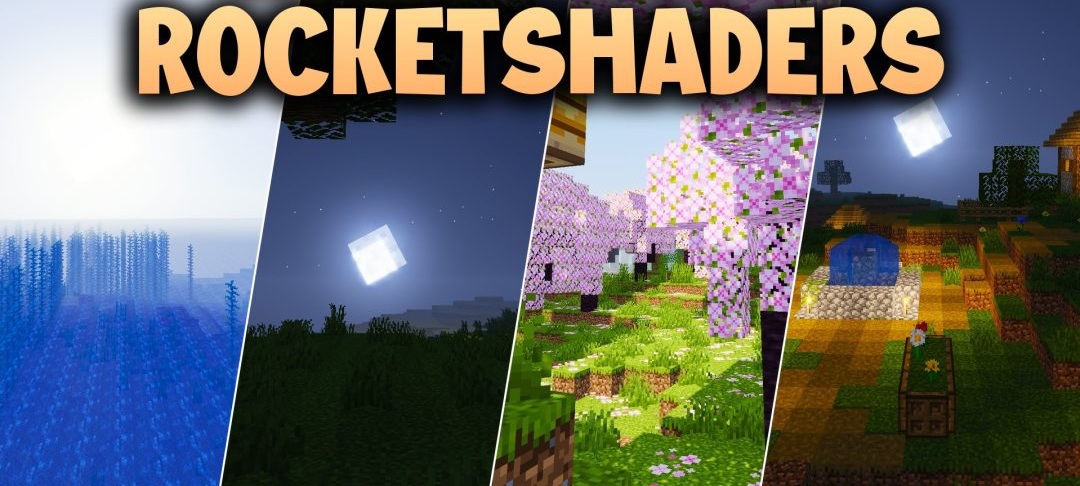
A bright, arcade-style palette inspired by Rocket League defines the visual style of RocketShaders. Sunlight becomes more saturated, a soft glow appears around torches and bright areas, and shadows retain a sufficiently distinct shape for buildings and mobs to remain clearly visible against their surroundings.
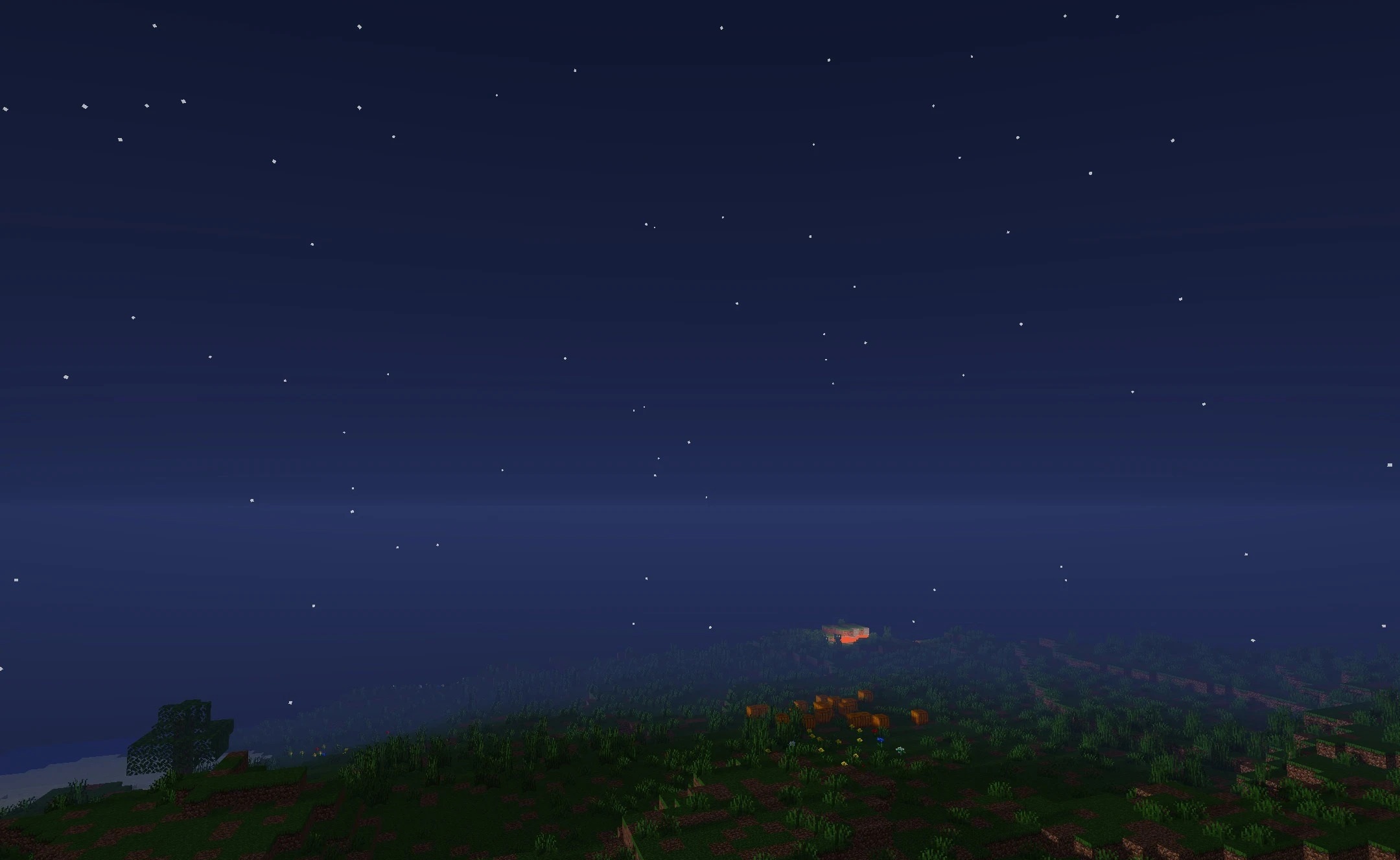
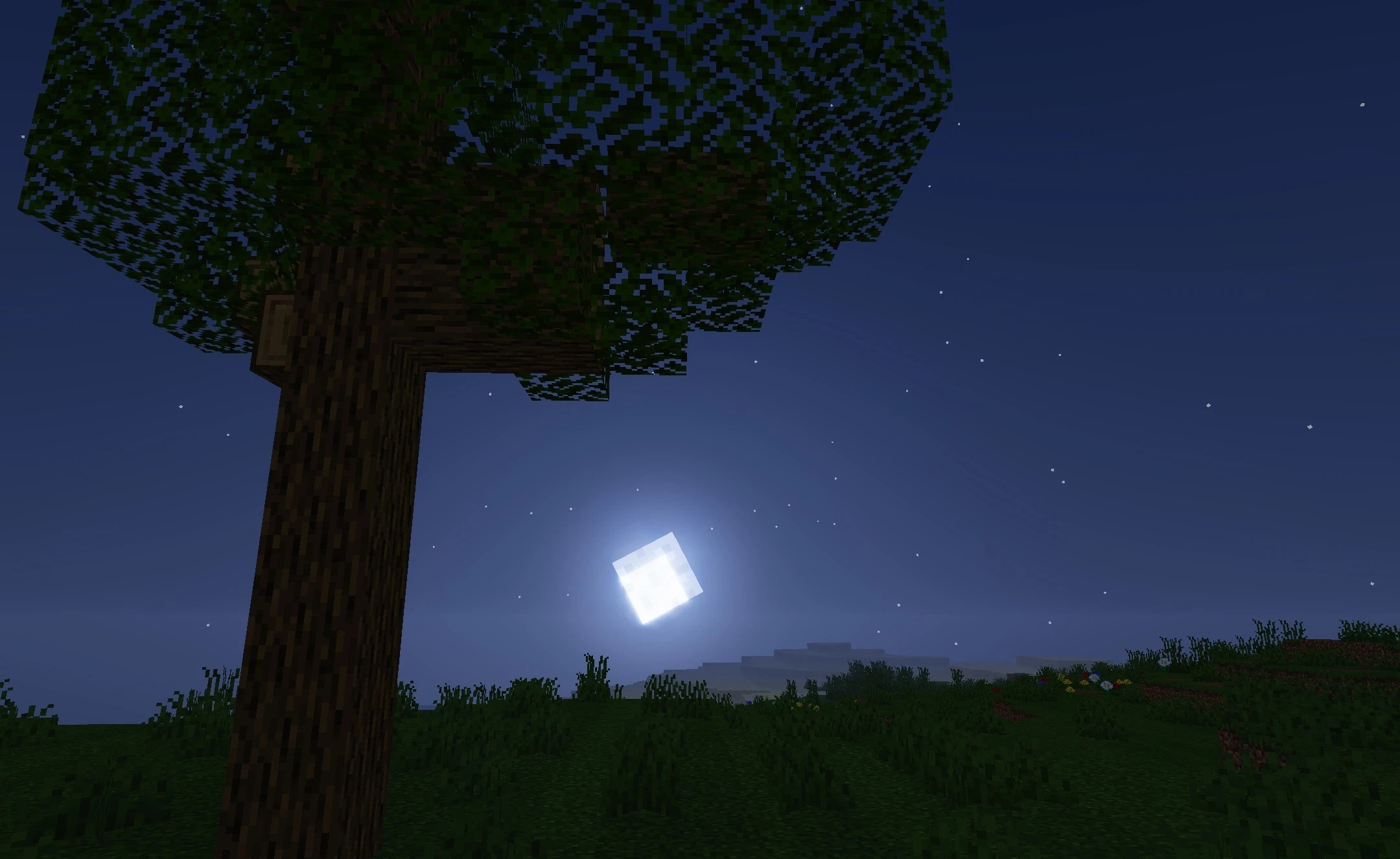
When PBR maps are used, surfaces gain additional reflections and relief depth, making blocks look more material-like. Vegetation responds to the wind: grass and leaves sway gently, making open biomes less static. Despite the bright, cartoon-like colors, lighting transitions remain semi-realistic.
How to install a shader:
First step: download the shader package from the link below.
Second step: Unpack the downloaded archive and copy the RocketShaders folder to c:\Users\User\AppData\Roaming\.minecraft\shaderpacks\(if this folder does not exist, create it yourself) (For Windows)
Third step: In the game, go to Settings, then to Graphics Settings. Select the "shaders" section and activate the shader pack of your choice.
Comments (0)