



RustingShader for Minecraft 26.3
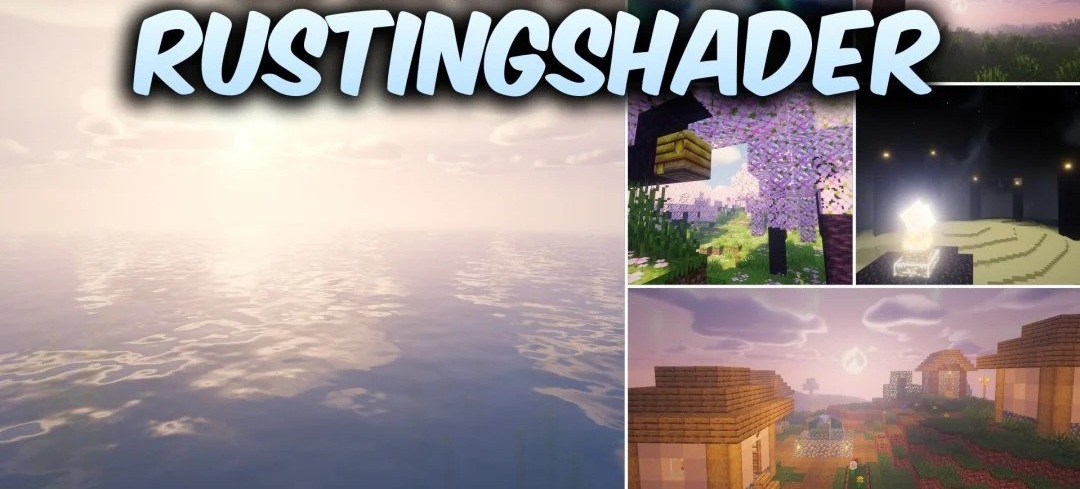
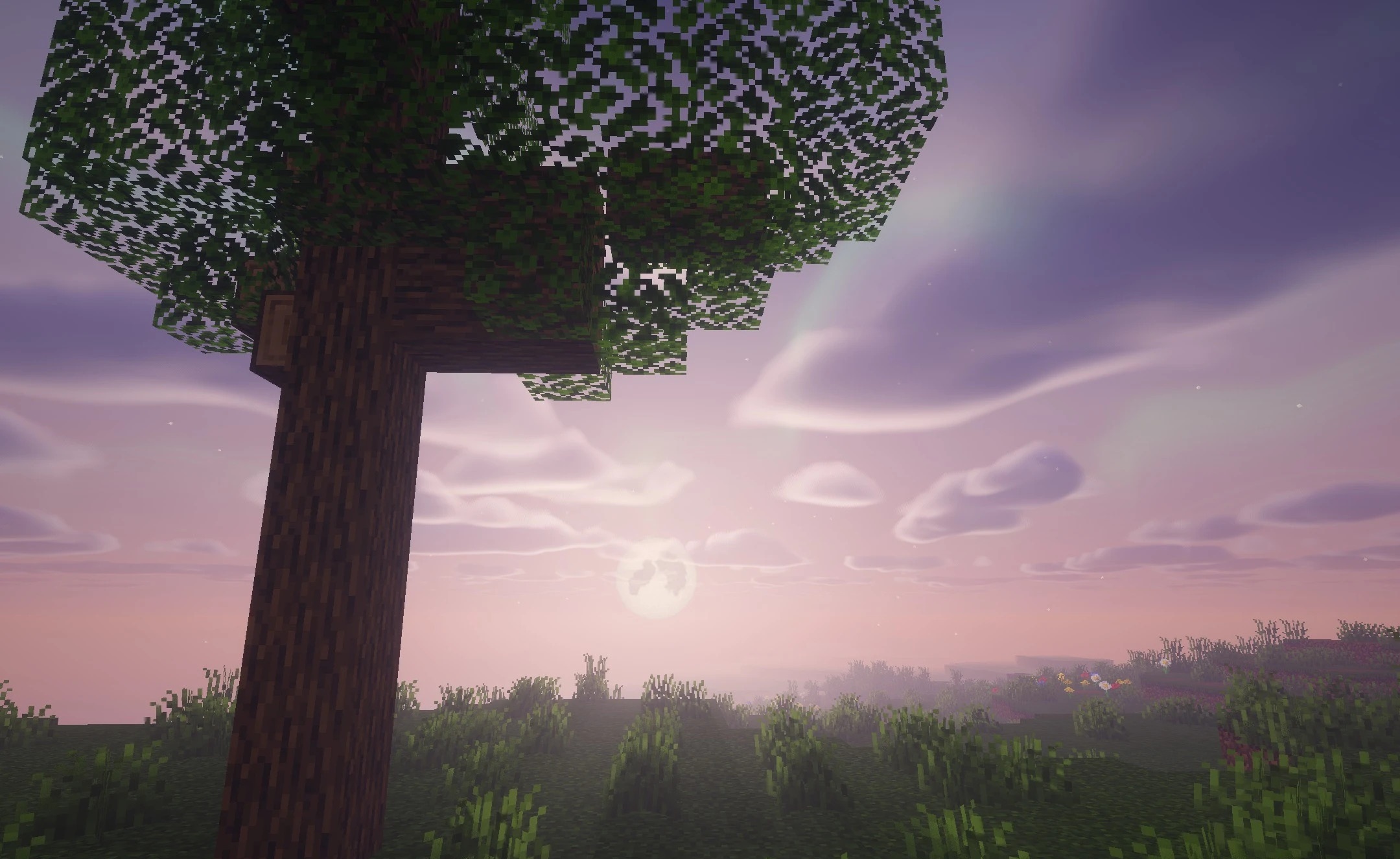
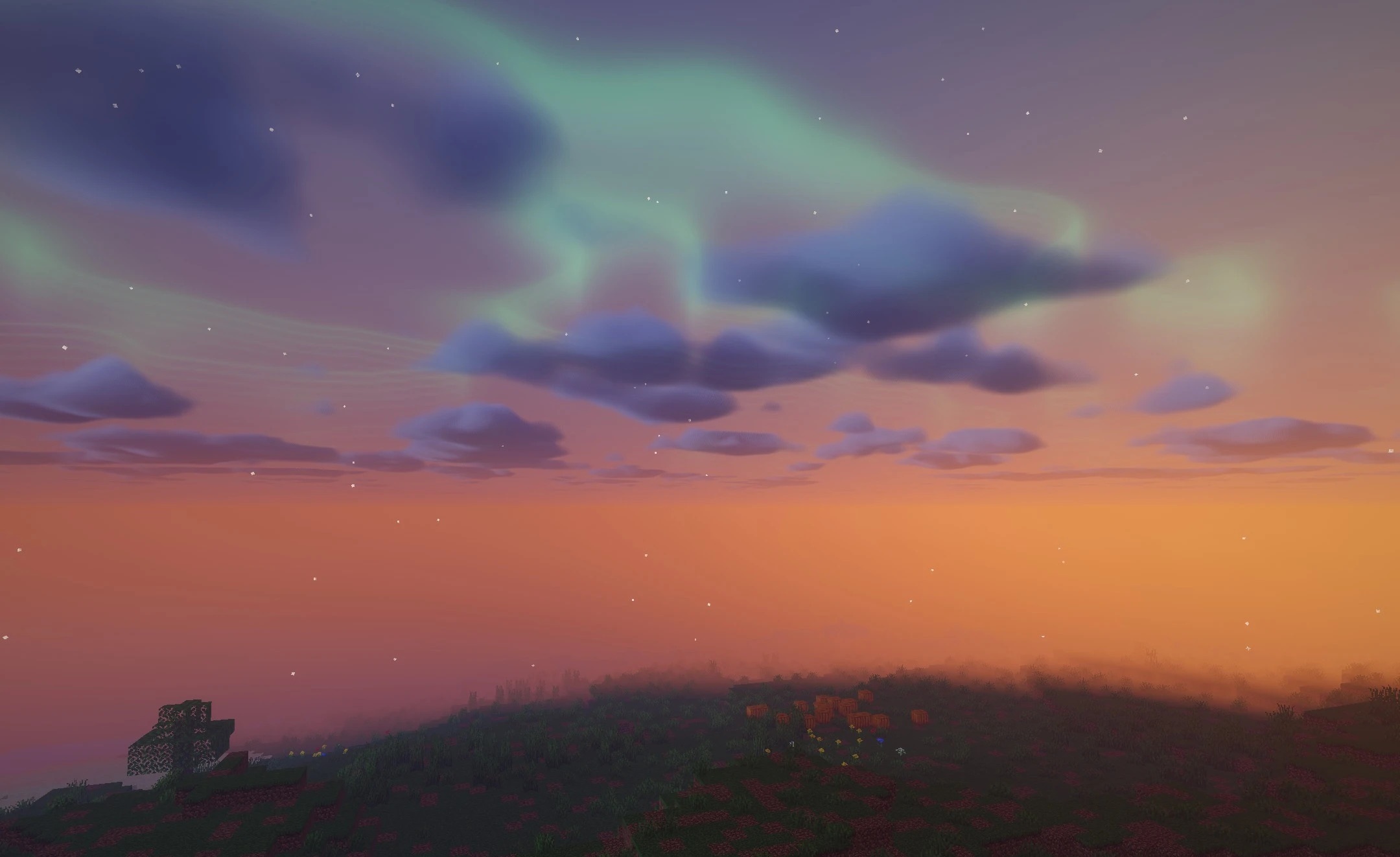
A deep, volumetric sky and an unusual design for the End set RustingShader apart from more traditional packs. During the day, multilayered clouds form above the world, creating a sense of a dense atmosphere, while water reflects trees, blocks, and the horizon.
The most unusual change is found in the End: an enormous black hole appears in the void, complete with a gravitational lensing effect that visually bends the surrounding light around it. This element completely changes how the dimension is perceived, giving it a more cosmic appearance. The shader runs through Iris and uses modern GLSL rendering, allowing visual settings to be adjusted.
How to install a shader:
First step: download the shader package from the link below.
Second step: Unpack the downloaded archive and copy the RustingShader folder to c:\Users\User\AppData\Roaming\.minecraft\shaderpacks\(if this folder does not exist, create it yourself) (For Windows)
Third step: In the game, go to Settings, then to Graphics Settings. Select the "shaders" section and activate the shader pack of your choice.
Comments (0)