



SirDrake’s Shaders for Minecraft 26.3
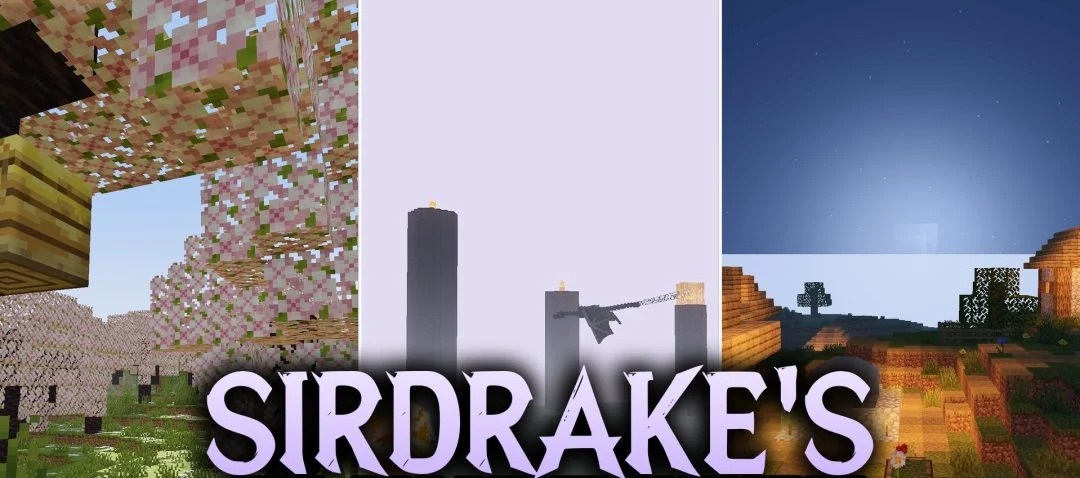
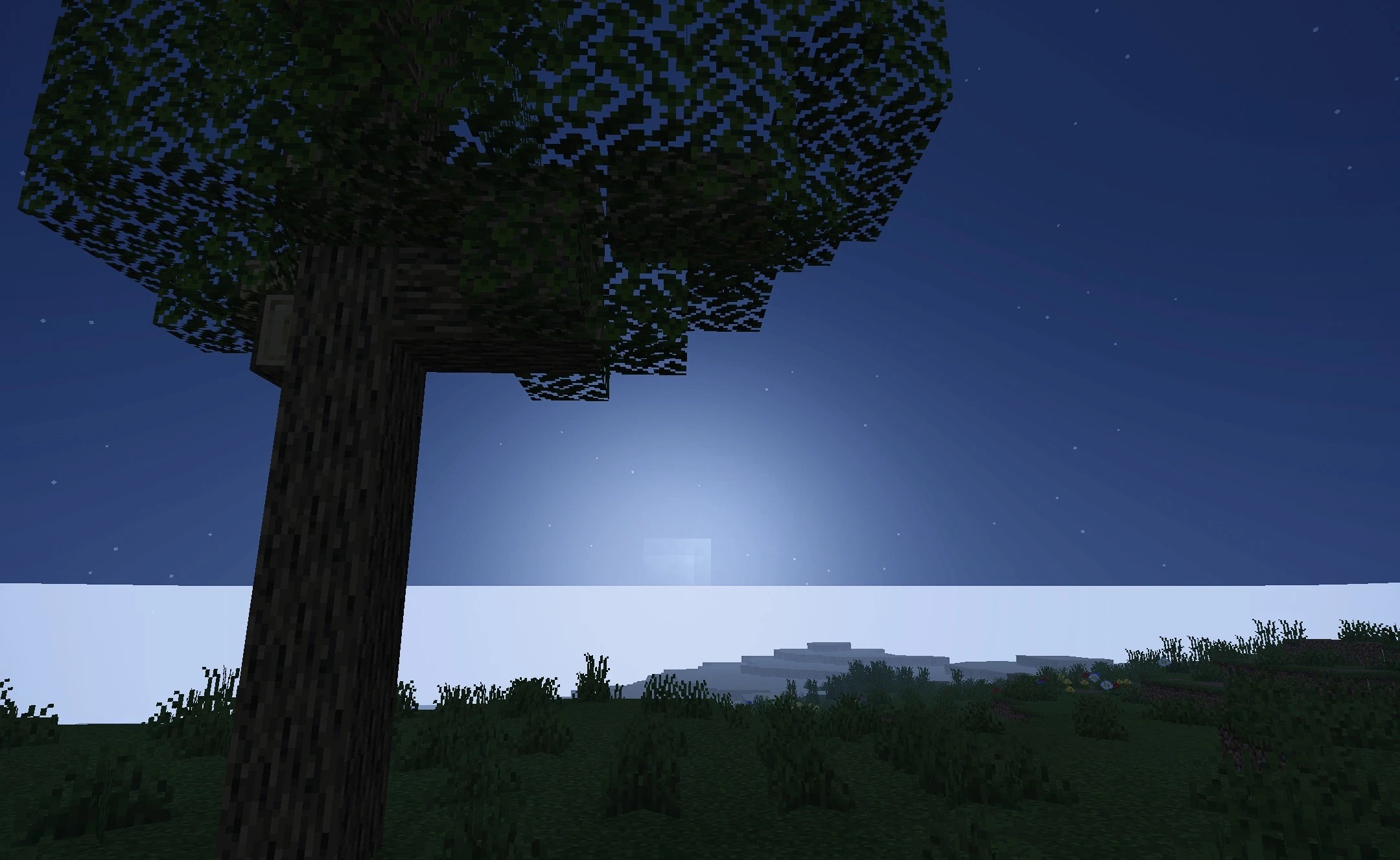
Soft, realistic lighting forms the foundation of SirDrake’s Shaders, while Minecraft’s familiar color palette remains recognizable. Daylight looks warmer and cleaner, surfaces receive more natural shading, and dark areas do not become completely unreadable. This is especially noticeable in mines, where the image gains depth without losing detail.
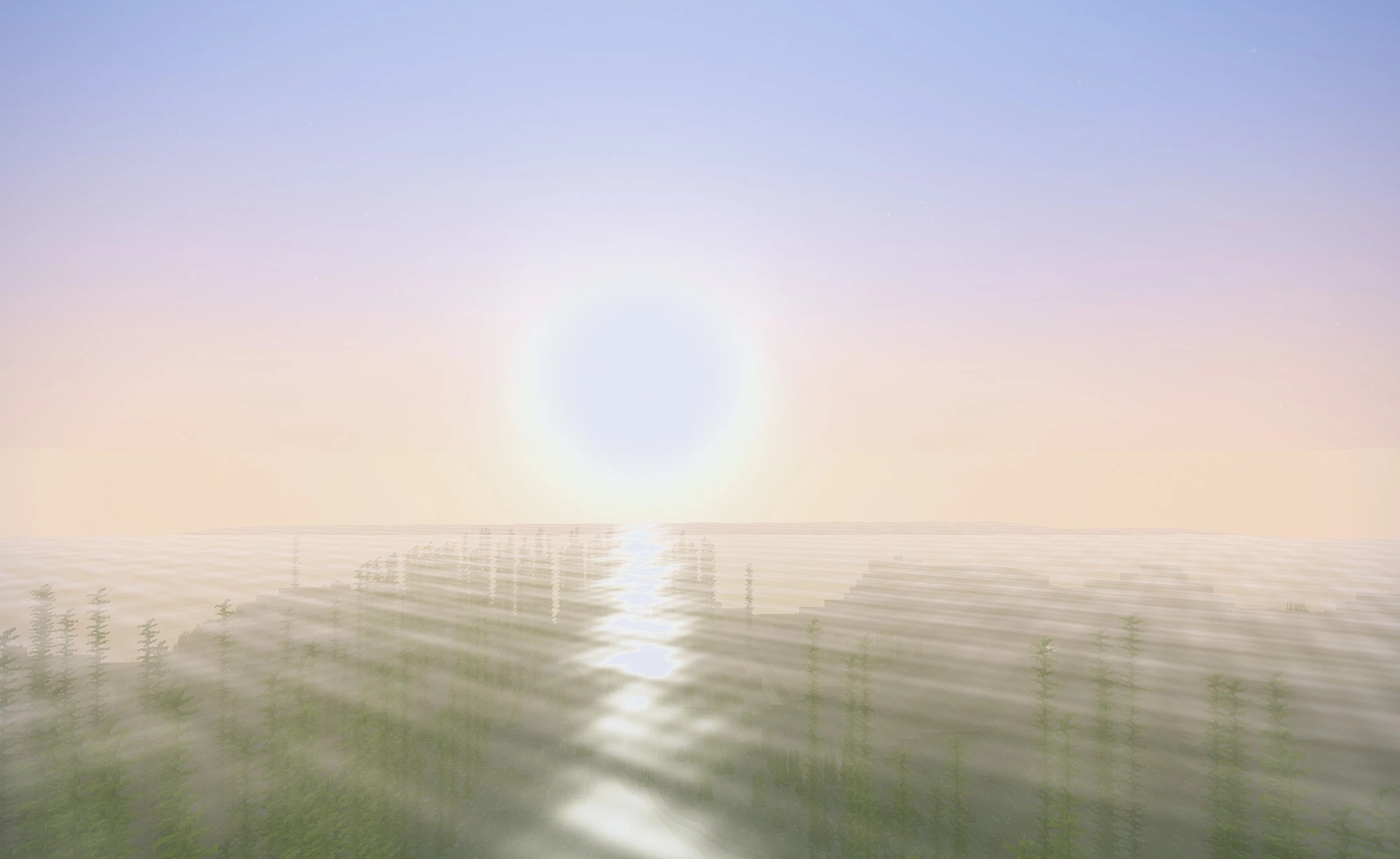
The sky and surrounding nature take on a slight fantasy touch, but without excessively bright effects or a radical change in style. The shader is designed for a stable frame rate, so the visual improvements are maintained both during regular survival gameplay and on long journeys through different biomes.
How to install a shader:
First step: download the shader package from the link below.
Second step: Unpack the downloaded archive and copy the SirDrake’s Shaders folder to c:\Users\User\AppData\Roaming\.minecraft\shaderpacks\(if this folder does not exist, create it yourself) (For Windows)
Third step: In the game, go to Settings, then to Graphics Settings. Select the "shaders" section and activate the shader pack of your choice.
Comments (0)