



SMOOTHLITE Shaders for Minecraft 26.3
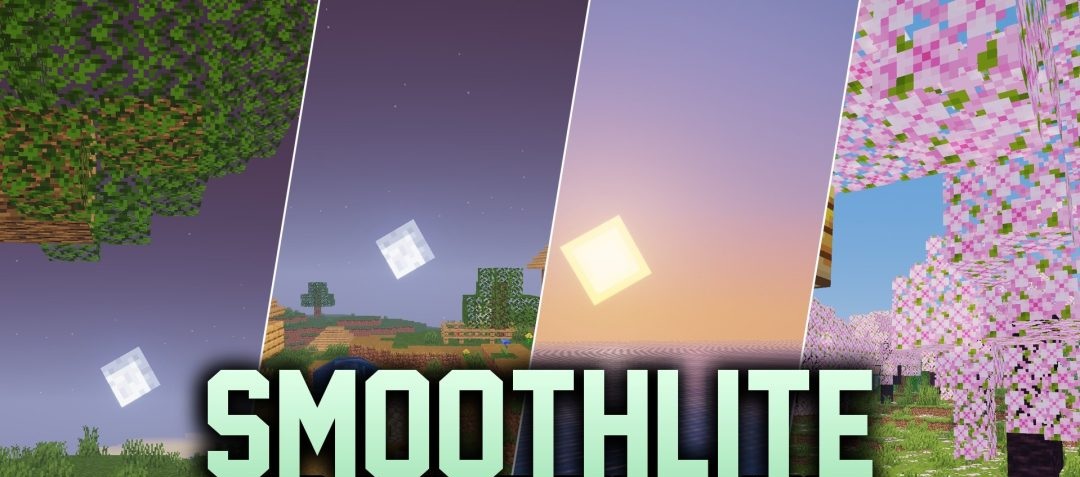
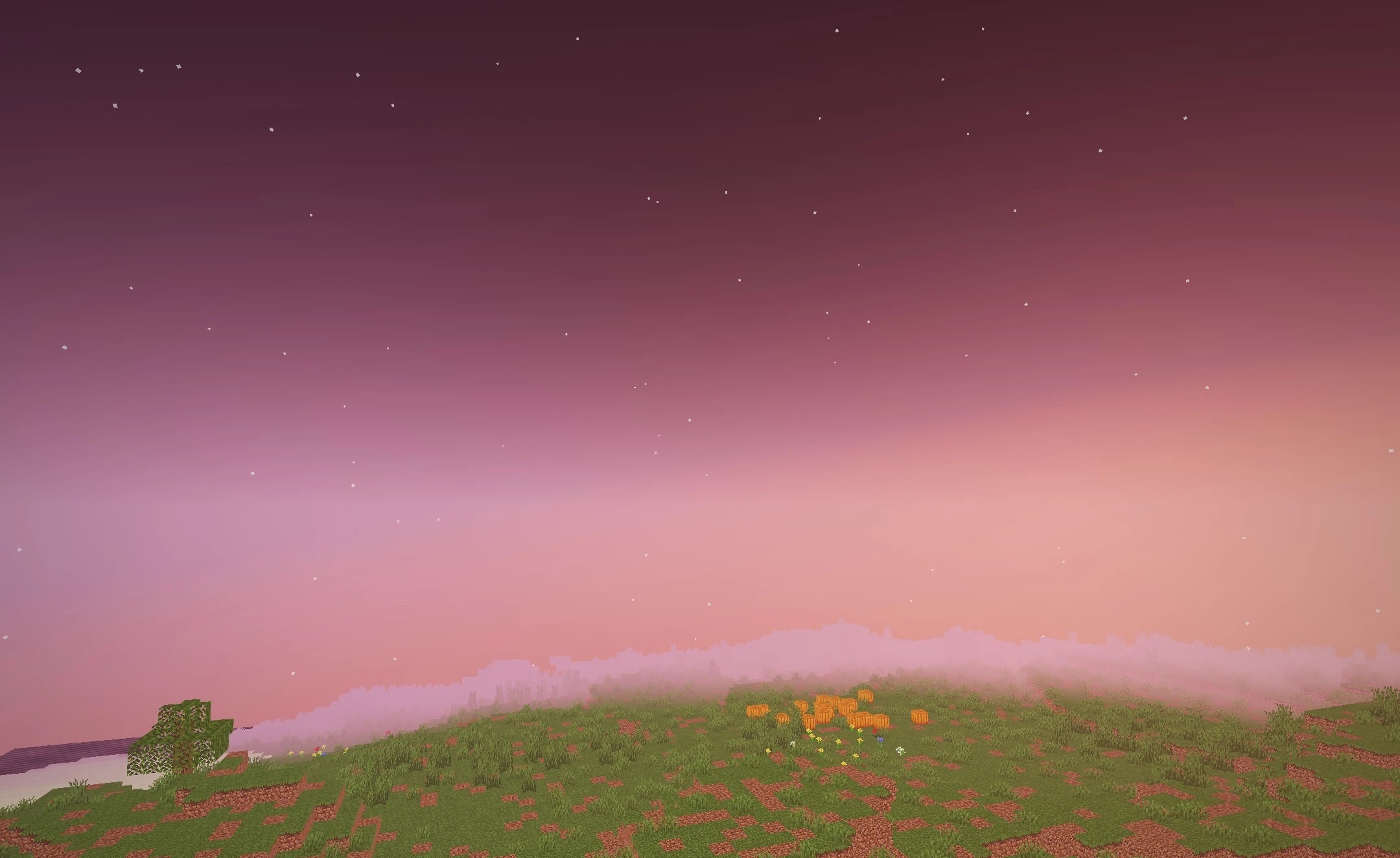
SMOOTHLITE Shaders is designed for those who want cleaner lighting without heavy graphics or a noticeable loss of performance. The pack preserves the standard appearance of blocks while adding realistic brightness and a softer distribution of light across surfaces.
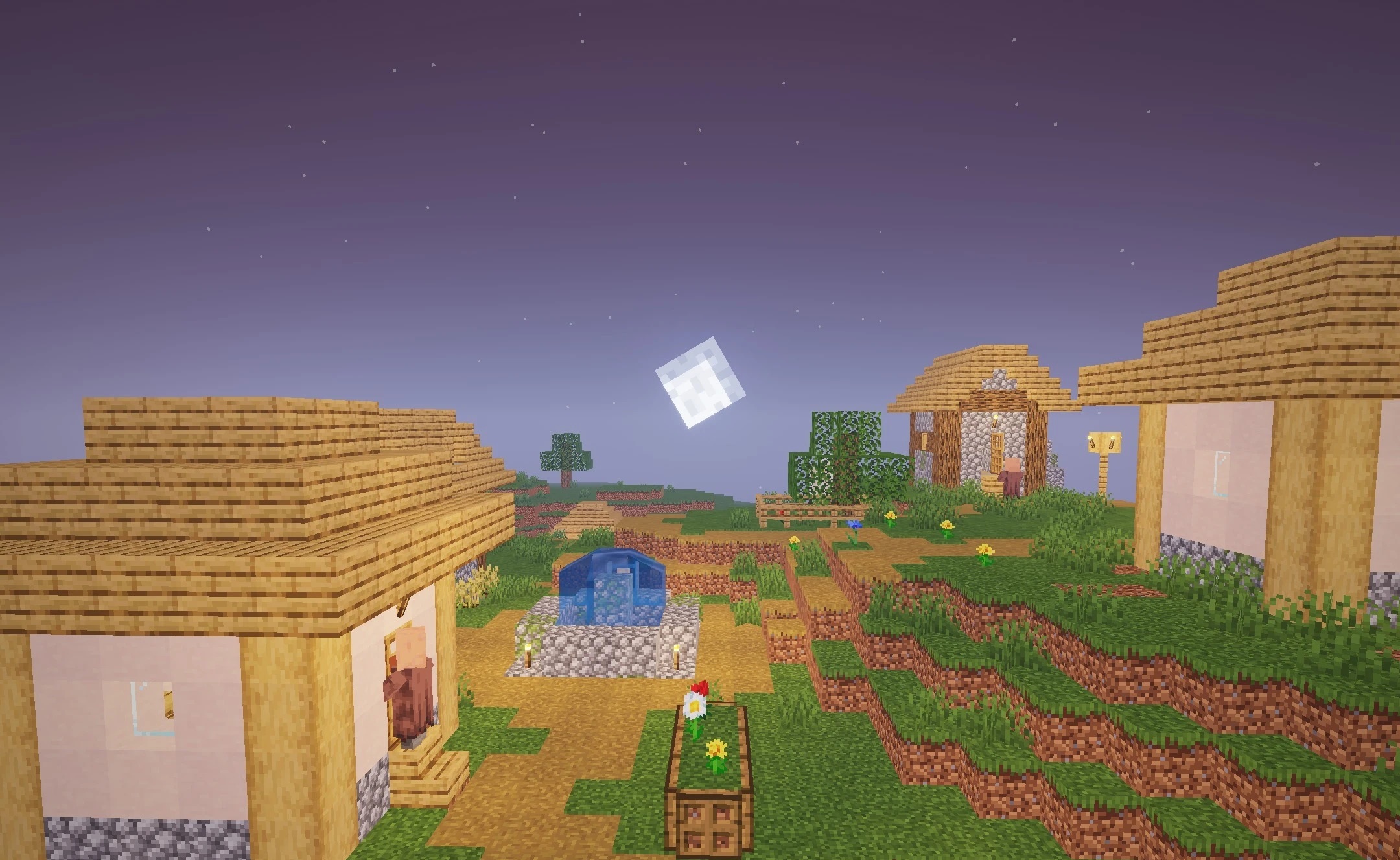
During the day, scenes become brighter and more expressive, while caves retain enough detail to prevent shaded areas from turning into solid black regions. The shader is optimized for older computers and budget laptops, so it uses a relatively simple system of effects and processes frames quickly.
How to install a shader:
First step: download the shader package from the link below.
Second step: Unpack the downloaded archive and copy the SMOOTHLITE Shaders folder to c:\Users\User\AppData\Roaming\.minecraft\shaderpacks\(if this folder does not exist, create it yourself) (For Windows)
Third step: In the game, go to Settings, then to Graphics Settings. Select the "shaders" section and activate the shader pack of your choice.
Comments (0)