



Solace Shaders for Minecraft 26.3
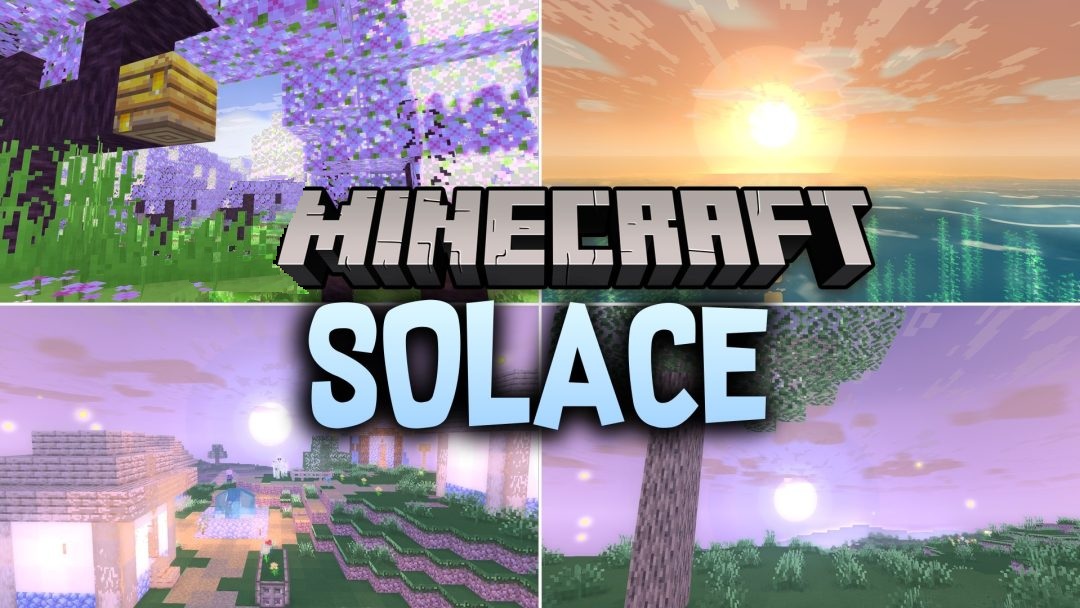
A warm cartoon style turns Solace Shaders into a cozy fantasy pack with bright but not overloaded visuals. Light spreads softly across blocks and the landscape, while the sky gains a slight haze that changes the mood at different times of day. Water becomes lighter, foamier, and more reflective, especially in open bodies of water.
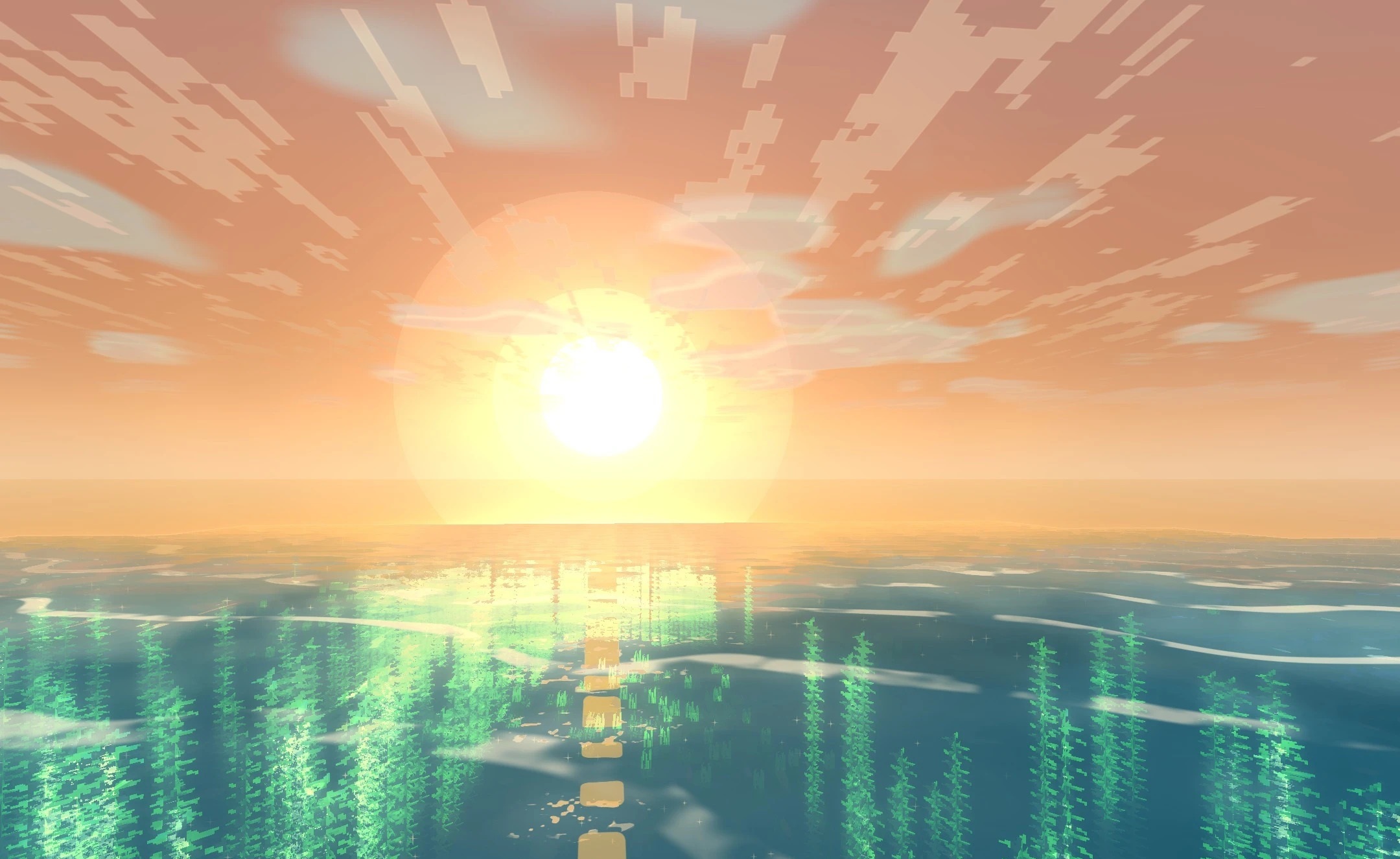
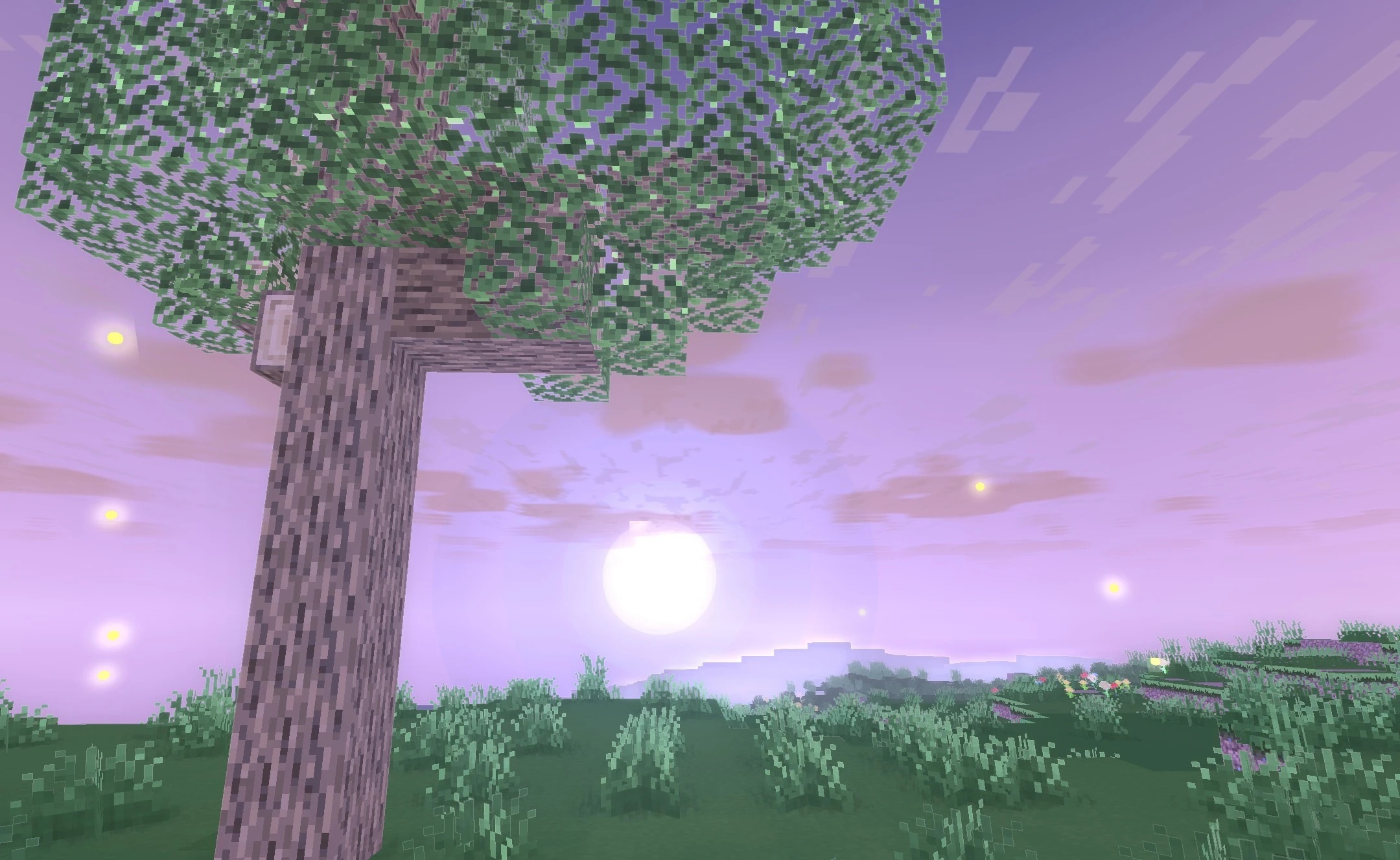
Shadows can be adjusted to retain additional depth without sacrificing the stylized graphics. Nature and vegetation also receive a visual overhaul that emphasizes the fairy-tale atmosphere of the biomes more strongly. Low, medium, and high quality profiles are provided for different systems.
How to install a shader:
First step: download the shader package from the link below.
Second step: Unpack the downloaded archive and copy the Solace Shaders folder to c:\Users\User\AppData\Roaming\.minecraft\shaderpacks\(if this folder does not exist, create it yourself) (For Windows)
Third step: In the game, go to Settings, then to Graphics Settings. Select the "shaders" section and activate the shader pack of your choice.
Comments (0)