



SoVanilla Shaders for Minecraft 26.3
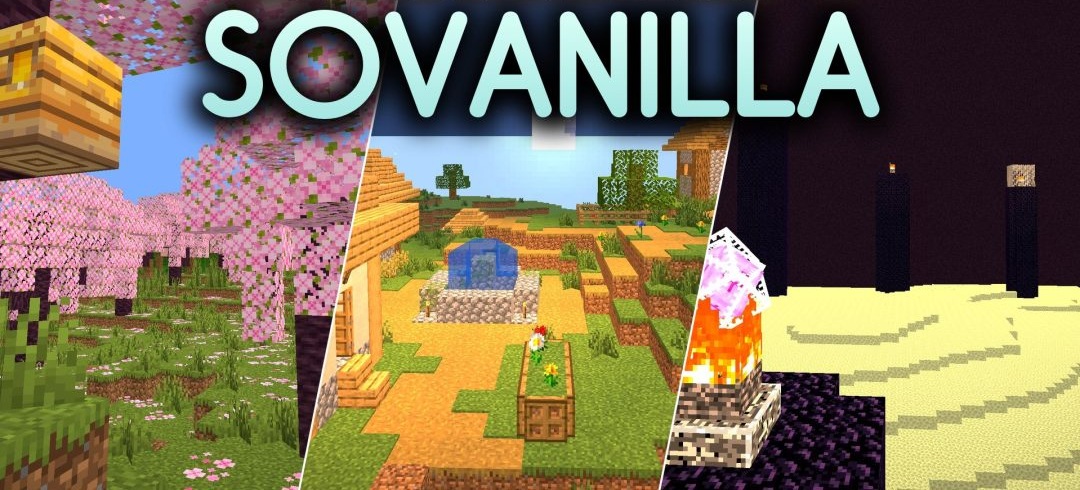
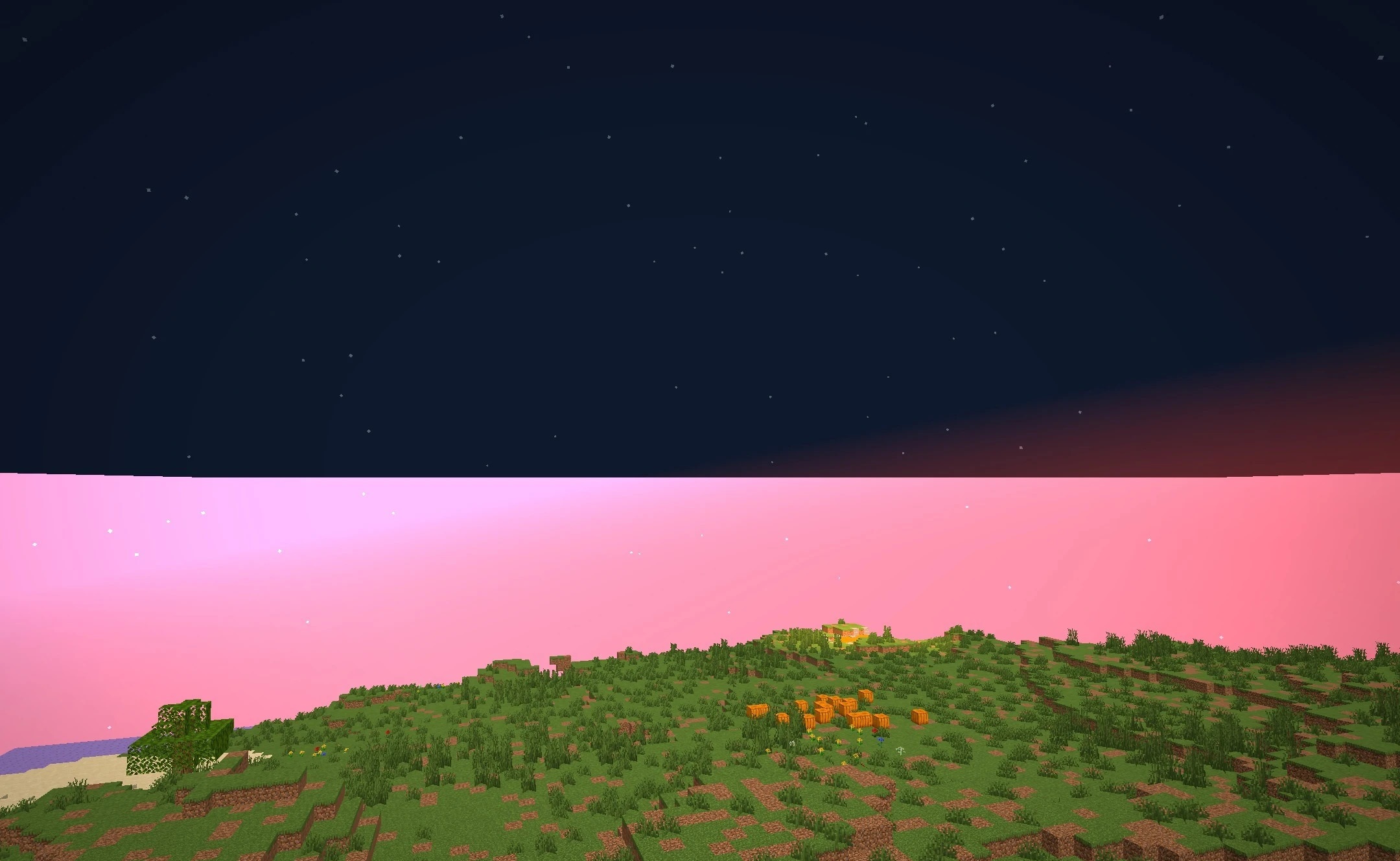
Preserving the vanilla atmosphere is at the heart of SoVanilla Shaders. The shader slightly stylizes blocks and landscapes, giving them a cleaner, more cartoon-like appearance without changing Minecraft's original artistic language. Daytime lighting becomes brighter, visibility remains comfortable at night, and the overall color palette stays soft and calm.
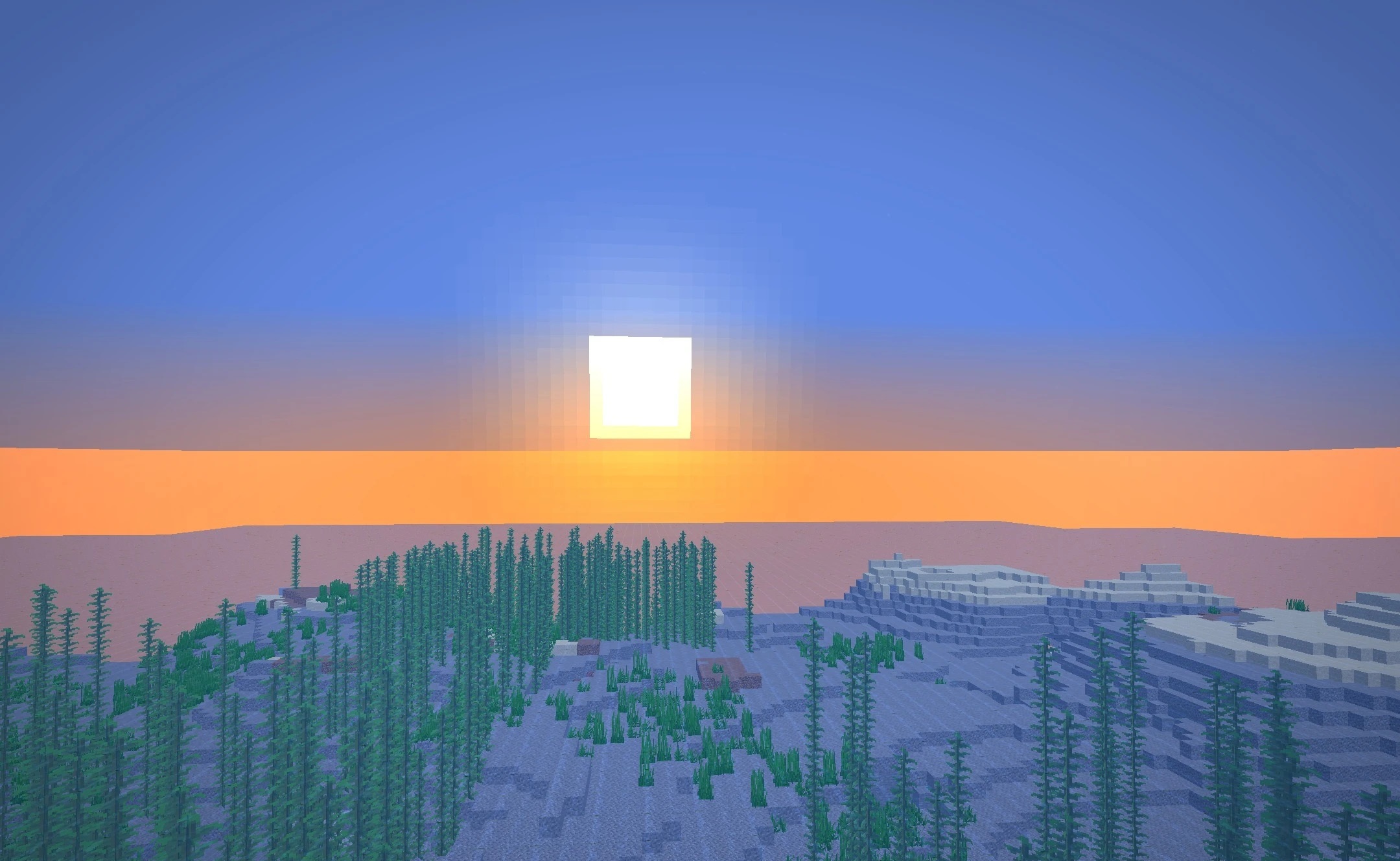
The effects are designed so that standard houses, villages, and natural biomes still look familiar after installing the pack. Particular emphasis is placed on performance: the shader is designed for low-end and mid-range configurations and does not require demanding graphics settings.
How to install a shader:
First step: download the shader package from the link below.
Second step: Unpack the downloaded archive and copy the SoVanilla Shaders folder to c:\Users\User\AppData\Roaming\.minecraft\shaderpacks\(if this folder does not exist, create it yourself) (For Windows)
Third step: In the game, go to Settings, then to Graphics Settings. Select the "shaders" section and activate the shader pack of your choice.
Comments (0)