



Stark Shaders for Minecraft 26.3
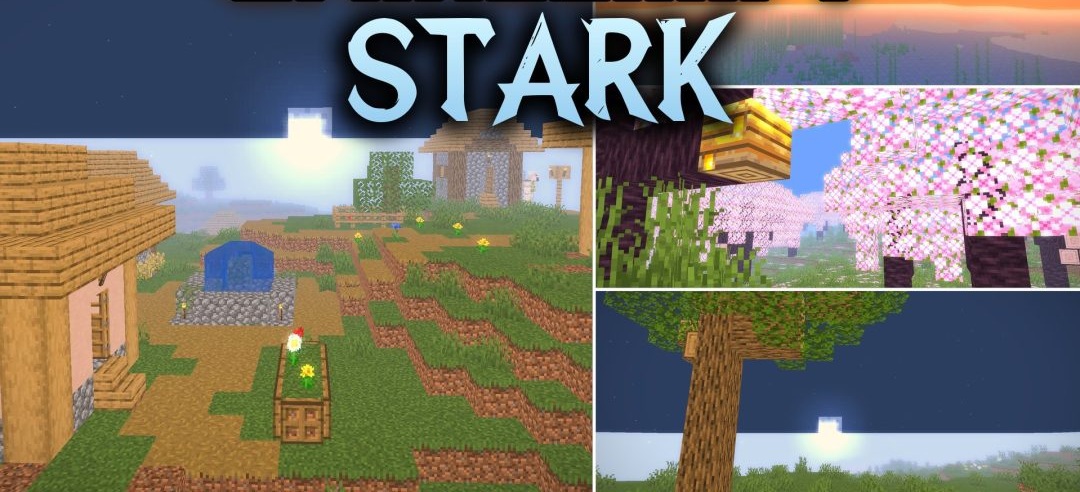
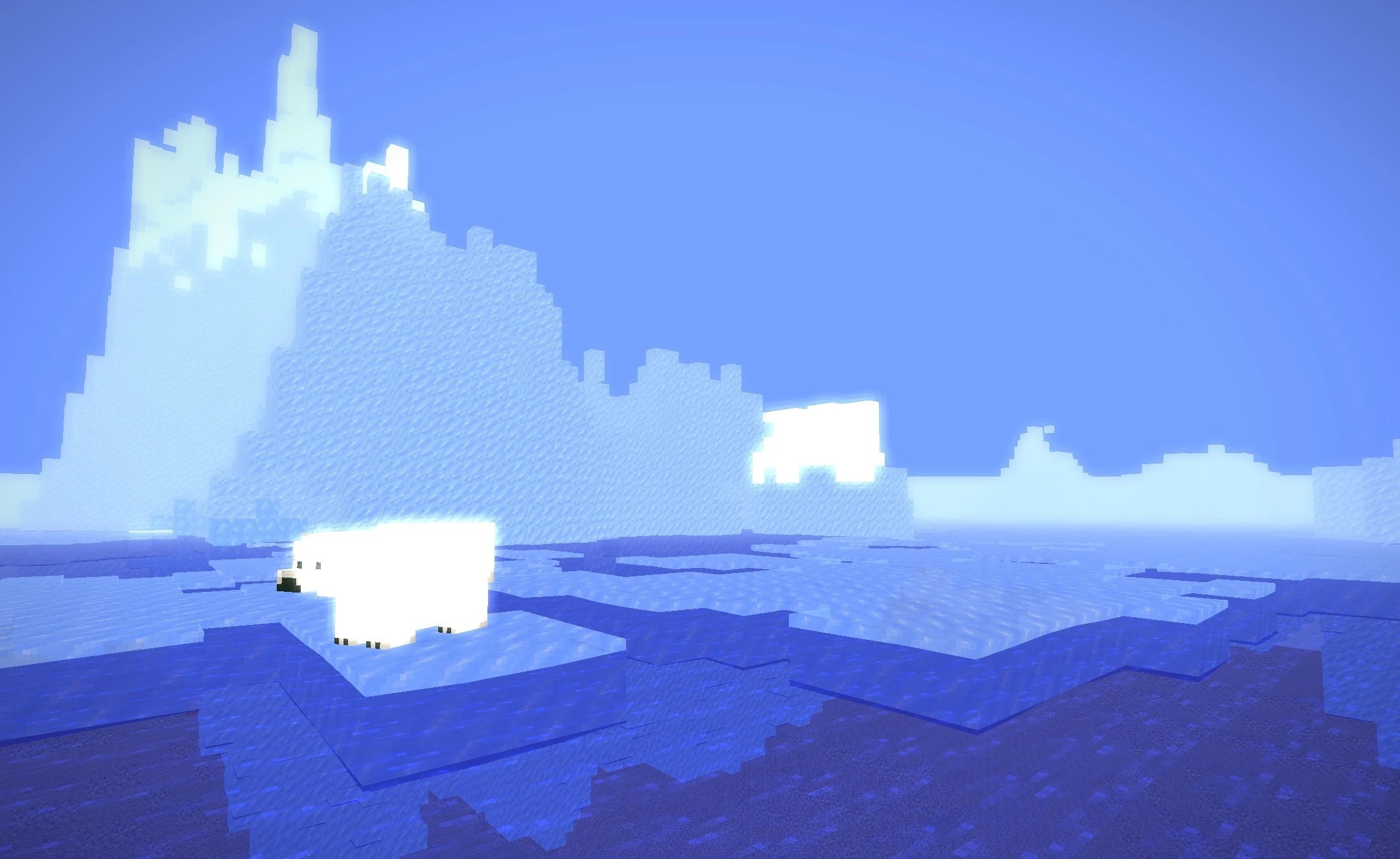
Bright sunbeams and expressive water shape the visual style of Stark Shaders. Volumetric lighting passes through foliage, windows, and clouds, creating noticeable bands of light in forests and inside buildings. Water gains moving waves, transparency, and mirror-like reflections, making rivers and oceans look more dynamic.
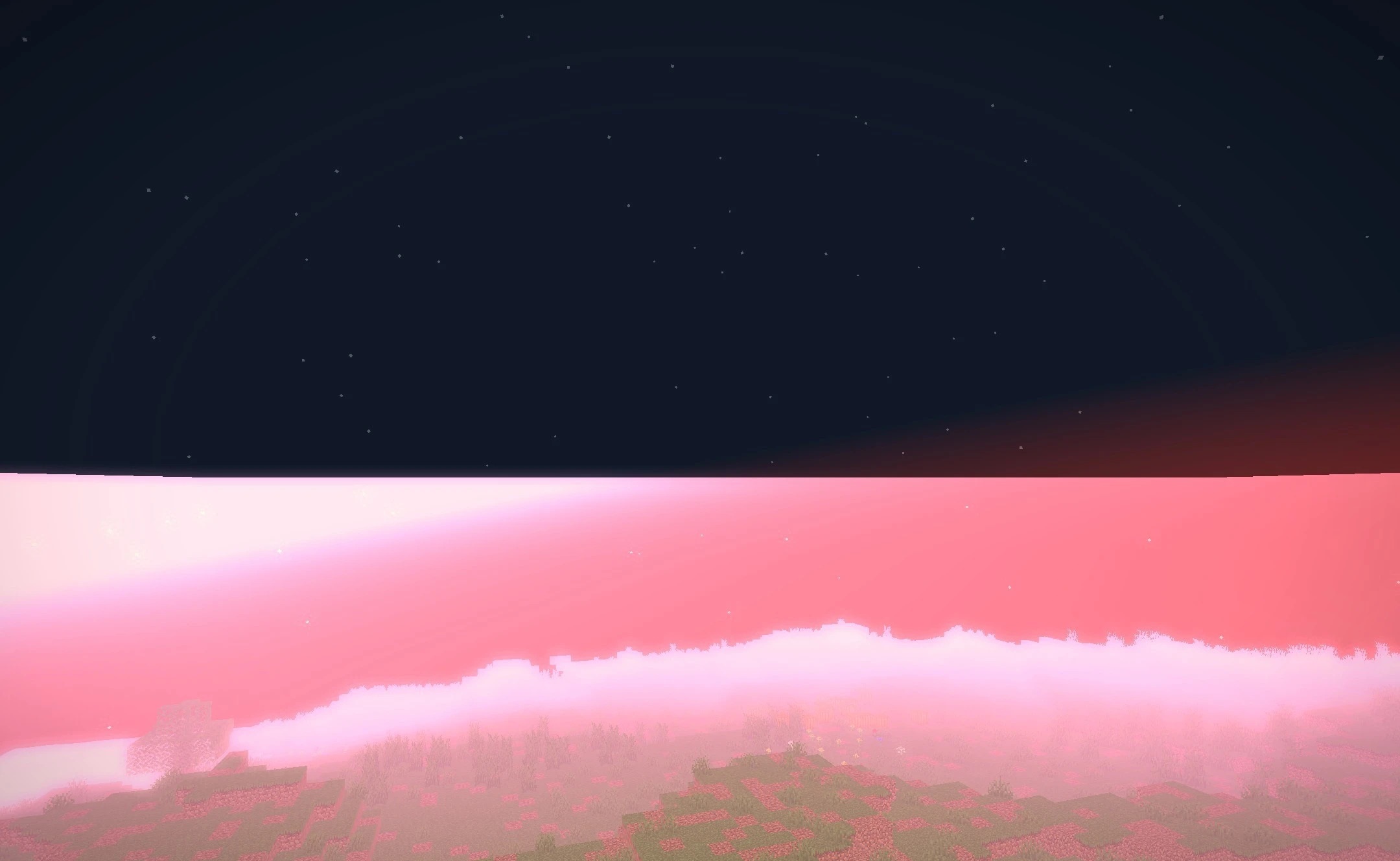
Effects similar to ray tracing are used for shiny materials, adding reflections and glow to surfaces. During the day, a richly colored sky and soft fantasy shades dominate, while bright stars and calm moonlight appear at night. Shadows change smoothly throughout the day, so the lighting does not look static.
How to install a shader:
First step: download the shader package from the link below.
Second step: Unpack the downloaded archive and copy the Stark Shaders folder to c:\Users\User\AppData\Roaming\.minecraft\shaderpacks\(if this folder does not exist, create it yourself) (For Windows)
Third step: In the game, go to Settings, then to Graphics Settings. Select the "shaders" section and activate the shader pack of your choice.
Comments (0)