



Stratosphere Shaders for Minecraft 26.3
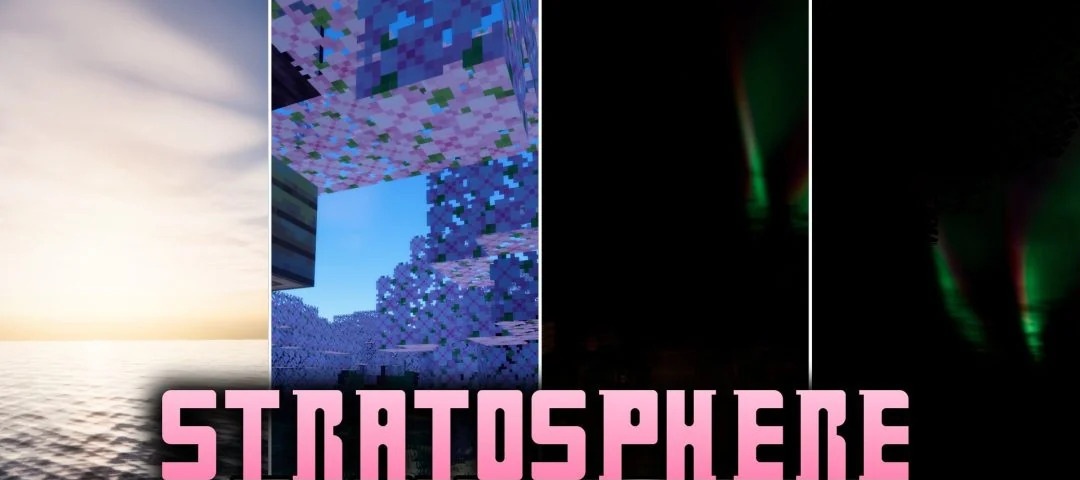
There's an interesting technical detail behind Stratosphere Shaders: it was developed on Intel Xe integrated graphics. That's not the most common setup for shader development, where powerful dedicated graphics cards are often used instead. The pack itself focuses on reworking Minecraft's lighting.
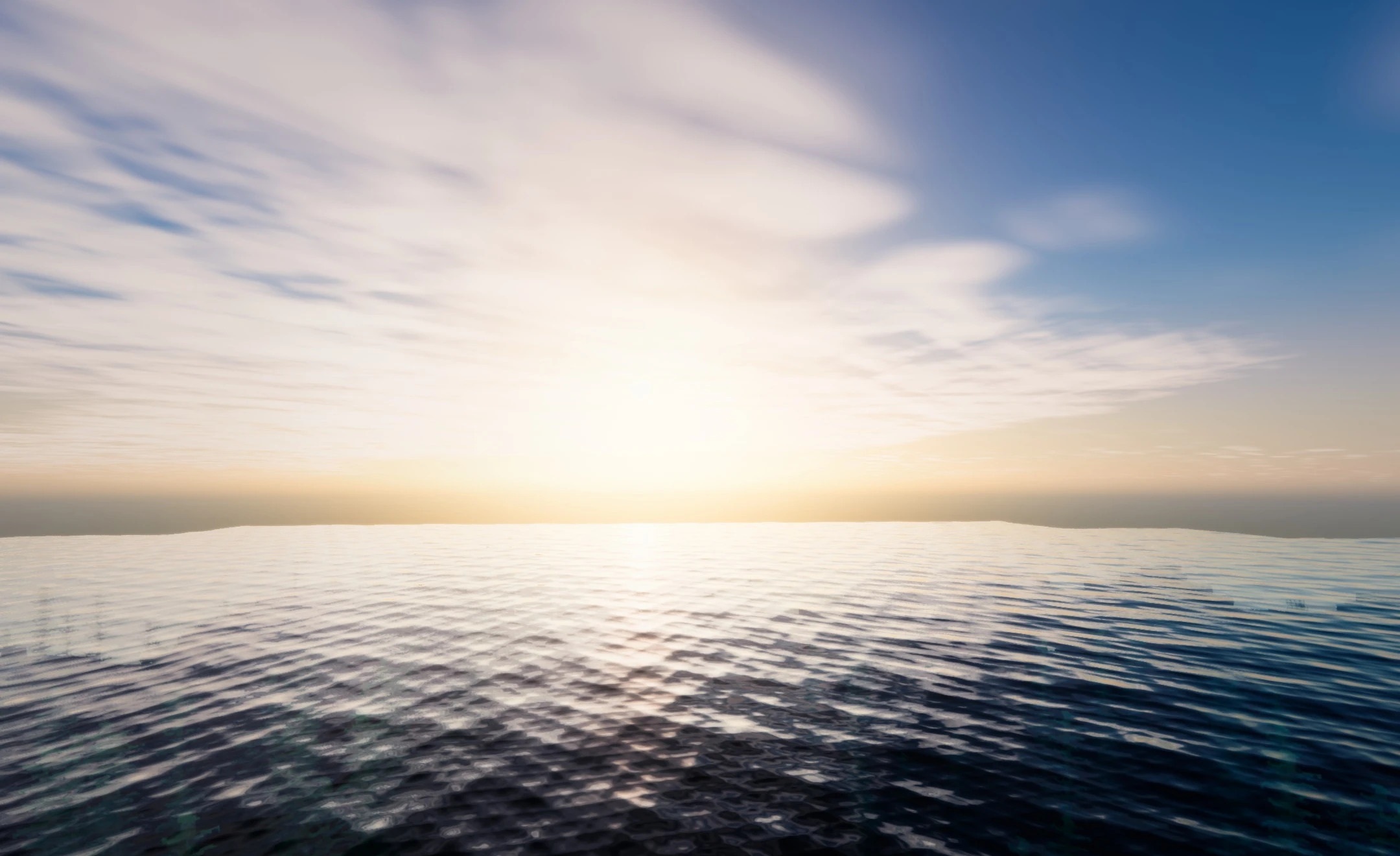
Landscapes, buildings, and underground areas take on a different look, especially in places where the light does much of the work in setting the mood. Installation is straightforward. Add the files as you normally would and select Stratosphere Shaders from the shader menu. No separate activation system is needed.
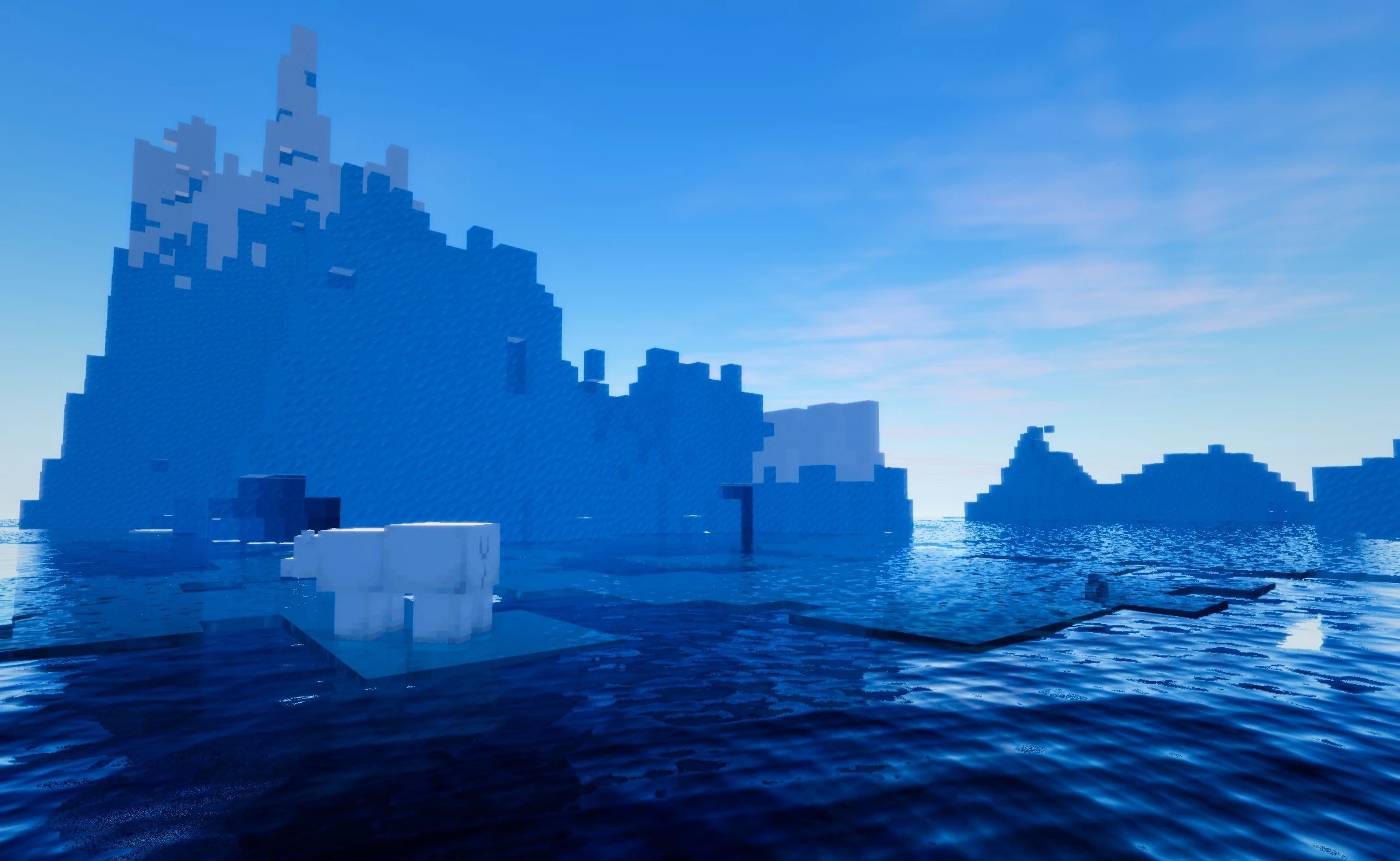
How to install a shader:
Step 1: Download the shader pack using the link below.
Step 2: Extract the downloaded archive and copy the folder to the following path: c:\Users\Пользователь\AppData\Roaming\.minecraft\shaderpacks\ (if this folder does not exist, create it yourself) (For Windows)
Step 3: In the game, go to Settings, then Graphics Settings. Select the ‘Shaders’ section and enable the shader pack of your choice.
Comments (0)