



Sunlitshaders for Minecraft 26.3
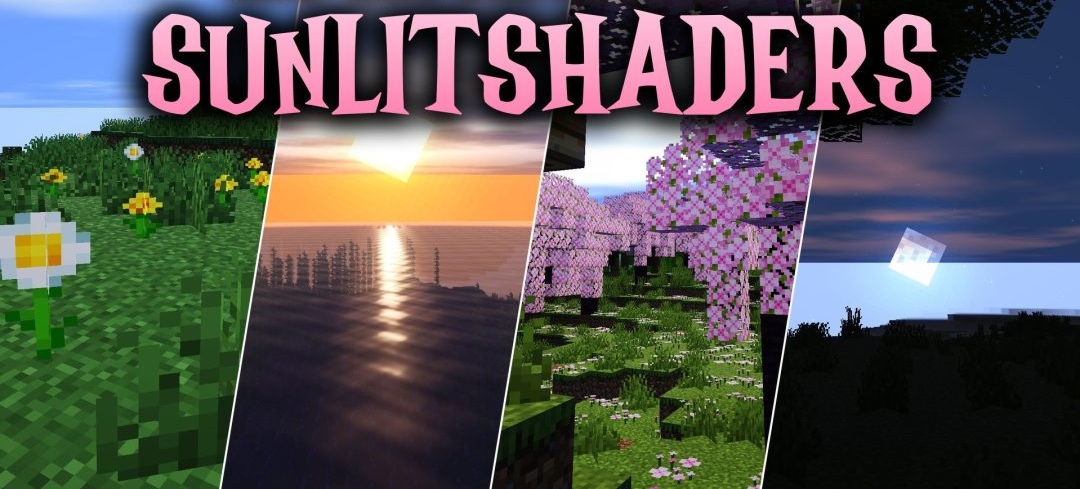
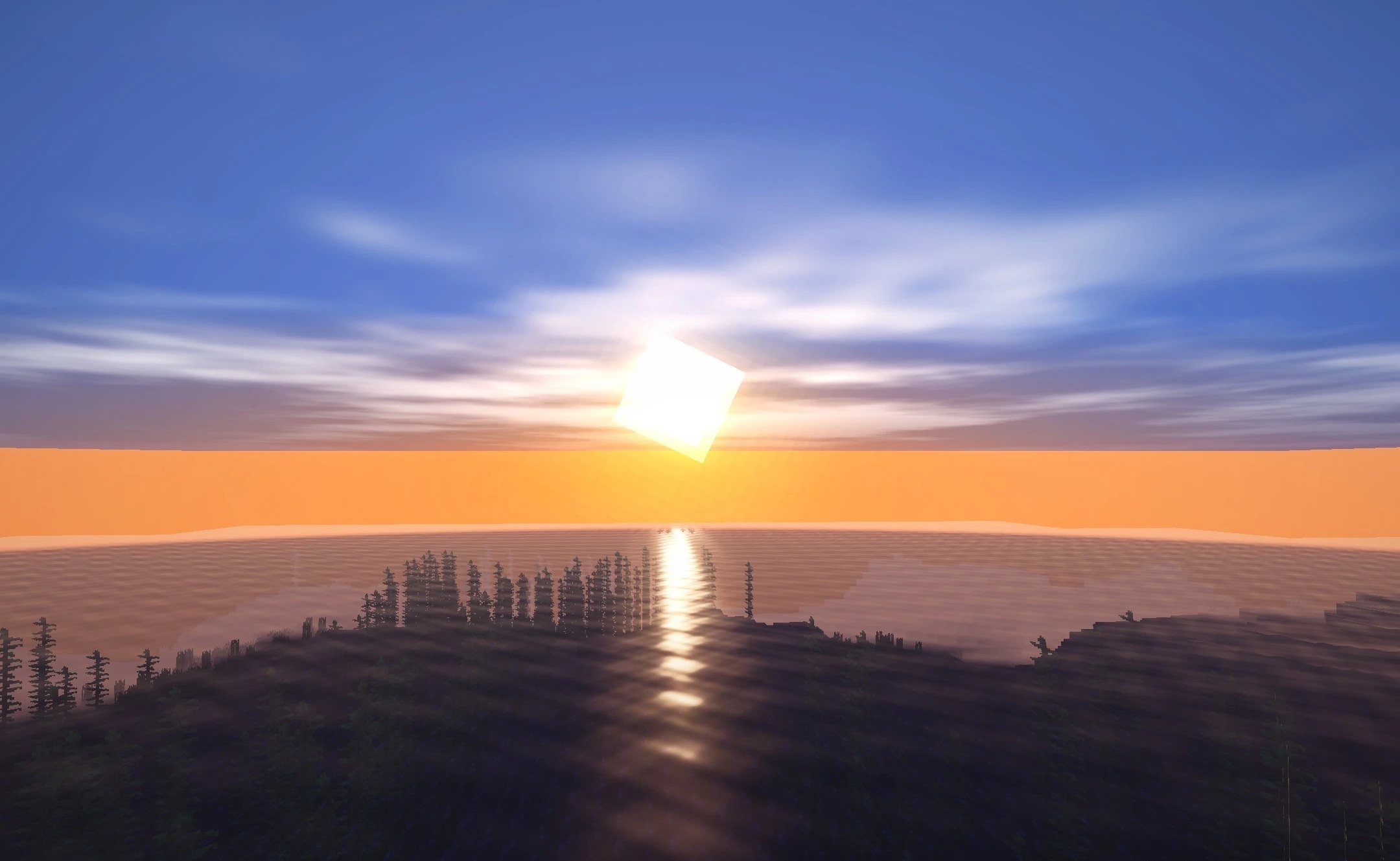
Warm sunlight and a soft cinematic atmosphere form the foundation of Sunlitshaders. Smooth shadows appear under trees and buildings, while sunrises and sunsets take on richer warm shades. Foliage and tree crowns move slightly in the wind, adding lively animation to the static landscape.
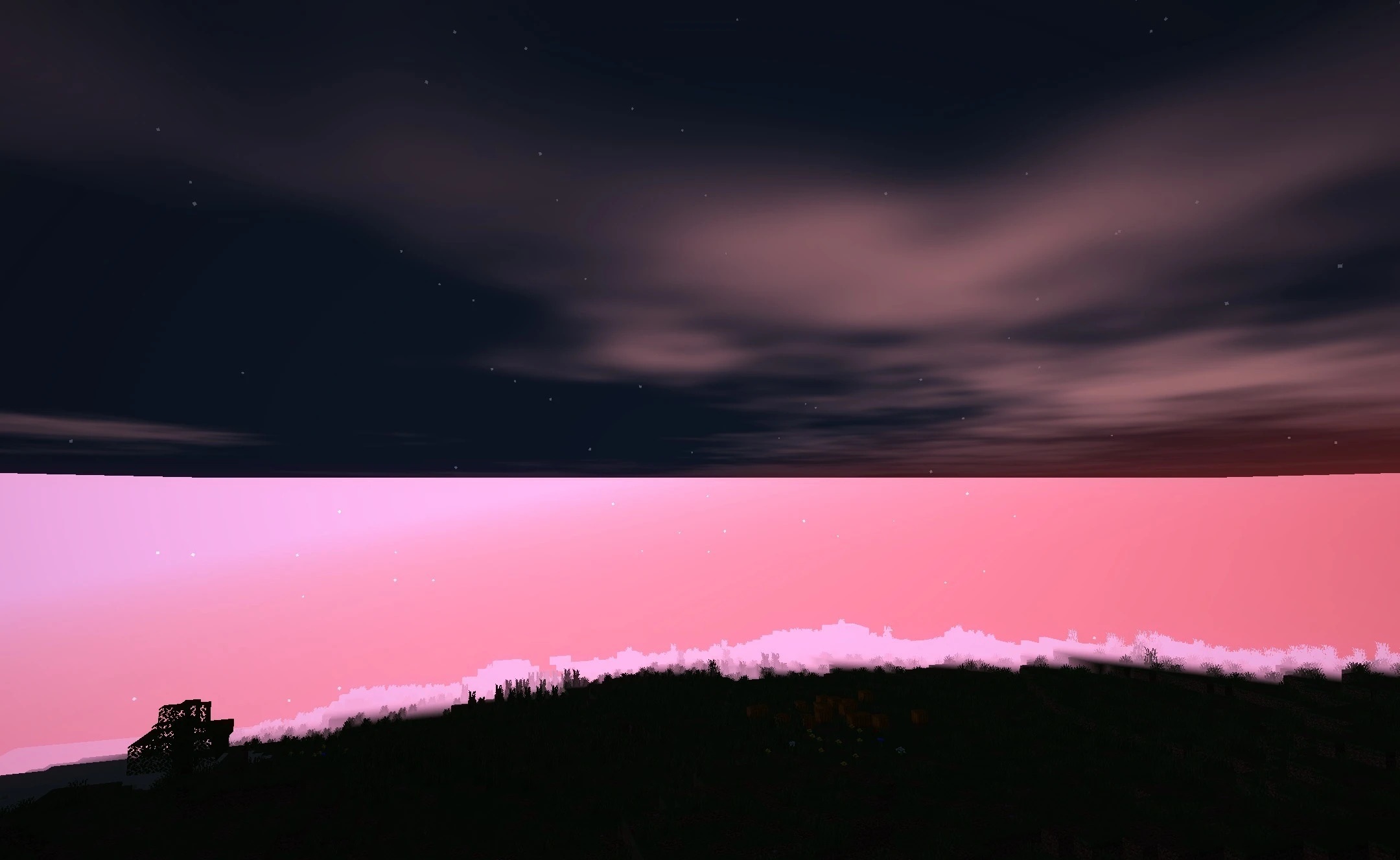
Water becomes more transparent and receives light highlights on its surface, while custom clouds with smooth movement appear in the sky. Bright light sources are surrounded by a soft glow that smooths harsh transitions between illuminated and dark areas. The overall image becomes deeper and darker in mood while preserving the familiar structure of the blocks.
How to install a shader:
First step: download the shader package from the link below.
Second step: Unpack the downloaded archive and copy the Sunlitshaders folder to c:\Users\User\AppData\Roaming\.minecraft\shaderpacks\(if this folder does not exist, create it yourself) (For Windows)
Third step: In the game, go to Settings, then to Graphics Settings. Select the "shaders" section and activate the shader pack of your choice.
Comments (0)