



ThaiGlow Shaders for Minecraft 26.3
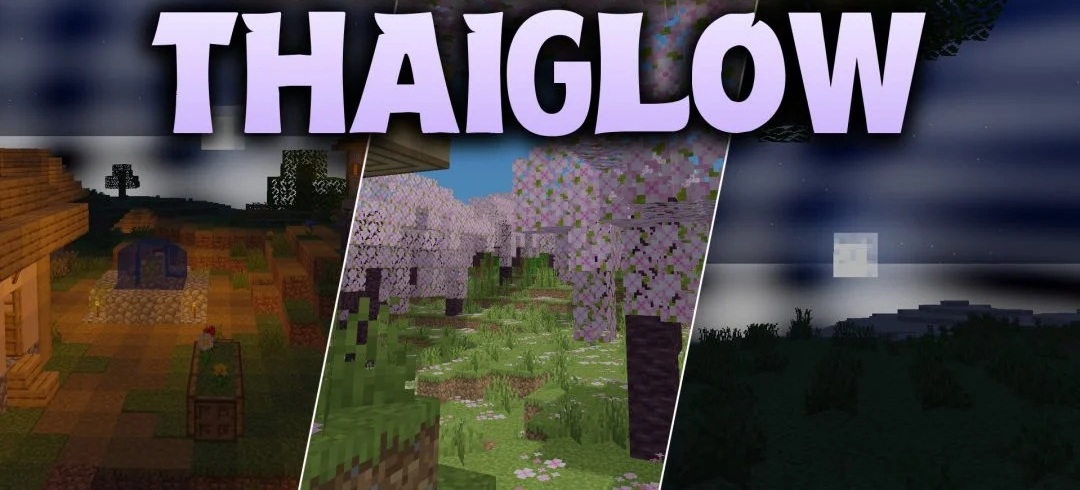
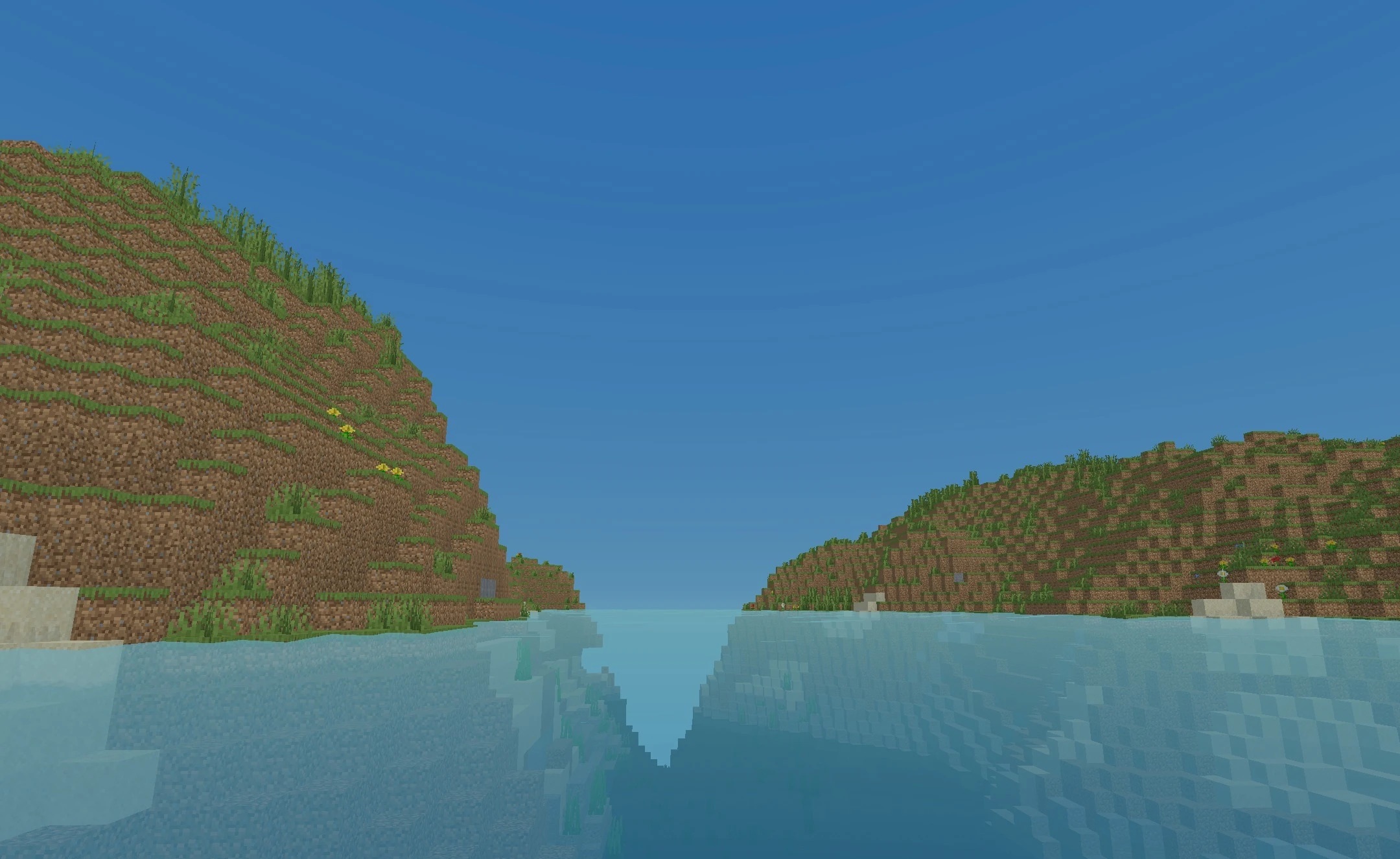
Bright cartoon-like lighting is combined with good world readability in ThaiGlow Shaders. Daytime scenes receive clean sunlight and soft diffused glow, while water and sky are adjusted so that the background remains bright and neat. Light sources indoors and in caves retain warm shades without turning dark areas into completely indistinguishable zones.
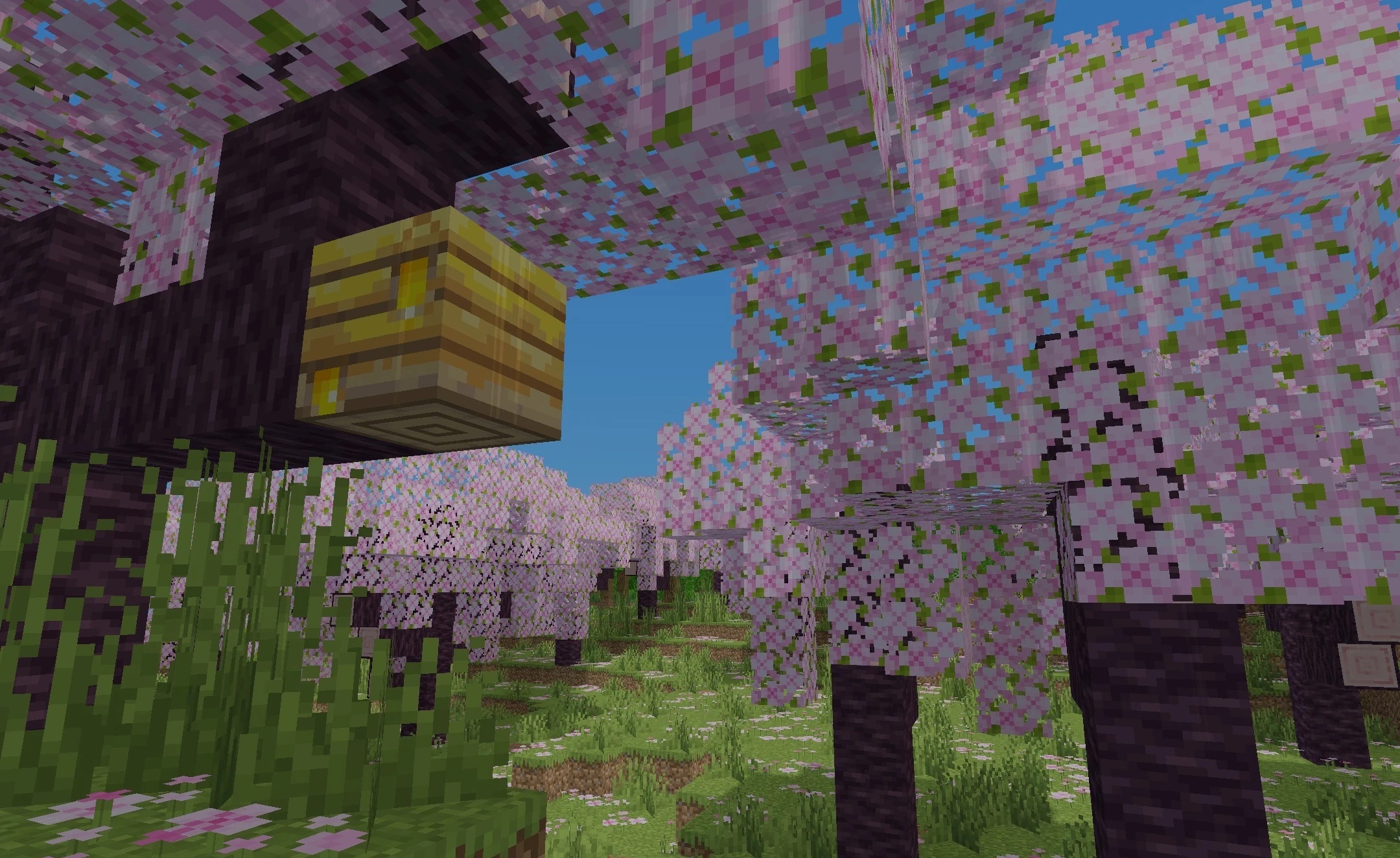
Blocks and landscapes remain close to the vanilla design but gain a smoother and richer presentation. The pack is designed for mid-range computers and aims to maintain a stable frame rate without heavy effects.
How to install a shader:
First step: download the shader package from the link below.
Second step: Unpack the downloaded archive and copy the ThaiGlow Shaders folder to c:\Users\User\AppData\Roaming\.minecraft\shaderpacks\(if this folder does not exist, create it yourself) (For Windows)
Third step: In the game, go to Settings, then to Graphics Settings. Select the "shaders" section and activate the shader pack of your choice.
Comments (0)