



VoxLume Shaders for Minecraft 26.3
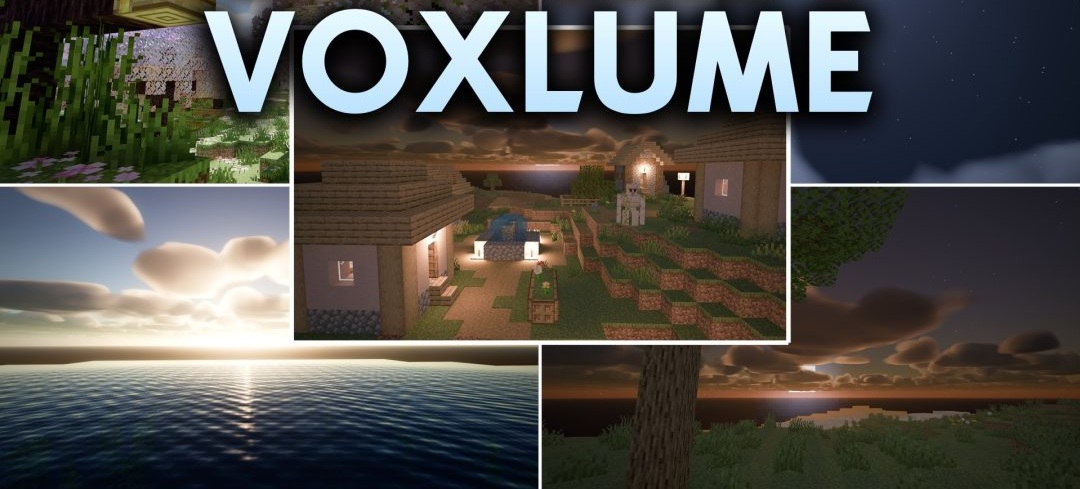
Lighting in VoxLume Shaders is built around real-time voxel path tracing. Light can reflect between surfaces, giving rooms natural illumination, making corners darker, and allowing sunlight to spread across the terrain more realistically.
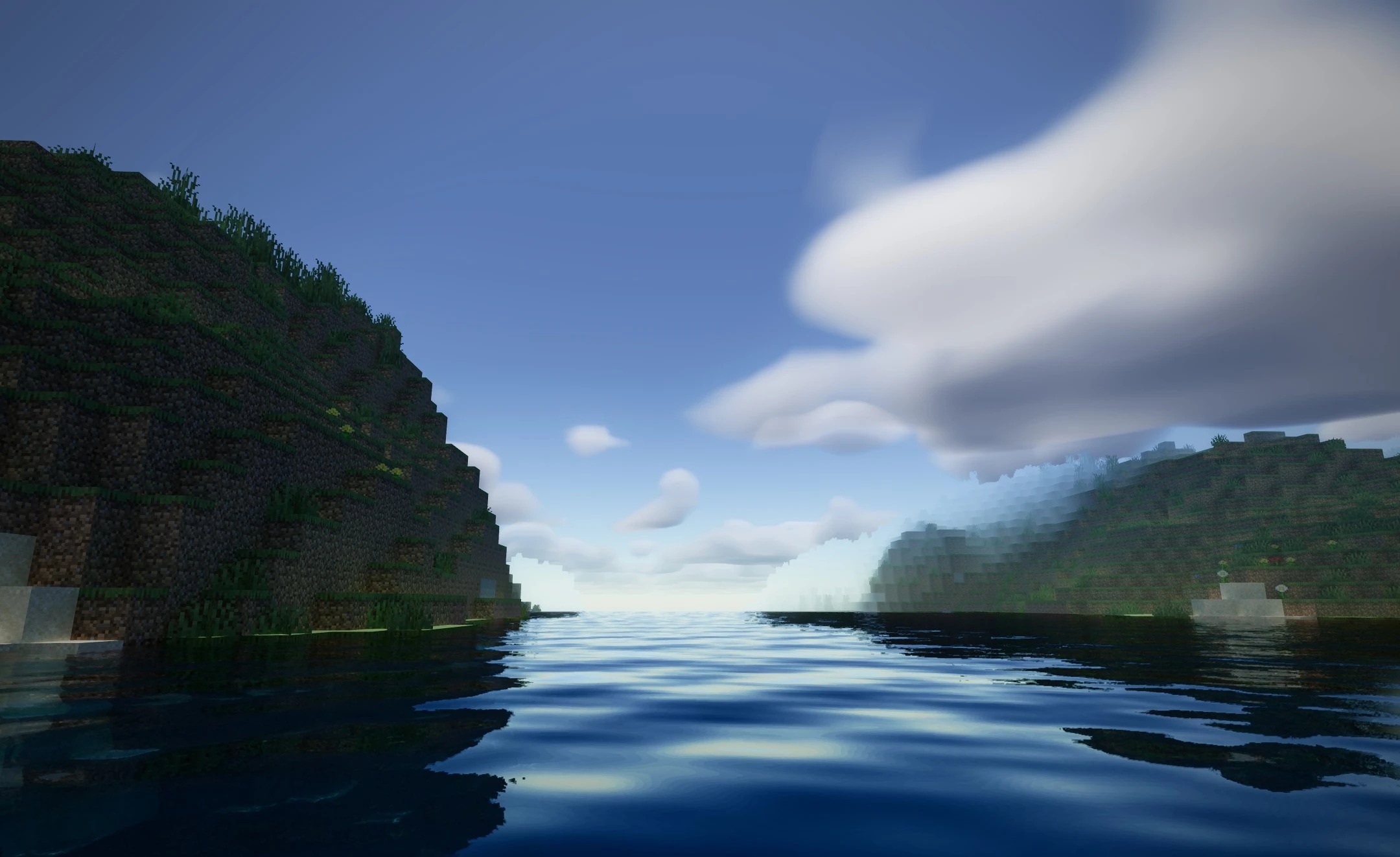
PBR materials give blocks additional depth and accurate light reflections, while shadows change shape depending on the positions of the sun and moon. As a result, caves, interiors, and open spaces differ noticeably in the character of their lighting. The pack is designed to work through Iris and uses modern rendering without completely abandoning standard block geometry.
How to install a shader:
First step: download the shader package from the link below.
Second step: Unpack the downloaded archive and copy the VoxLume Shaders folder to c:\Users\User\AppData\Roaming\.minecraft\shaderpacks\(if this folder does not exist, create it yourself) (For Windows)
Third step: In the game, go to Settings, then to Graphics Settings. Select the "shaders" section and activate the shader pack of your choice.
Comments (0)