



Windswept Fantasy Shaders for Minecraft 26.3
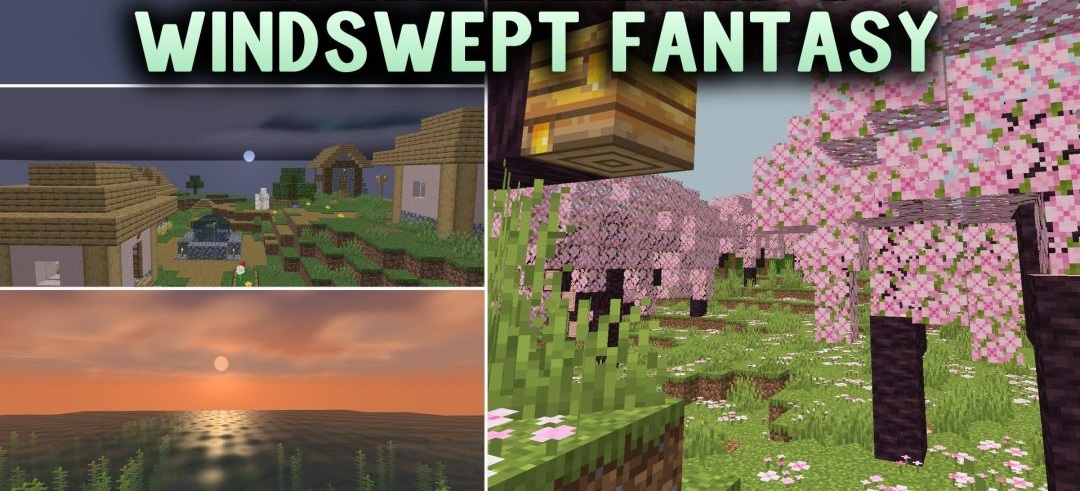
A dark fantasy palette inspired by The Witcher series becomes the main feature of Windswept Fantasy Shaders. The world gains more muted and atmospheric tones, but the standard shapes and textures of blocks remain recognizable.
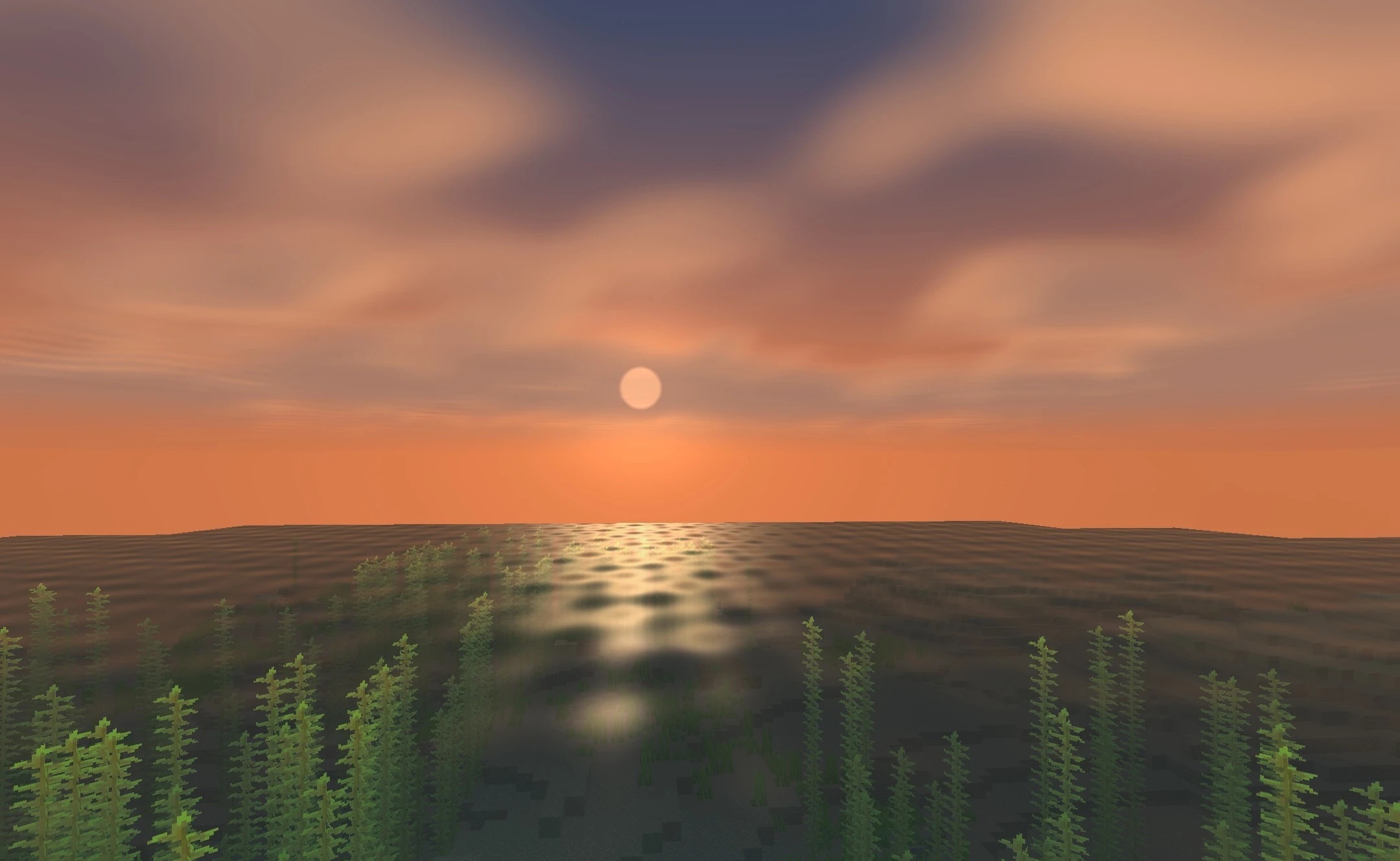
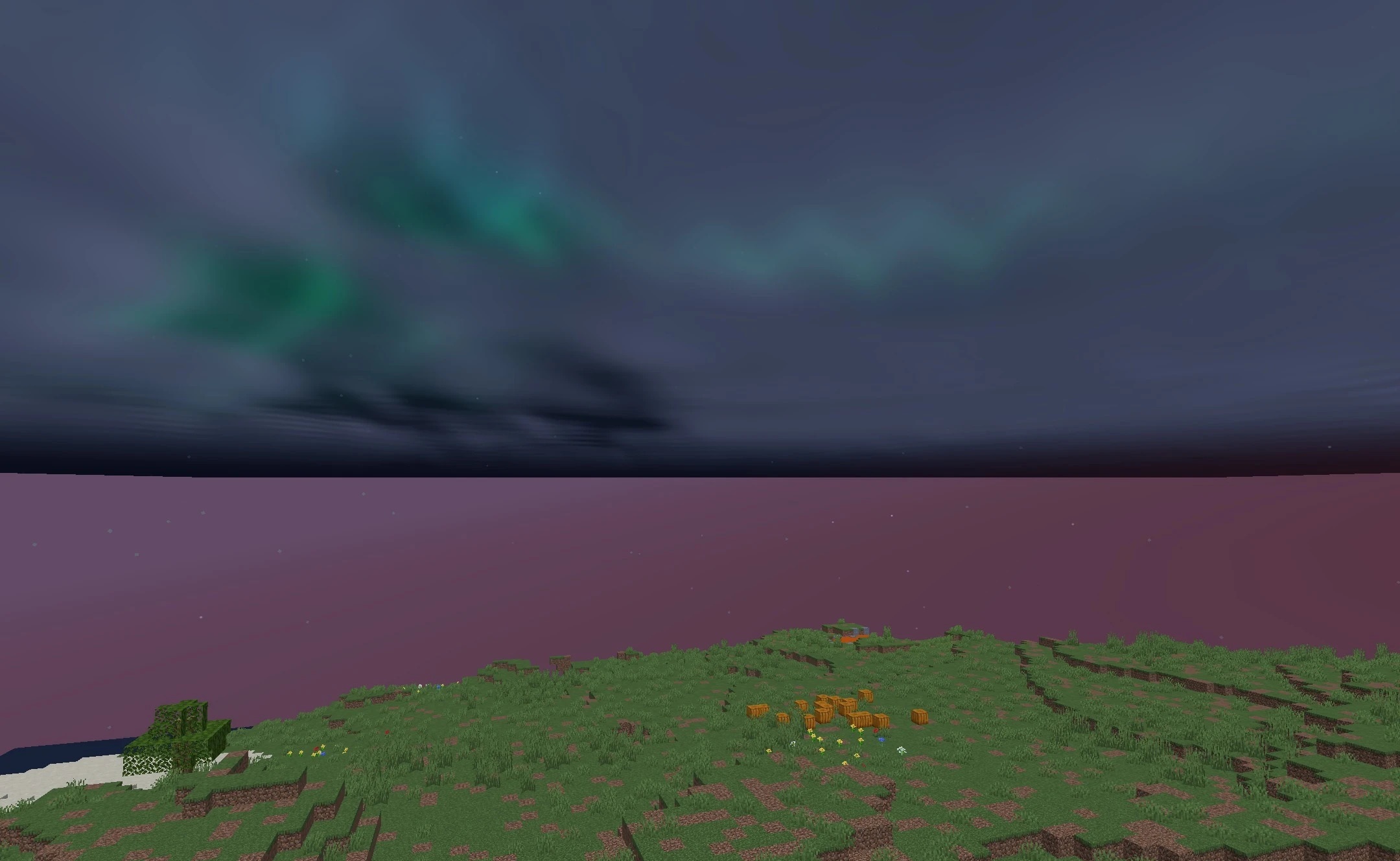
Lighting becomes softer and better suited to forests, mountains, and other areas where the atmosphere of adventure matters more than maximum brightness. At the same time, nights and deep caves remain easy to see in, so the dark palette does not interfere with exploration. The pack is designed for budget computers and older systems, allowing it to run without a significant drop in FPS.
How to install a shader:
First step: download the shader package from the link below.
Second step: Unpack the downloaded archive and copy the Windswept Fantasy Shaders folder to c:\Users\User\AppData\Roaming\.minecraft\shaderpacks\(if this folder does not exist, create it yourself) (For Windows)
Third step: In the game, go to Settings, then to Graphics Settings. Select the "shaders" section and activate the shader pack of your choice.
Comments (0)