



YunMeng Shaders for Minecraft 26.3
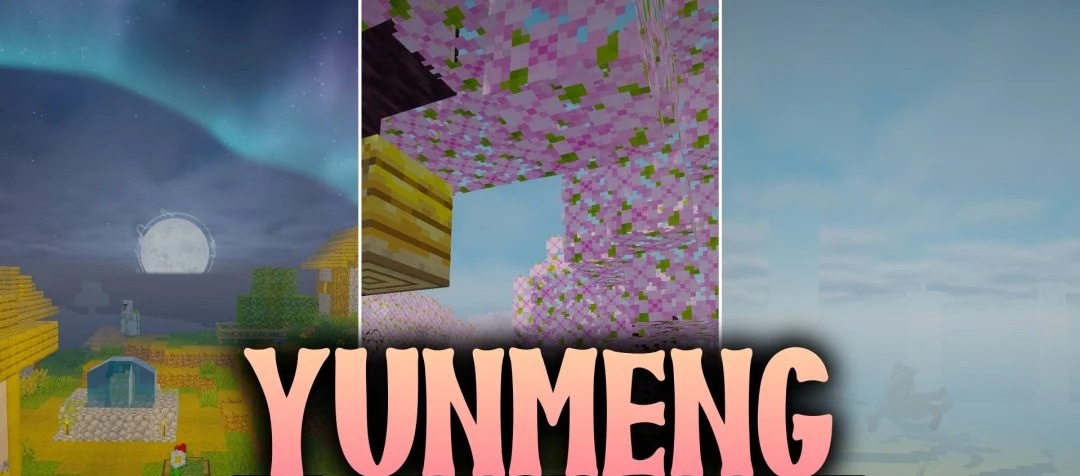
Instead of conventional realism, YunMeng Shaders transports the world into the aesthetics of traditional Chinese painting. Landscapes are presented in the spirit of Guofeng ink paintings, where mountains, horizons, and distant scenery look softer and more picturesque.
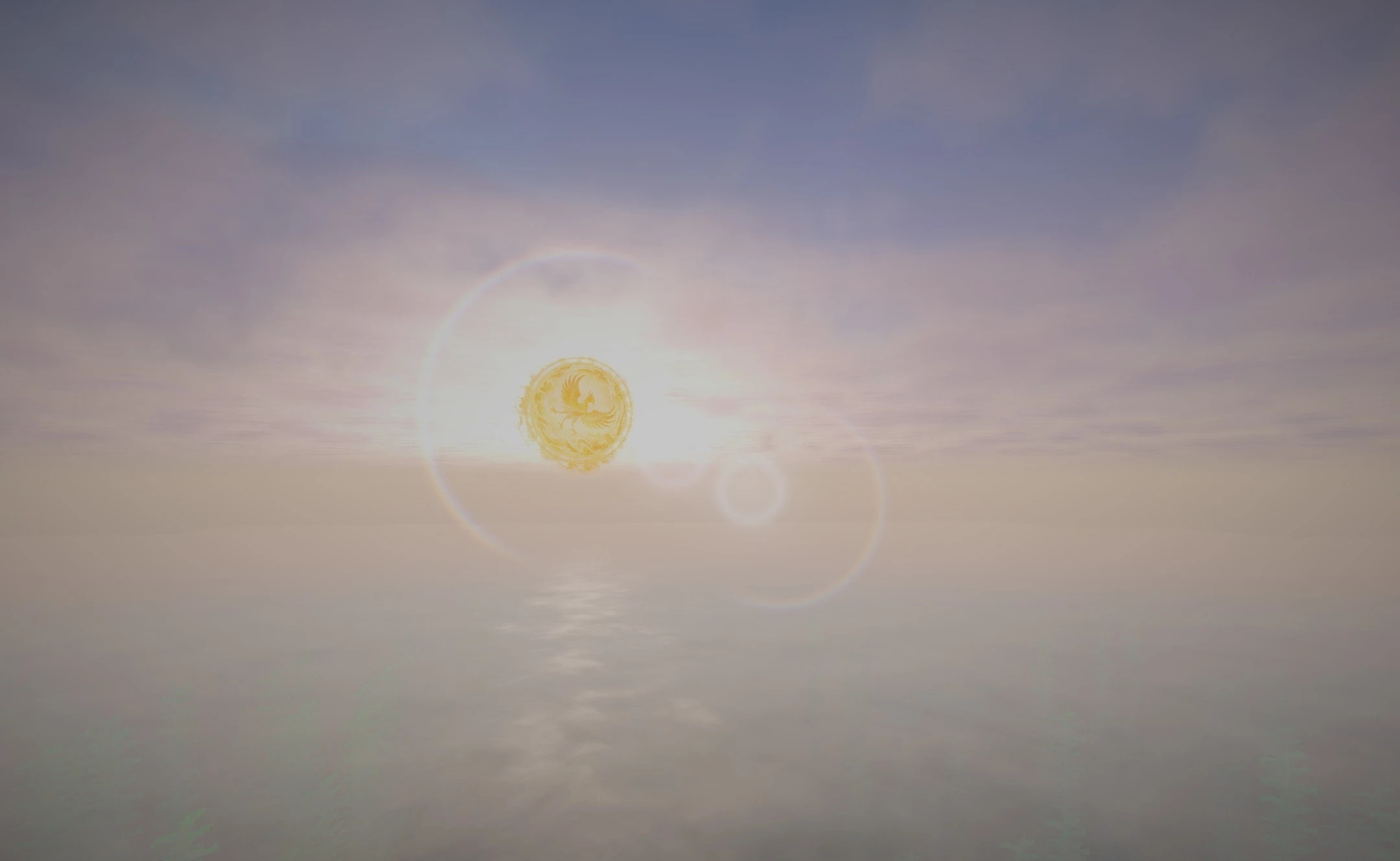
Biomes and mountain peaks are enveloped in multilayered Xianxia mist, creating a sense of great depth and mystical space. Standard blocks receive a smoother, stylized appearance, making familiar landscapes resemble scenes from ancient scrolls. The main effect is based not on photorealistic reflections or complex materials, but on an artistic reworking of color, fog, and the overall presentation of space.
How to install a shader:
First step: download the shader package from the link below.
Second step: Unpack the downloaded archive and copy the YunMeng Shaders folder to c:\Users\User\AppData\Roaming\.minecraft\shaderpacks\(if this folder does not exist, create it yourself) (For Windows)
Third step: In the game, go to Settings, then to Graphics Settings. Select the "shaders" section and activate the shader pack of your choice.
Comments (0)