



Capricorn for Minecraft Pocket Edition 1.14
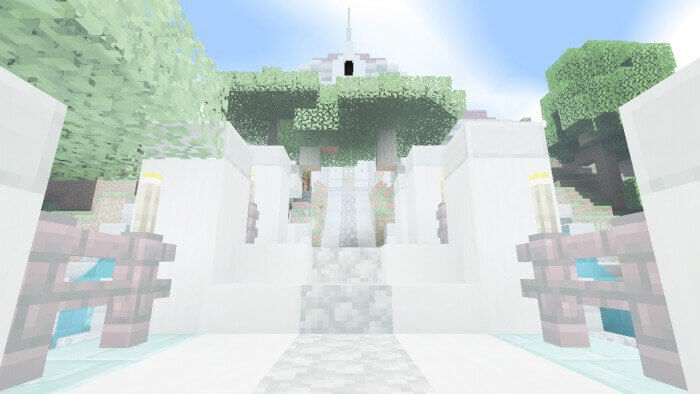
 As they say, if you want to give the game a fresh look, all you need to do is change the effects. That’s exactly what the Capricorn 1.14 shader for Minecraft lets you do. It introduces dozens of changes to the game, primarily affecting only its effects.
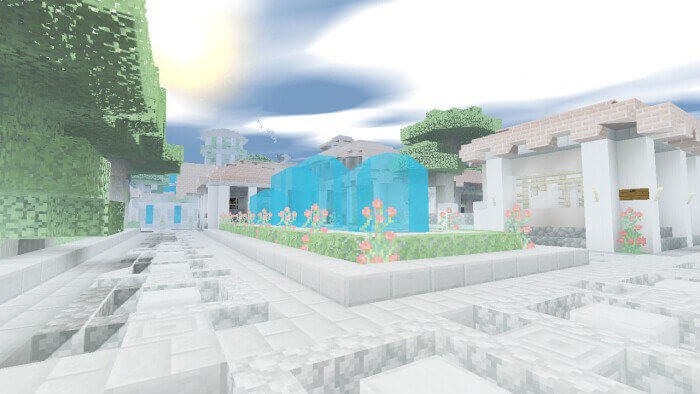
They will either be completely overhauled or given a vibrant new look. In any case, every user will see just how much the game can be transformed and how beautiful it can be. The creator of this enhancement has done everything to ensure that all the changes are memorable and of high quality, and it’s fair to say he’s put in a considerable amount of work. We wish you the best of luck and every success!
How to install shaders (Android):
Step 1: Download the texture pack using the link below.
Step 2: Unzip the downloaded archive; inside, you’ll find a folder containing the Capricorn texture pack for shaders. Copy it to the following path: games\com.mojang\resource_packs or use the launcher.
Comments (0)