



Custom Cubemap for Minecraft Pocket Edition 1.14
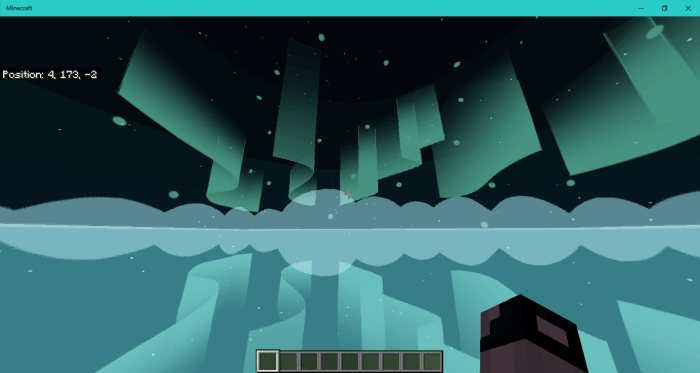
 If you often find yourself gazing at the sky while playing the game, you’ve no doubt thought about changing it, improving it and simply giving it a makeover. Thanks to various improvements, you now have the chance to do just that – simply apply the Custom Cubemap 1.14 shader for Minecraft.
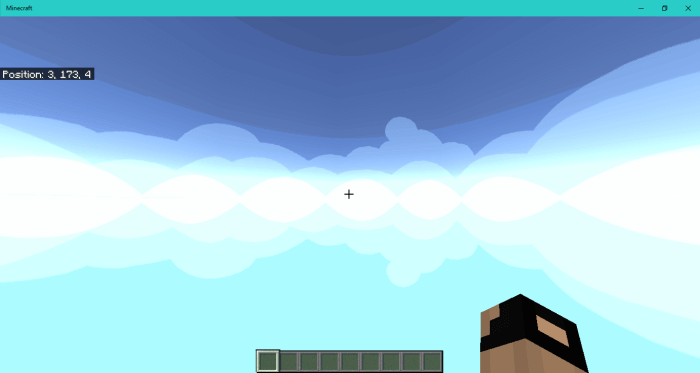
It significantly transforms the sky, removes its cubic elements and makes it far better than you might expect. Now it will be a pleasure to look up at the sky, and the game itself will be transformed a little by this improvement. All you need to do is take advantage of this offer, and you’re sure to succeed. We wish you good luck and success.
How to install shaders (Android):
Step 1: Download the texture pack using the link below.
Step 2: Extract the downloaded archive; inside, you’ll find a folder containing the Custom Cubemap texture pack for shaders. Copy it to the following path: games\com.mojang\resource_packs or use the launcher.
Comments (0)