



Hyper Visuals Shader for Minecraft Pocket Edition 1.21
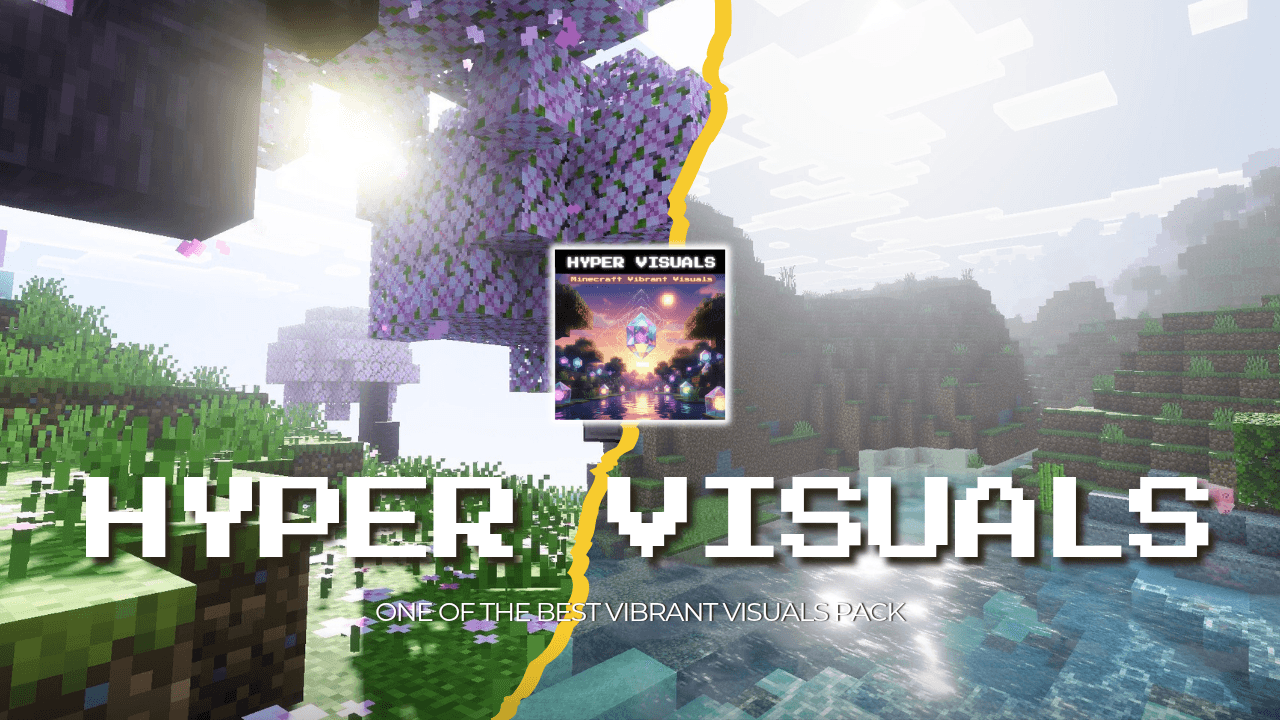
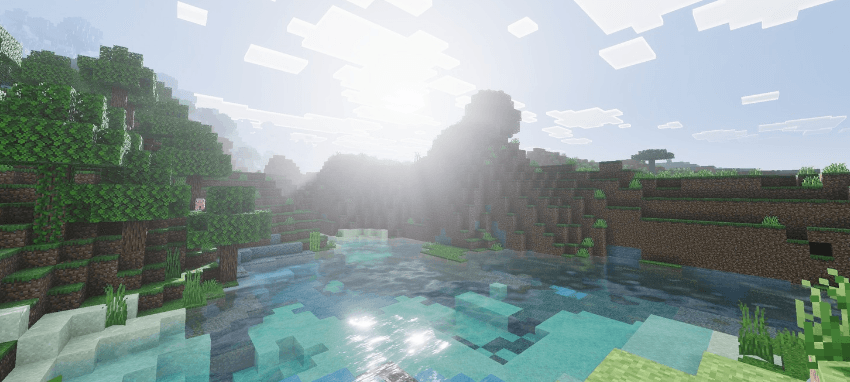
Hyper Visuals Shader emphasizes technological realism. The lighting enhances object volume through deeper shadows and precise handling of light sources. Realistic colors are close to a natural palette, which is especially noticeable on foliage, stone, and water. The use of PBR effects allows materials to react differently to light: metal reflects bright highlights, stone surfaces appear matte, and water shows slight transparency and reflections.
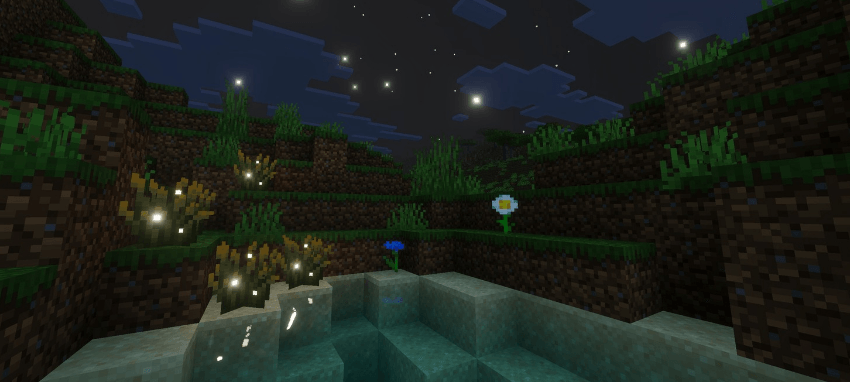
The nighttime scene becomes more contrasted—dark areas grow deeper, while torches and lanterns stand out more clearly in space. All changes are harmoniously integrated into a cohesive system, forming a more modern visual style.
How to install shaders (Android):
First step: download the texture pack from the link below.
The second step: Unpack the downloaded archive, there you will find a folder with the Hyper Visuals Shader texture pack for shaders and copy it on the way games\com.mojang\resource_packs or use the launcher.
Comments (0)