



Hyperest Graphic for Minecraft Pocket Edition 1.21
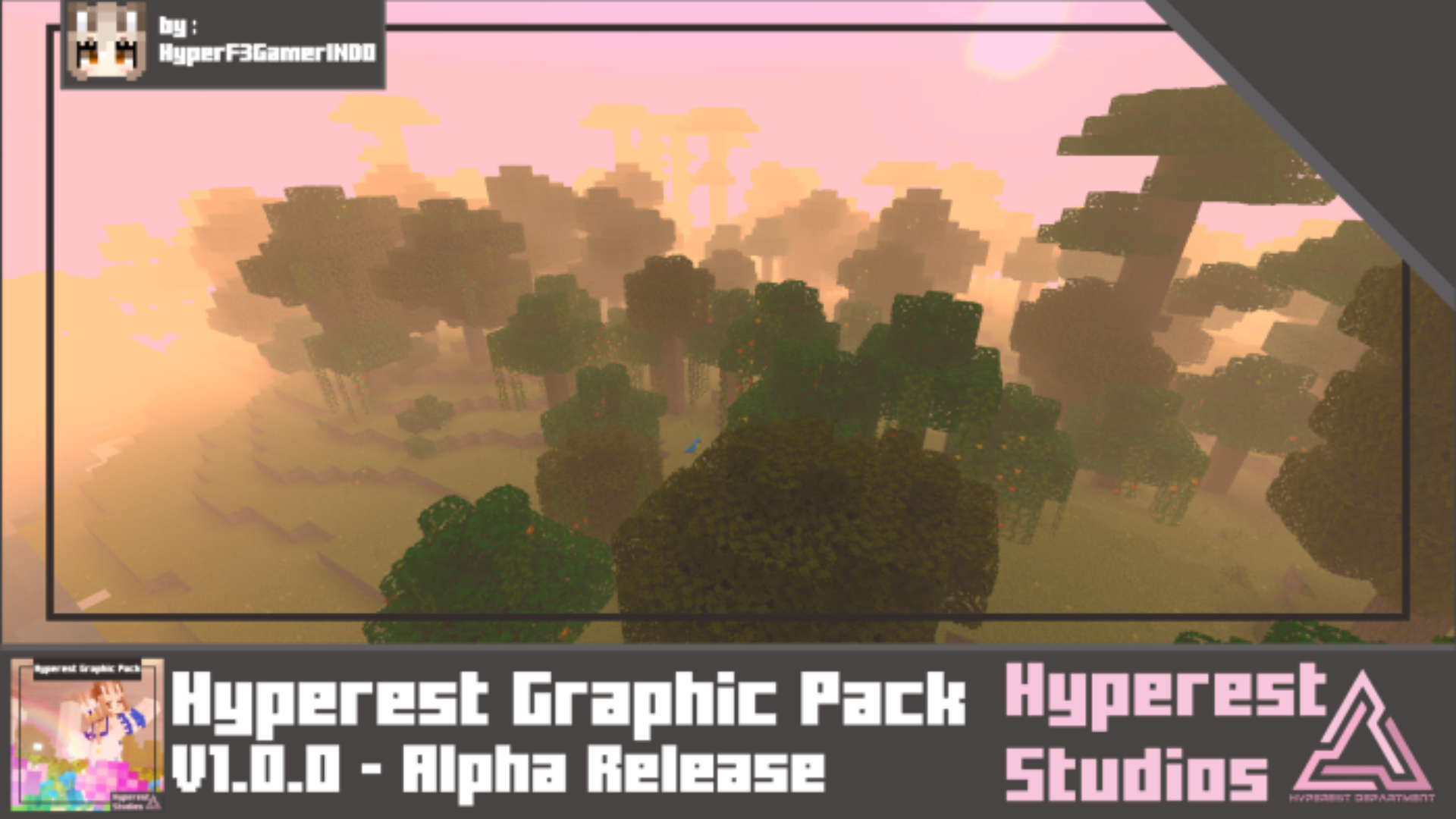
To make the environment several times better, it’s enough to use Hyperest Graphic add-on for Minecraft. The author of this improvement offers a number of new details, including not only realistic fog but also the ability to perceive its depth. It turned out so atmospheric that it literally changes the perception of the entire environment.

Additionally, the author added an option in the settings to adjust the detailing of the environment using blue and purple shades. All of this blends perfectly together, offering interesting environmental elements and allowing you to see the familiar world from a completely new perspective.

How to install shaders (Android):
First step: download the texture pack from the link below.
The second step: Unpack the downloaded archive, there you will find a folder with the Hyperest Graphic texture pack for shaders and copy it on the way games\com.mojang\resource_packs or use the launcher.
Comments (0)