



Winter Visual for Minecraft Pocket Edition 1.21
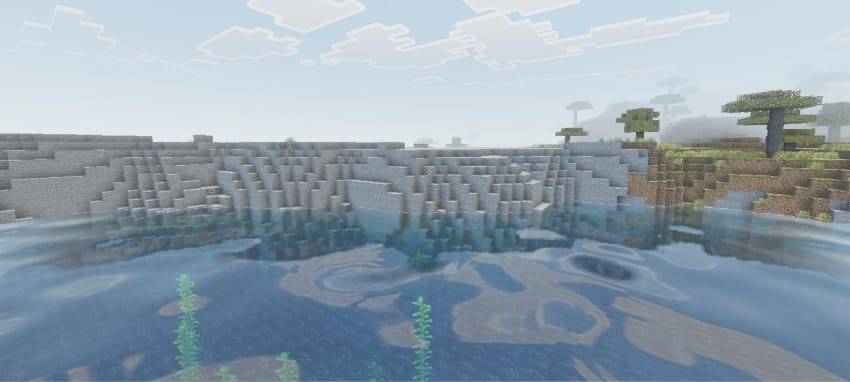
Winter Visual for Minecraft is a global transformation of the surrounding world that is focused on creating a completely new atmosphere. As you may have already guessed, the new visual style is connected with winter. It is worth noting that these shaders do not completely change the game, but only rework the colors and tones of the surrounding elements.
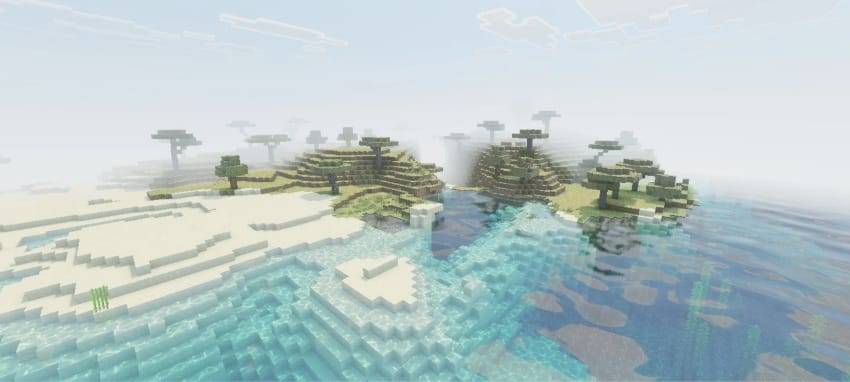
Now they will become colder, with icy particles, while at the same time harmoniously complementing each other. All that remains for you is to personally set off on an adventure and evaluate the new atmosphere of your journey. The main thing is not to freeze and to get used to the new environment.
How to install shaders (Android):
First step: download the texture pack from the link below.
The second step: Unpack the downloaded archive, there you will find a folder with the Winter Visual texture pack for shaders and copy it on the way games\com.mojang\resource_packs or use the launcher.
Comments (0)