



Azure Visuals for Minecraft Pocket Edition 26.x
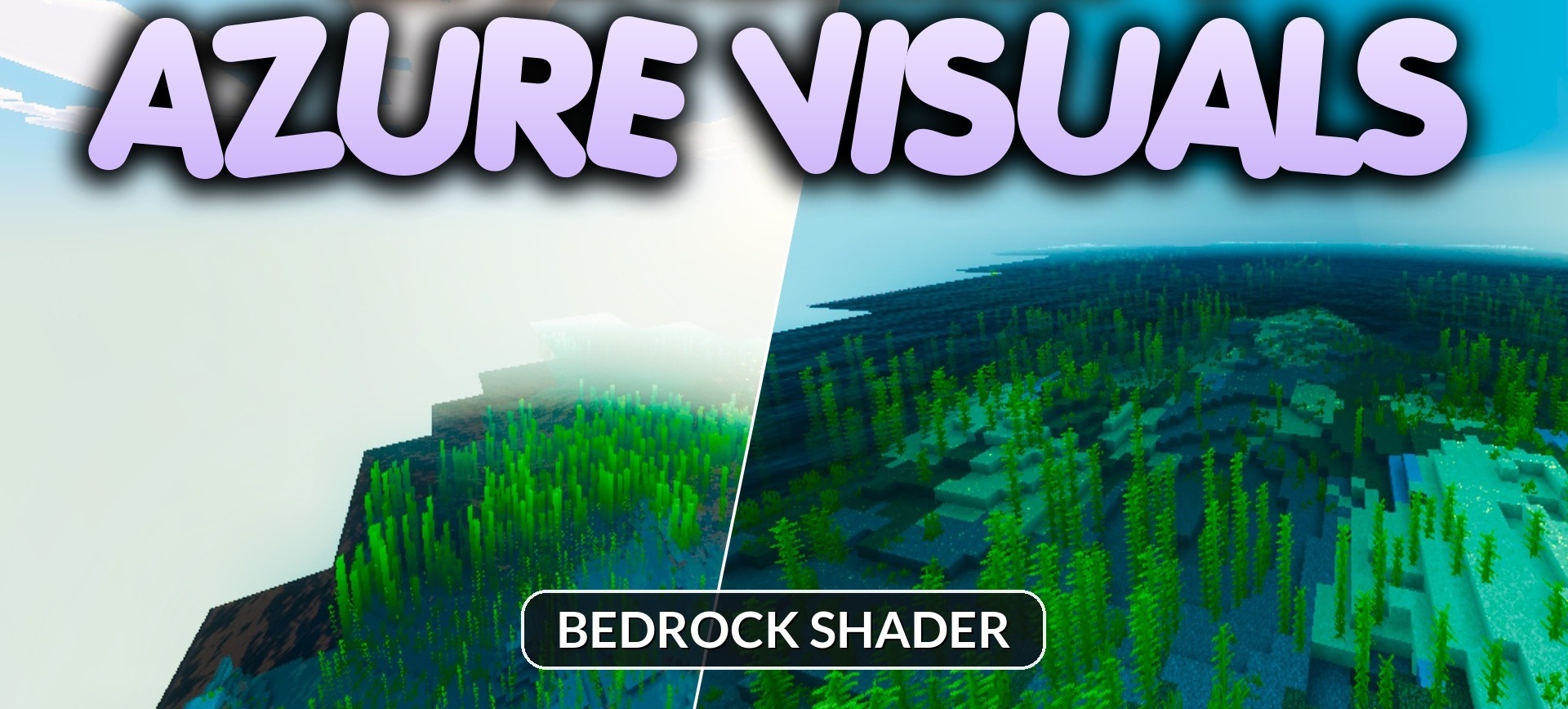
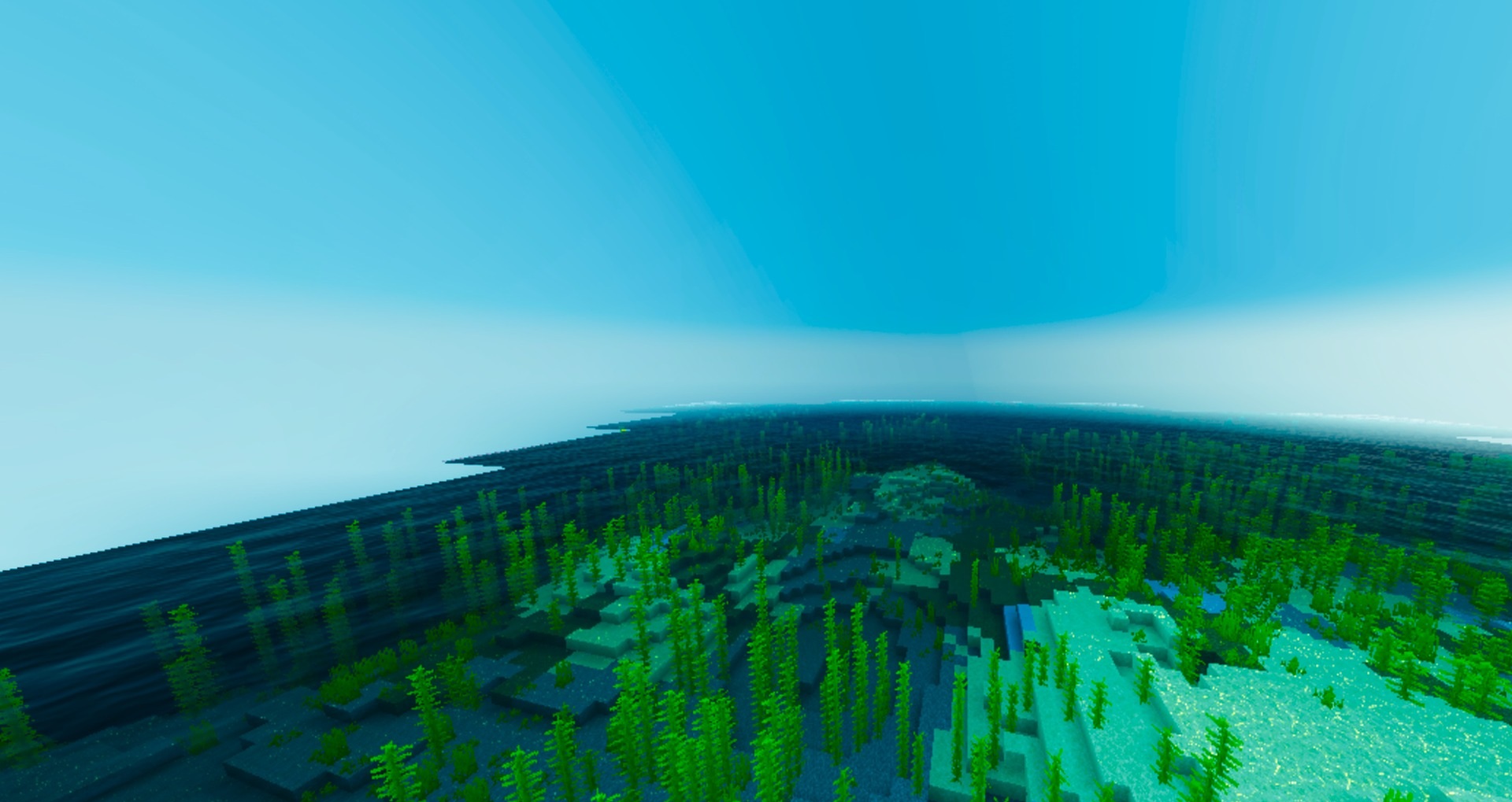
Bright lime-green vegetation, a deep blue sky, and almost white clouds form the recognizable palette of Azure Visuals. The changes here are built primarily around color correction and increased sharpness rather than a large number of complex graphical effects.
Saturation is increased across all biomes, so even familiar plains and forests look much more colorful. Trees, ground, and other landscape elements receive warmer and more contrasting shades that are clearly visible in daylight. The pack maintains image clarity and is designed for mobile devices without a serious reduction in frame rate.
How to install shaders (Android):
First step: download the texture pack from the link below.
The second step: Unpack the downloaded archive, there you will find a folder with the Azure Visuals texture pack for shaders and copy it on the way games\com.mojang\resource_packs or use the launcher.
Comments (0)