



Custom Atmospherics for Minecraft Pocket Edition 26.x
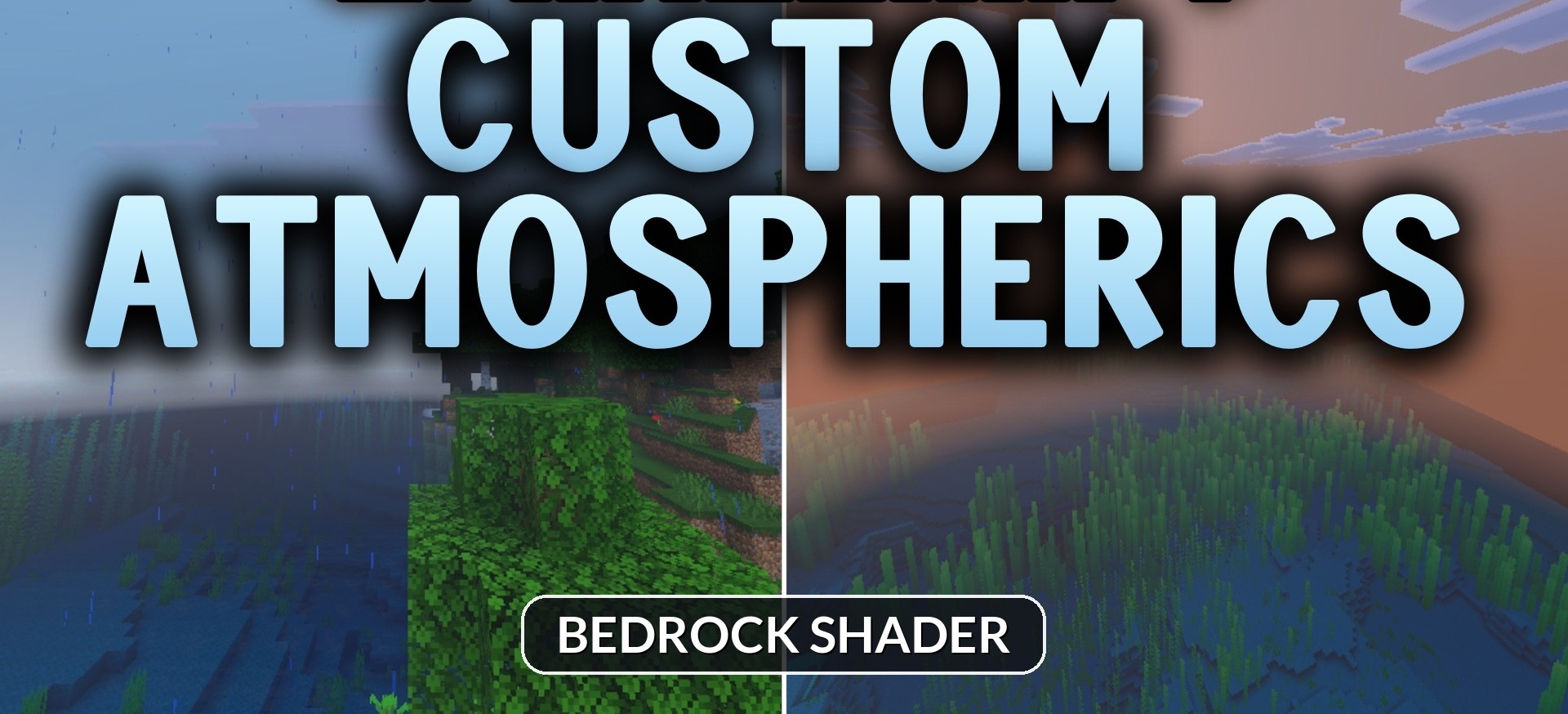
Changing the graphics does not always require completely reworking the lighting and water. Custom Atmospherics focuses primarily on the sky and allows you to quickly change the atmosphere of the world through the video settings. The player gets several ready-made visual options that can be switched between directly during the game.
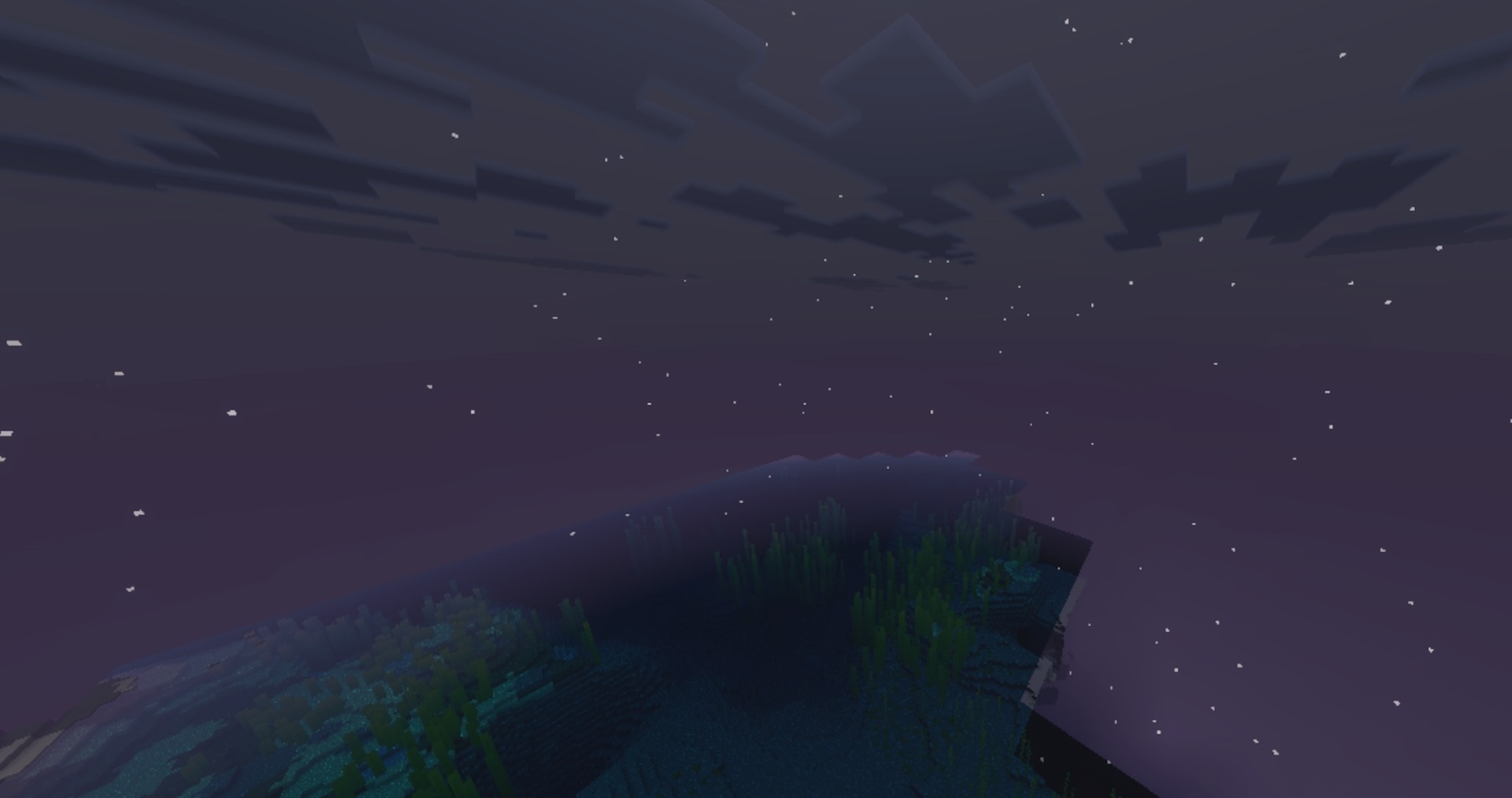
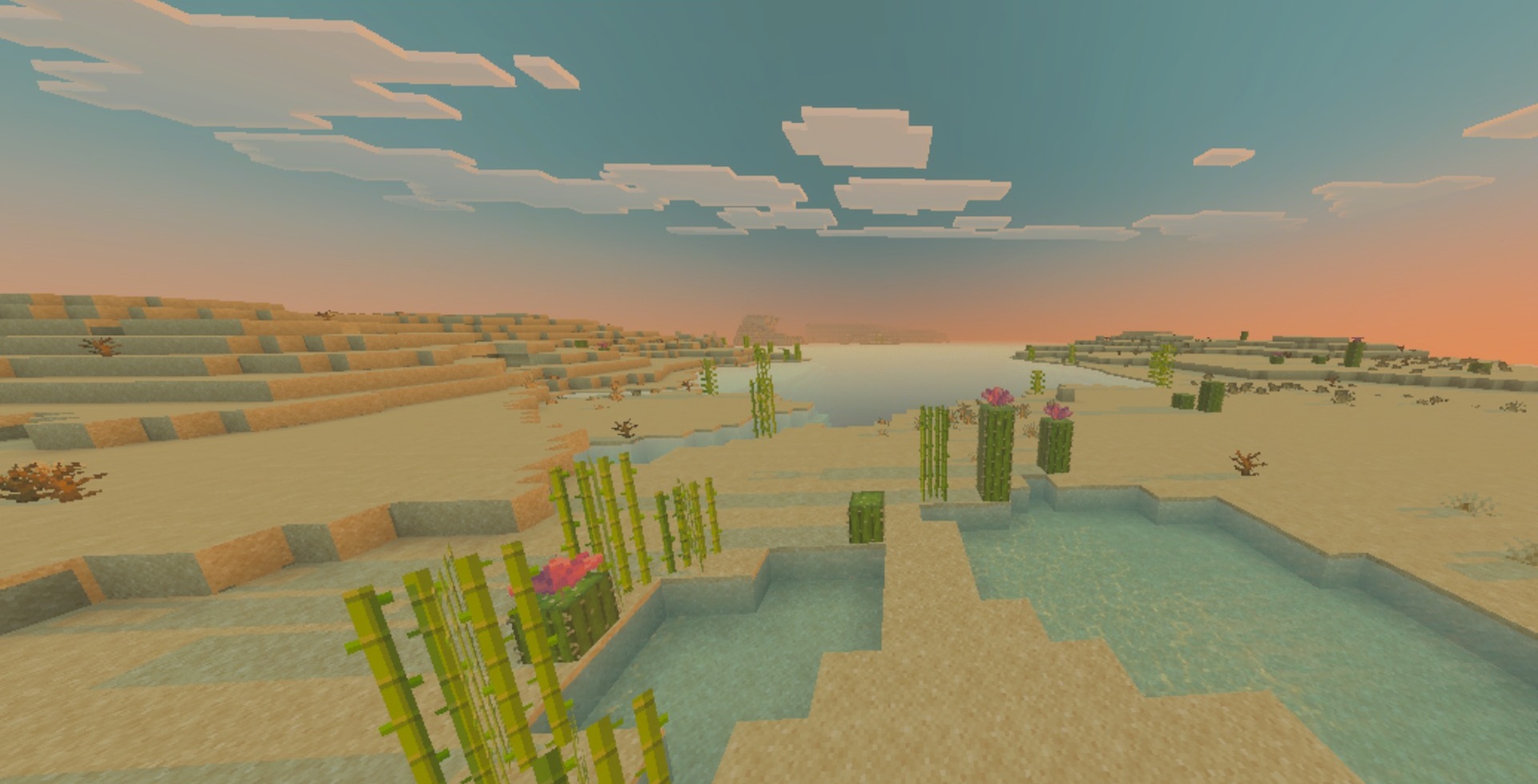
Dynamic mode makes the sky more expressive and rich in visual effects, while Clear Blue Sky offers a clean blue sky for calm, sunny landscapes. If the changes are not suitable, a classic option close to standard Minecraft is available.
How to install shaders (Android):
First step: download the texture pack from the link below.
The second step: Unpack the downloaded archive, there you will find a folder with the Custom Atmospherics texture pack for shaders and copy it on the way games\com.mojang\resource_packs or use the launcher.
Comments (0)