



Solaris Visuals for Minecraft Pocket Edition 26.x
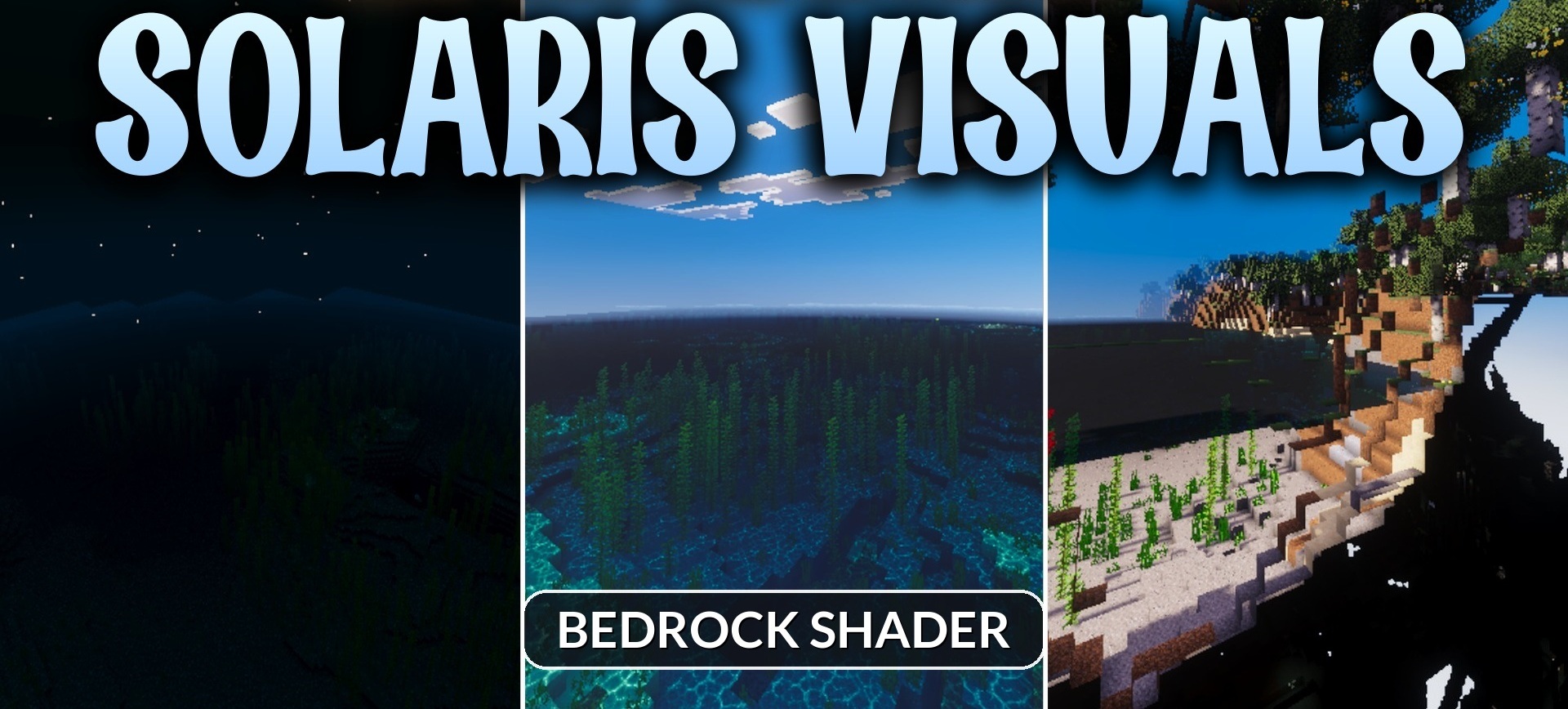
Solaris Visuals reveals itself most impressively during changes in the time of day. In the morning, jungles and other dense biomes are filled with golden light, while in the evening the sky is colored with deep orange and blue shades. The shader uses a warm cinematic palette but highlights the features of individual locations in different ways.
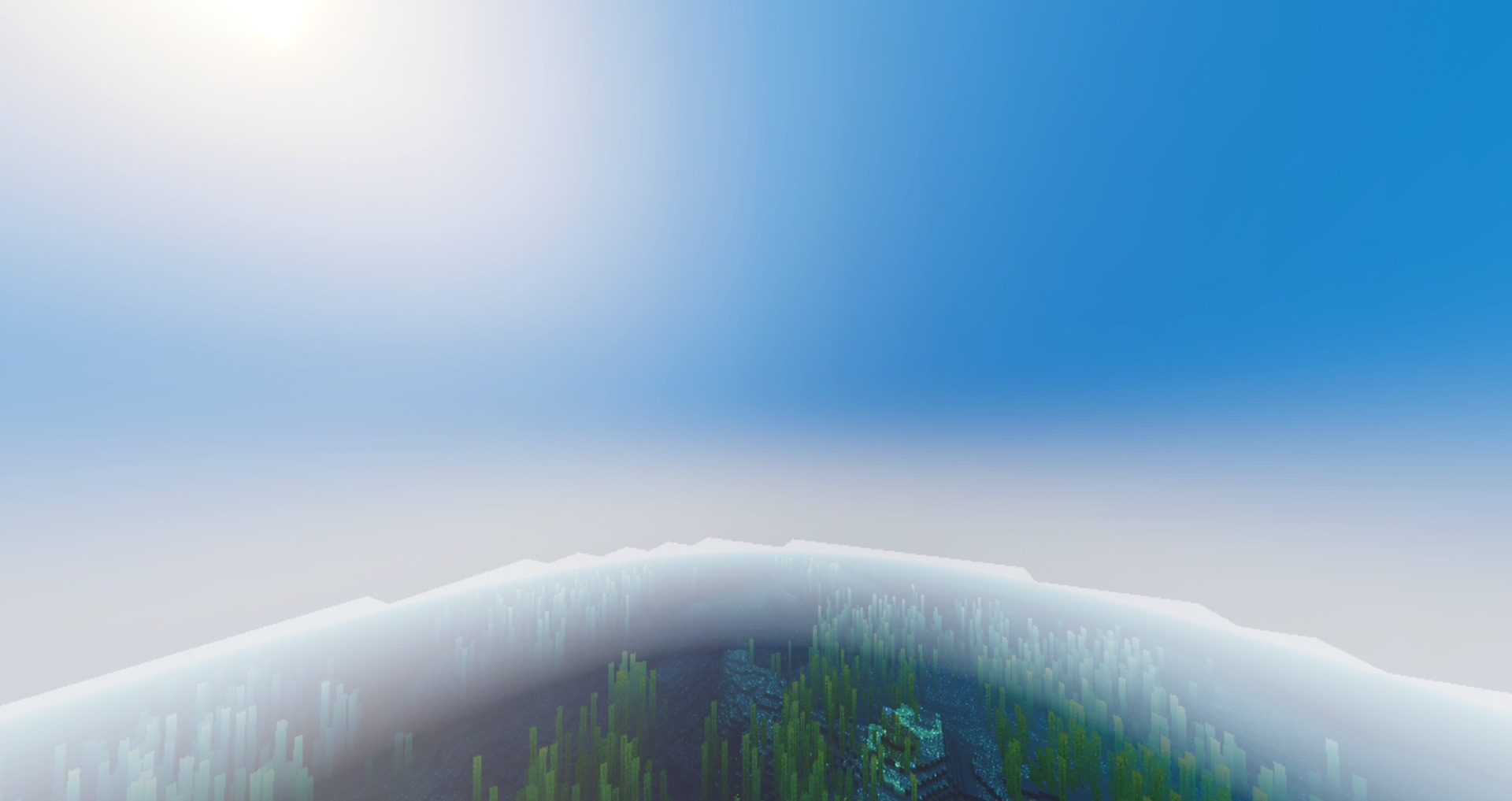
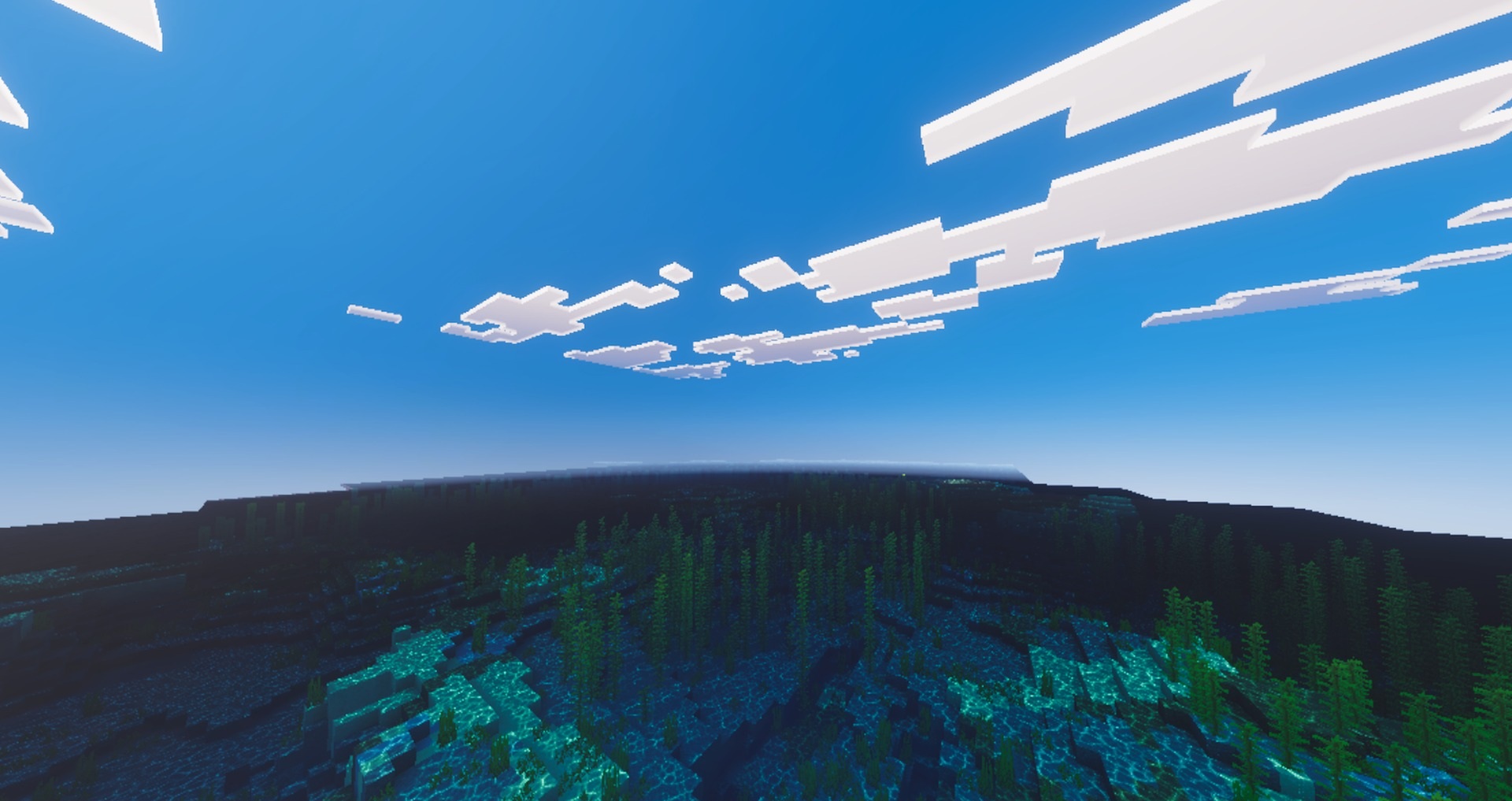
Cherry groves receive soft golden rays between the trees, plains are complemented by pinkish clouds, and swamps stand out with saturated vegetation and darker water. Traveling between biomes becomes more visually diverse. The pack makes it possible to achieve a colorful image on mobile devices as well.
How to install shaders (Android):
First step: download the texture pack from the link below.
The second step: Unpack the downloaded archive, there you will find a folder with the Solaris Visuals texture pack for shaders and copy it on the way games\com.mojang\resource_packs or use the launcher.
Comments (0)