



3t3 Texture Pack for Minecraft Pocket Edition 0.15
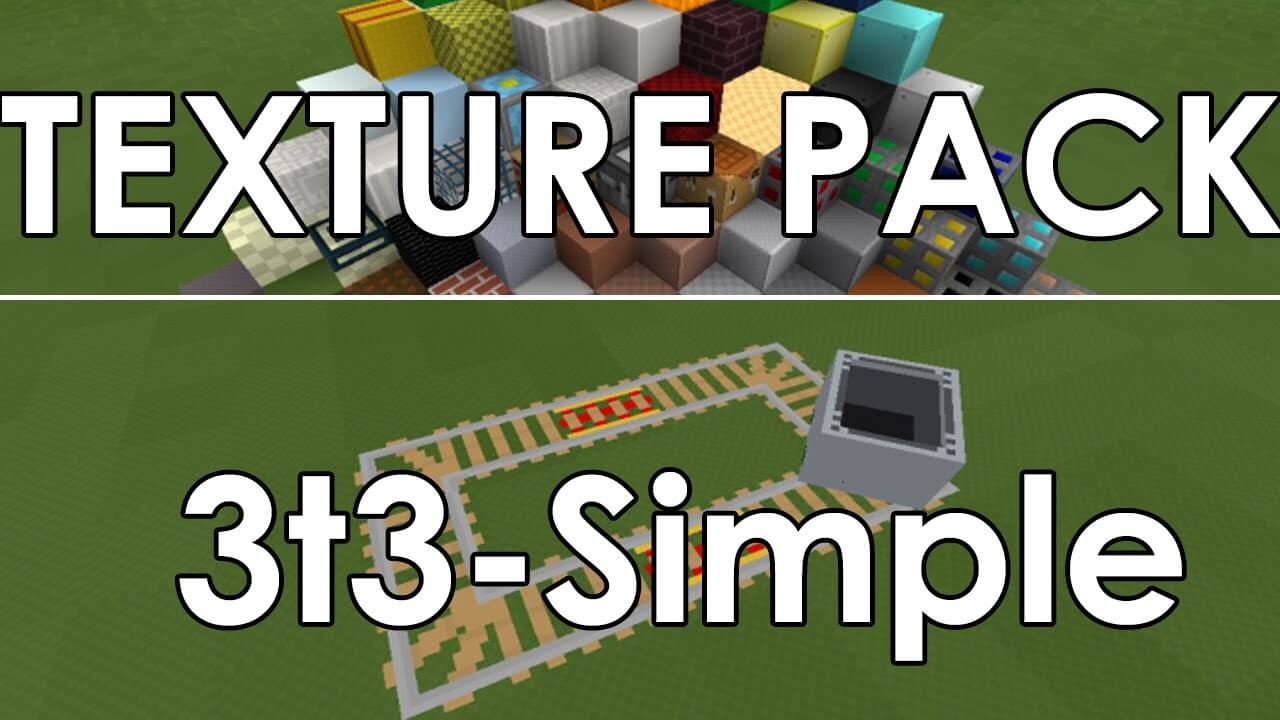 If you find the world of Minecraft dreary and no longer enjoy being in it, we recommend trying a special texture pack called the 3t3 Texture Pack.
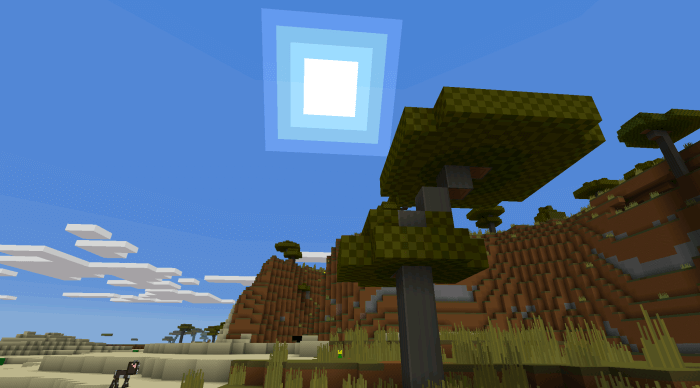
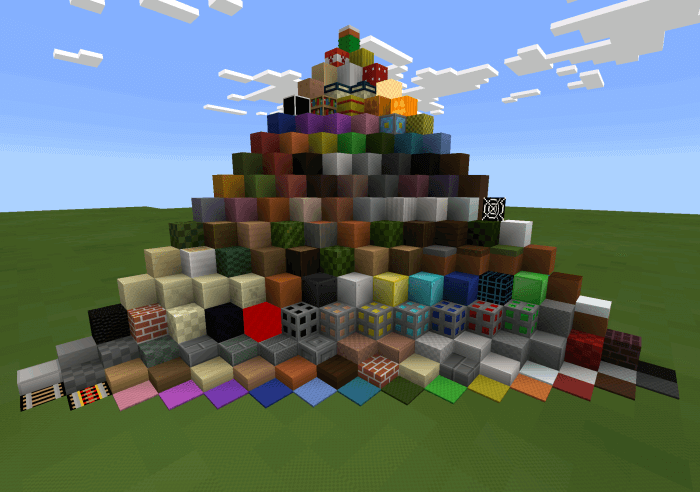
This pack allows you to explore a completely new world with a unique visual style. The blocks in the game will now look more virtual and smoother, with revised colour balance and contrast levels. All in all, the changes seem minimal at first glance, but if you look closely, there are quite a few, and they’re clearly visible. We hope you enjoy using it and that it puts you in a good mood!
How to install the texture pack:
Step one: download the texture pack using the link below.
Step two: extract the downloaded archive and copy the 3t3 Texture Pack folder to games\com.mojang\resource_packs (if this folder does not exist, create it yourself)
Step three: in the game, go to Settings and click the ‘Manage’ button next to ‘Texture Packs’. The copied texture pack will appear in the list on the left; click on it so that it moves to the top of the list on the right.
Comments (2)