



Retro NES for Minecraft Pocket Edition 0.15
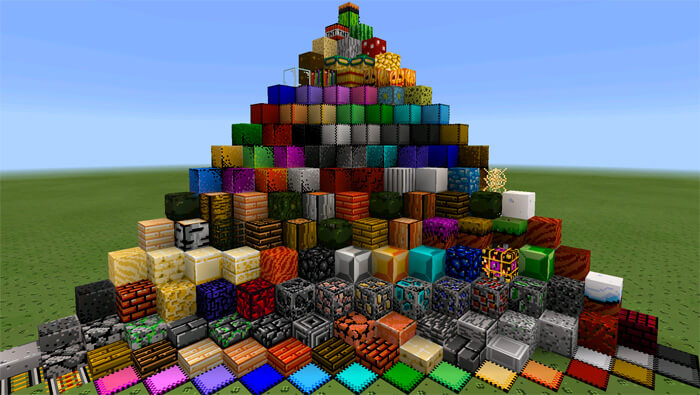
 It’s time to set things right and immerse yourself in nostalgia while enjoying the new visual style provided by a texture pack called Retro NES.
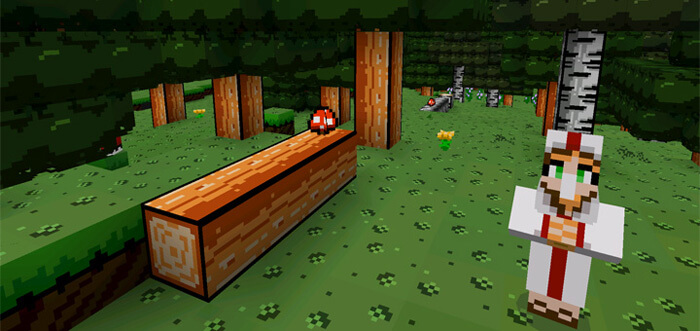
This mod allows you to add elements of the retro visual style of games previously released for the NES to your game. You’ll now be surrounded by familiar sights, pixel graphics and many other elements. The mod evokes a sense of nostalgia and gives you a pleasant feeling as you explore the game’s world. You can now experience the full charm of retro games, as you’ll be able to play in this style from a first-person perspective. We hope you enjoy it!
How to install the texture pack:
Step 1: Download the texture pack using the link below.
Step 2: Extract the downloaded archive and copy the Retro NES folder to games\com.mojang\resource_packs (if this folder does not exist, create it yourself)
Step 3: In the game, go to Settings. Next to ‘Texture Packs’, there will be a ‘Manage’ button; click on it. The copied texture pack will appear in the left-hand list; click on it so that it moves to the top of the right-hand list.
Comments (0)