



Faithful PE for Minecraft Pocket Edition 1.0
 Have you grown fond of the standard textures in Minecraft Pocket Edition, but wish they were available in higher quality? If so, this texture pack is a great way to solve the problem.
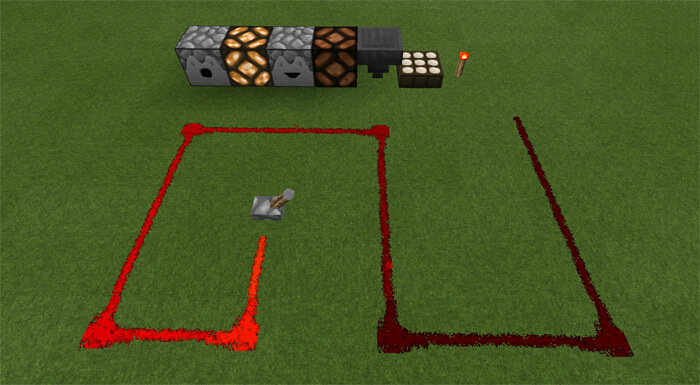
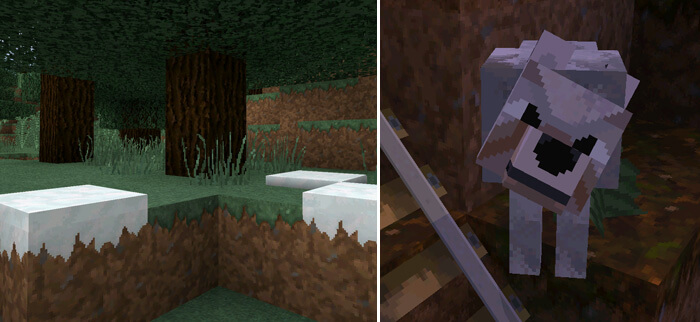
It retains the default look of the Minecraft environment but improves the graphics quality (32×32 instead of 16×16), making the graphics look much better.
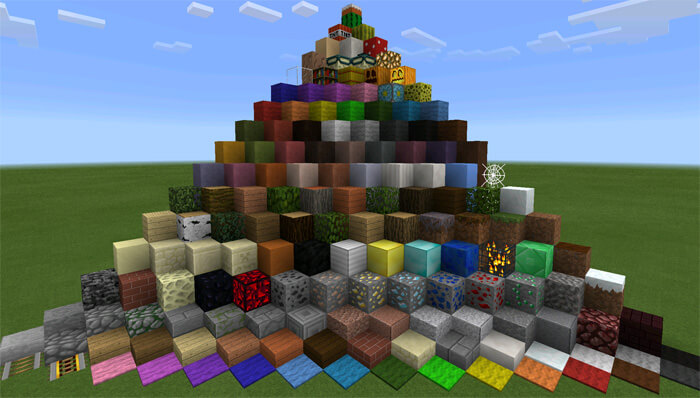 This texture pack for Minecraft 1.0 has long been available for the PC version of the game. Now users can download the texture pack for the mobile app as well. Enhance the game's design without giving up the textures you love from the original version.
How to install the texture pack:
Step one: Download the texture pack using the link below.
Step two: Unzip the downloaded archive and copy the Faithful PE folder to games\com.mojang\resource_packs (if this folder does not exist, create it yourself)
Step three: In the game, go to Settings and click the Manage button next to Texture Packs. The copied texture pack will appear in the left-hand list; click on it so that it becomes the first item in the right-hand list.
Comments (75)