



John Smith Legacy for Minecraft Pocket Edition 1.0
 Introducing one of the oldest and most popular medieval-style texture packs. Having gained popularity among players of the PC version of Minecraft, it is now also available for the mobile game.
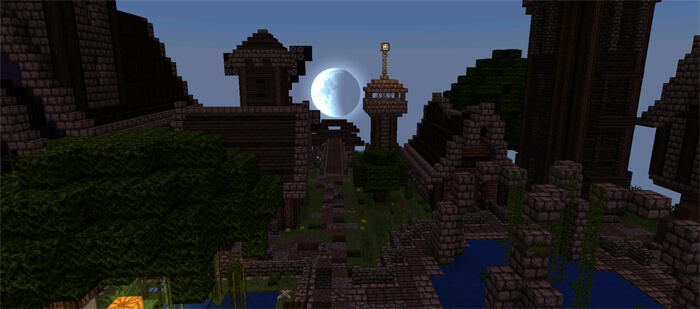
The pack transforms the terrain and the structure of objects, giving your surroundings a weathered and cosy look. The structures you build will be transformed into medieval buildings with beautiful and well-thought-out designs.
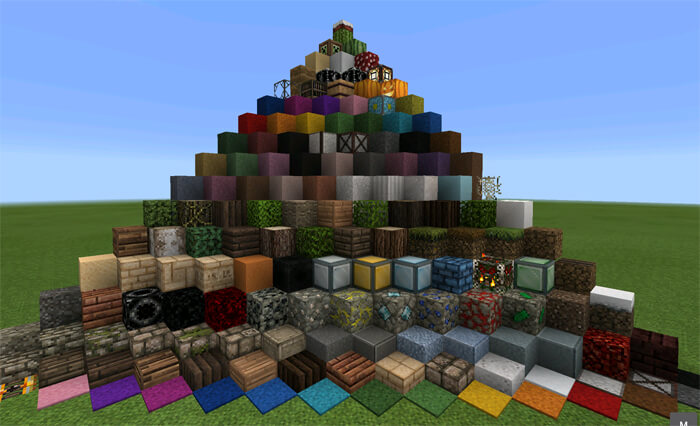 A bright, round sun will rise over an extraordinary landscape, and you won’t want to leave the game without exploring all the familiar locations anew.
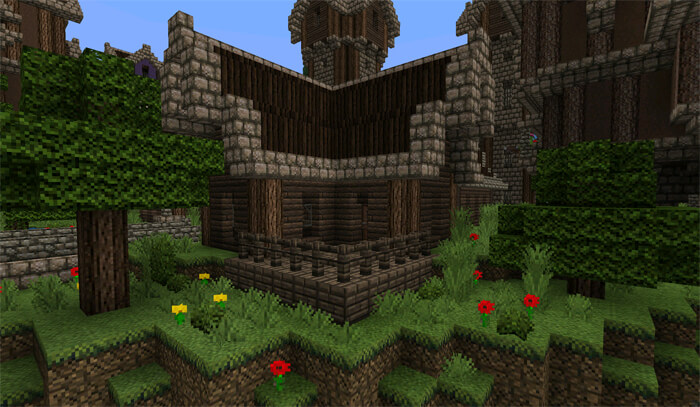 These textures for Minecraft 1.0 are worth trying at least once to see this amazing and beautiful medieval-style world.
How to install the texture pack:
Step one: Download the texture pack using the link below.
Step two: Unzip the downloaded archive and copy the John Smith Legacy folder to games\com.mojang\resource_packs (if this folder does not exist, create it yourself)
Step three: In the game, go to Settings; next to ‘Texture Packs’ there will be a ‘Manage’ button – click on it. The copied texture pack will appear in the list on the left; click on it so that it moves to the top of the list on the right.
Comments (6)