



Mad Pixels 16x for Minecraft Pocket Edition 1.0
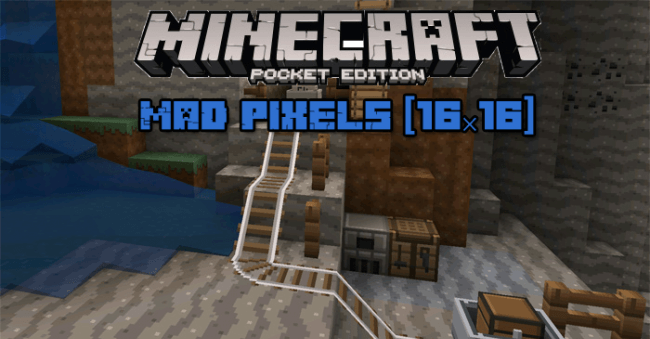 This pack features a collection of fun new textures for the mobile version of Minecraft. The blocks and mobs have been given a slightly angular, simplified design reminiscent of amusing cartoons.
At the same time, the original colour scheme has been almost entirely retained, so you won’t have to adjust to a look that differs much from the original pack.
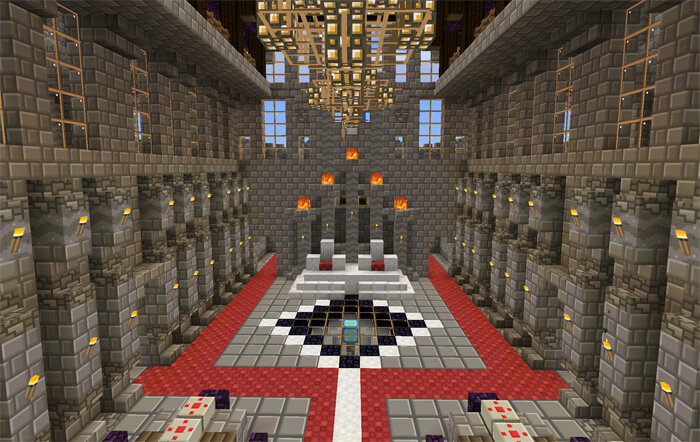
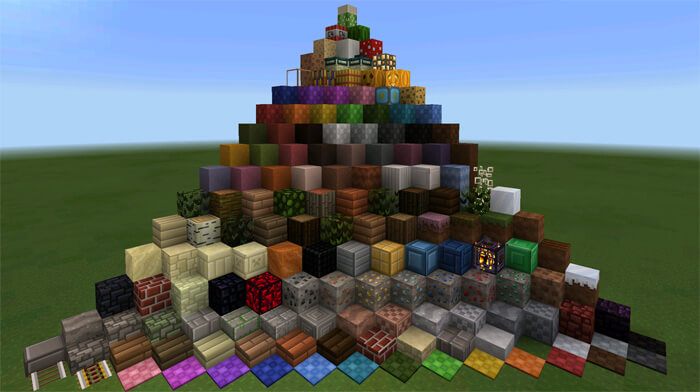 Playing is now even more fun, as this texture pack for Minecraft 1.0 is perfect not only for survival worlds but also for all MCPE builds.
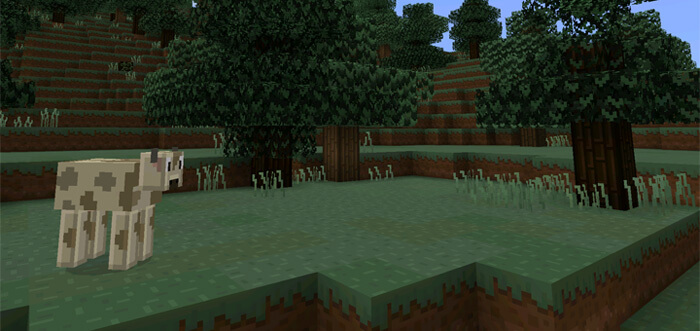
 Freshen up Minecraft with interesting, updated mob designs. Transform the pixelated beauty of the game’s natural surroundings just enough to give the game a more cartoonish look while retaining its original charm.
How to install a texture pack:
Step one: Download the texture pack using the link below.
Step two: Unzip the downloaded archive and copy the Mad Pixels folder to games\com.mojang\resource_packs (if this folder does not exist, create it yourself)
Step three: In the game, go to Settings and tap the Manage button next to Texture Packs. The copied texture pack will appear in the list on the left; tap it so that it moves to the top of the list on the right.
Comments (0)