



Coterie Craft Frontier for Minecraft 1.10
 Many fans love spending time in the game and making it better in every way. So today, we’d like to suggest trying the Coterie Craft Frontier texture pack for Minecraft. This isn’t your typical enhancement: the creator wanted to improve the standard textures a little but ended up reworking virtually all of them from scratch.
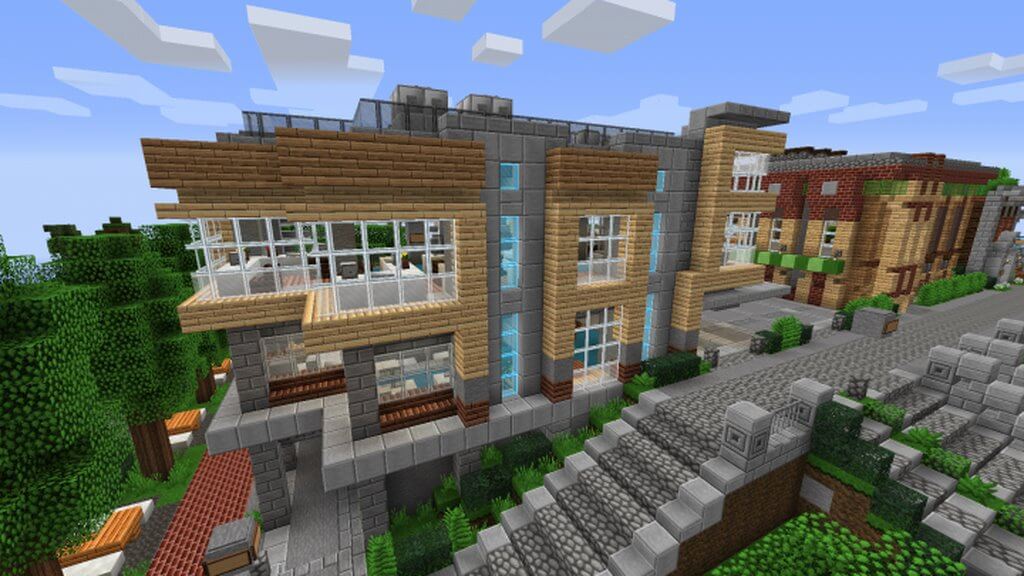 Now every fan has the chance to discover and experience a completely new game. Explore the entire world carefully and rest assured that you’ll gain a wealth of new experiences, even in places you know by heart.
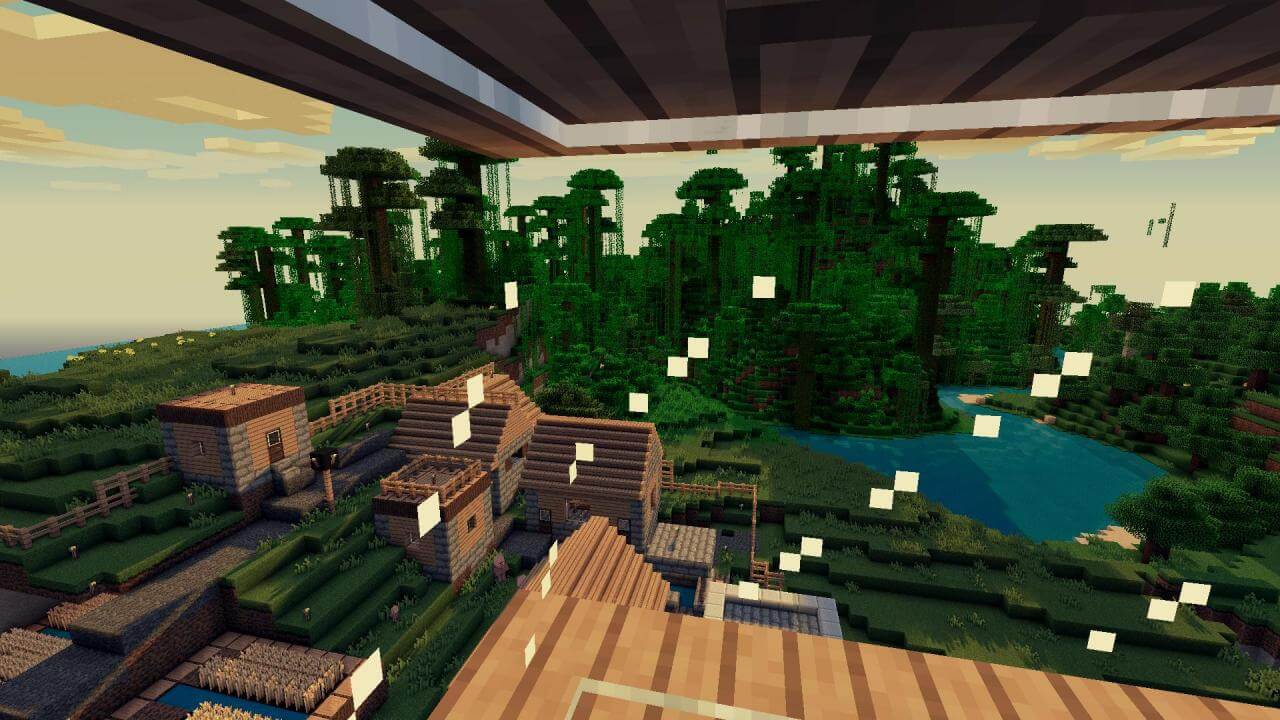
How to install the texture pack:
Step one: Download the texture pack using the link below.
Step two: Unzip the downloaded archive and copy the folder Coterie Craft Frontier to c:\Users\Пользователь\AppData\Roaming\.minecraft\resourcepacks\ (if this folder does not exist, create it yourself) (for Windows)
Step three: In the game, go to Settings, then to Resource Packs. There, click on the icon for the new texture pack in the left-hand list.
Comments (0)