



Default HD for Minecraft 1.10
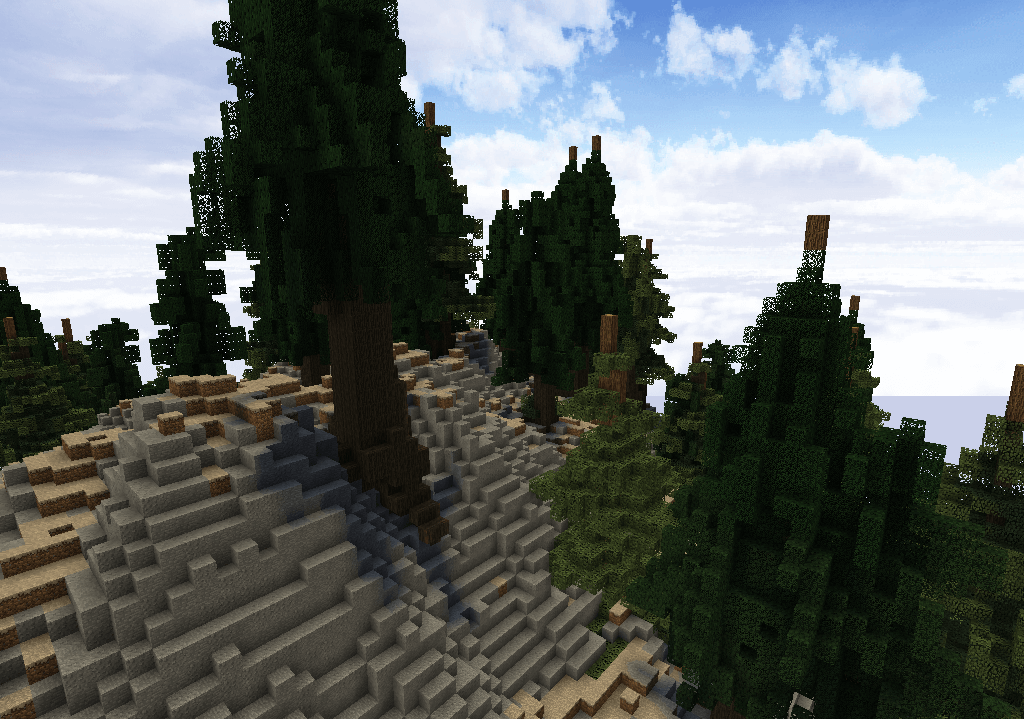
 Minecraft is full of a wide variety of textures, and it’s not always necessary to completely rework them to breathe new life into the game. This is the case, for example, when you use the Default HD texture pack for Minecraft. These changes affect the standard textures without altering their design; they simply increase their resolution several times over.
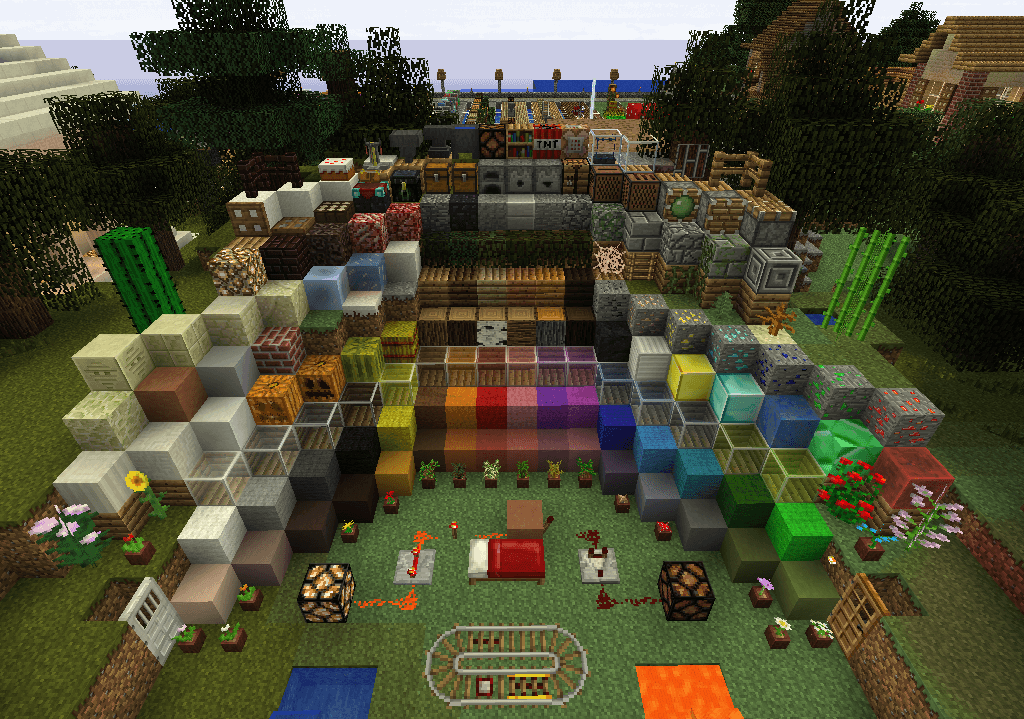
But even this is enough to make exploring the game enjoyable and bring its visuals to a new level of quality. All that remains is to make the most of your free time and carefully explore all the available areas. Have fun playing and stay in good spirits!
How to install the texture pack:
Step one: Download the texture pack using the link below.
Step two: Extract the downloaded archive and copy the folder Default HD to the following location: c:\Users\Пользователь\AppData\Roaming\.minecraft\resourcepacks\ (if this folder does not exist, create it yourself)(For Windows)
Step three: In the game, go to Settings, then to Resource Packs. Click on the icon for the new texture pack in the left-hand list.
Comments (0)