



Gibster's Freight for Minecraft 1.10
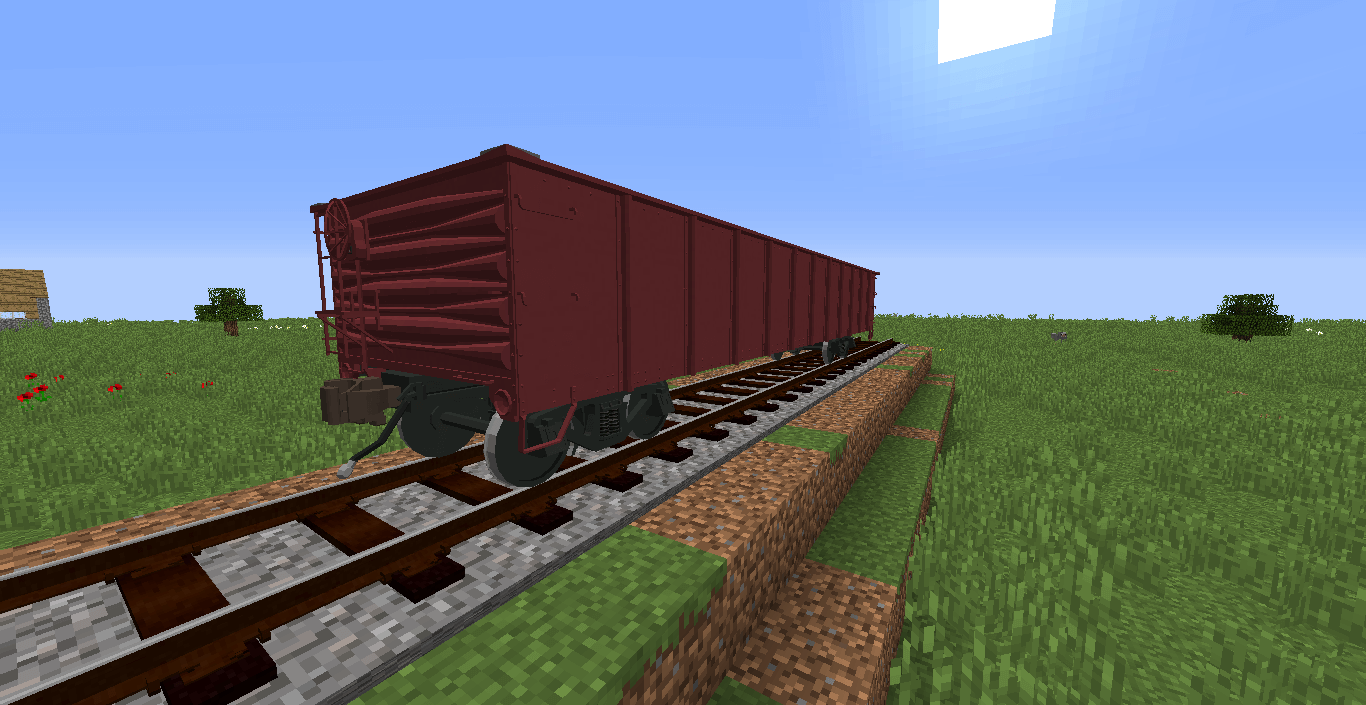
 Gibster's Freight for Minecraft is a unique texture pack that offers a fresh perspective on the wagons used to build a transport and logistics system. In their standard form, they all look the same. But if you use this enhancement, you’ll get completely new wagon textures.
Now they’ll differ from one another in appearance, which will also help you determine what each wagon should be used for. We believe you’ll really enjoy this enhancement and get the most out of it.
How to install the texture pack:
Step one: Download the texture pack using the link below.
Step two: Unzip the downloaded archive and copy the folder Gibster's Freight to the following location: c:\Users\Пользователь\AppData\Roaming\.minecraft\resourcepacks\ (if this folder does not exist, create it yourself)(For Windows)
Step three: In the game, go to Settings, then Resource Packs. There, click the icon for the newly added texture pack in the left-hand list.
Comments (2)