



Glowing Lightsabers for Minecraft 1.10
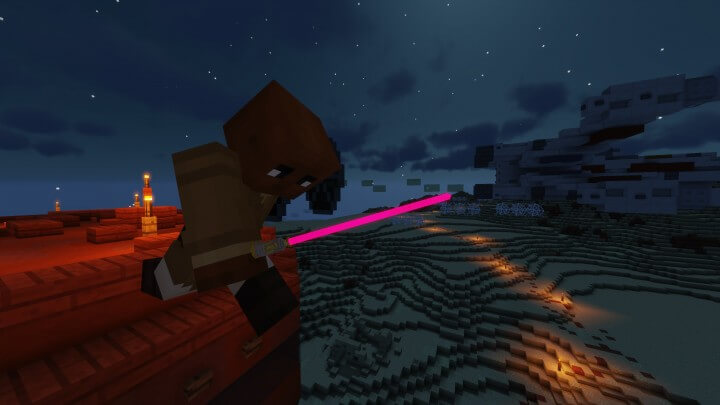
 Surely many of you have long dreamt of adding a touch of science fiction to the game world. To give you that opportunity, we’d like to draw your attention to the Glowing Lightsabers texture pack for Minecraft. What makes it special is that it brings lightsabres from the iconic «Star Wars» saga into your game.
However, they won’t be added as extra models; instead, they’ll replace the standard swords. You’ll have the chance to try out the lightsabres of the saga’s legendary heroes – and even its villains. Build up your weapon collection and become a mighty warrior.
How to install the texture pack:
Step one: Download the texture pack using the link below.
Step two: Unzip the downloaded archive and copy the folder Glowing Lightsabers to c:\Users\Пользователь\AppData\Roaming\.minecraft\resourcepacks\ (if this folder does not exist, create it yourself)(For Windows)
Step three: In the game, go to Settings, then Resource Packs. In the list on the left, click on the icon for the newly added texture pack.
Comments (1)