



Pixel Reality – Atmosphere for Minecraft 1.10
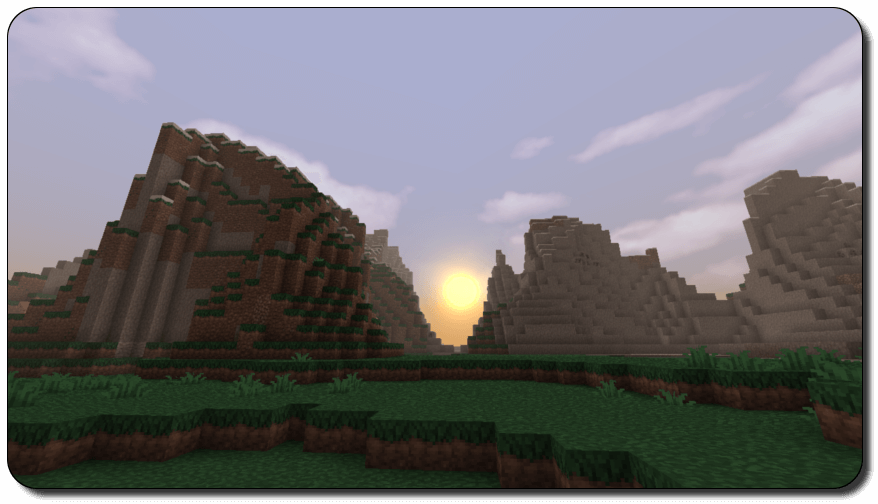
 A variety of game enhancements can form the basis for a whole new level of visual quality. So today, we invite you to try out the Pixel Reality – Atmosphere texture pack for Minecraft. You’ll now be able to enjoy a range of enhancements, from updated cloud textures to a new moon, sunsets and sunrises.
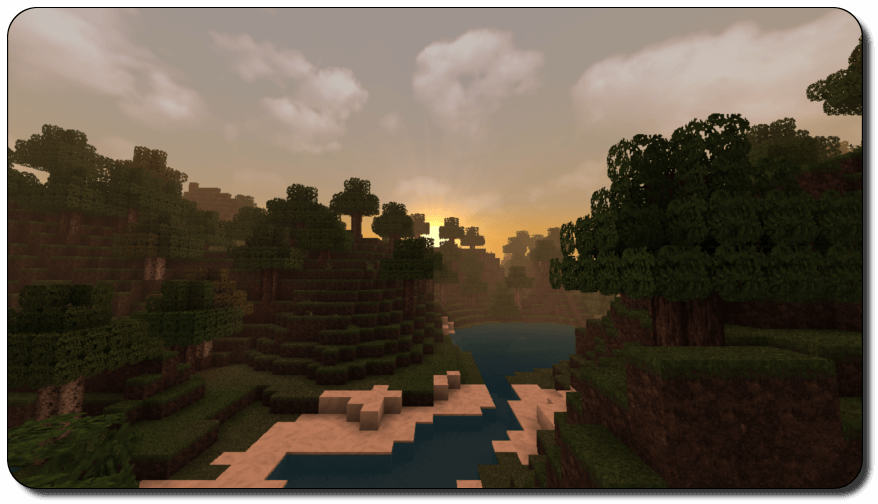
You’ll be able to admire the new surroundings, enjoy the new effects and simply appreciate the completely new setting. The game’s environment will be significantly improved, with an enhanced atmosphere and other details. We wish you a great time and new experiences in the game.
How to install the texture pack:
Step one: Download the texture pack using the link below.
Step two: Unzip the downloaded archive and copy the folder Pixel Reality - Atmosphere to c:\Users\Пользователь\AppData\Roaming\.minecraft\resourcepacks\ (if this folder does not exist, create it yourself)(For Windows)
Step three: In the game, go to Settings, then Resource Packs. There, click on the icon for the newly added texture pack in the left-hand list.
Comments (0)