



Default Texture Pack for Minecraft 1.12
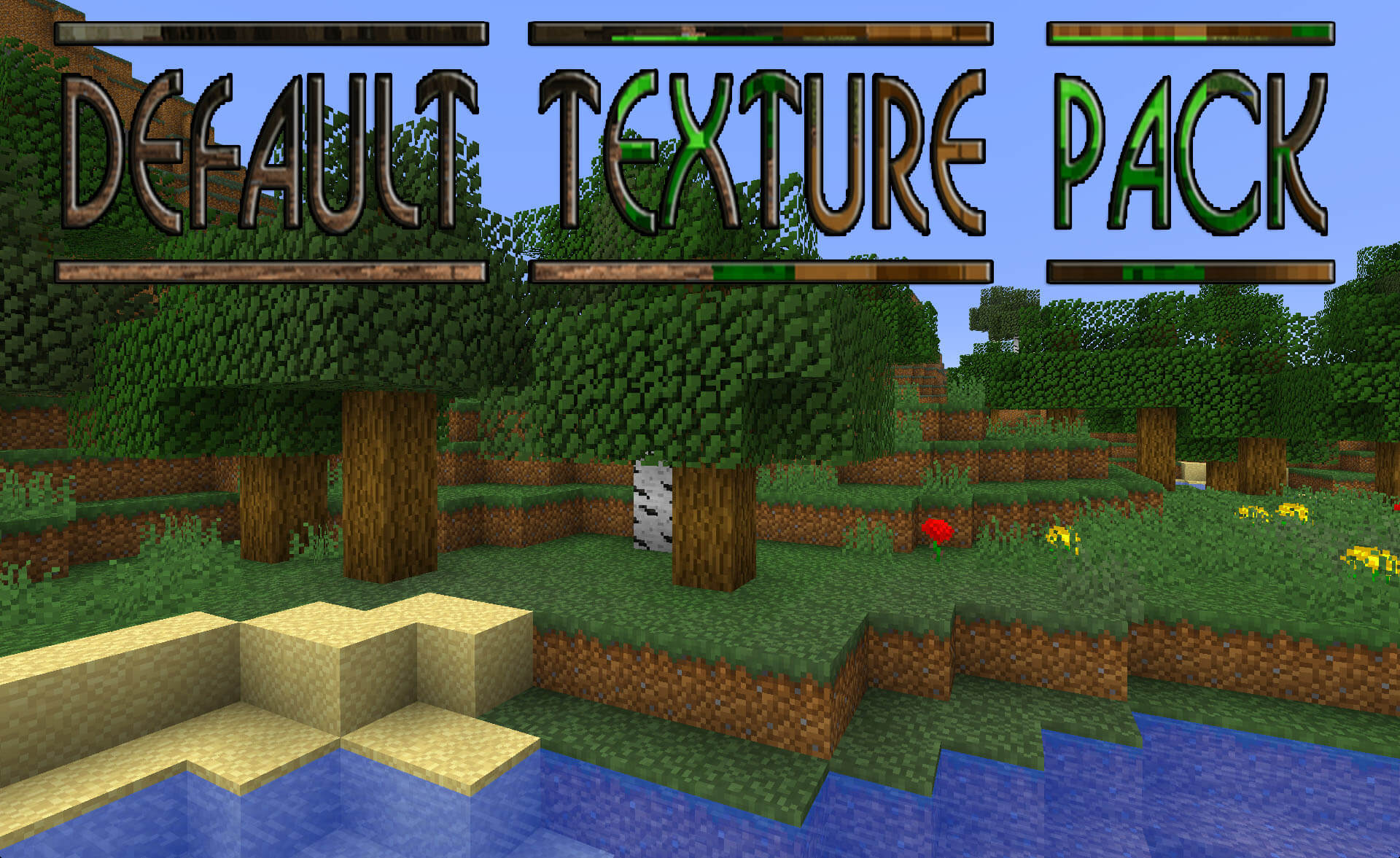 Minecraft developers have announced that version 1.12 will fundamentally change the interface design and the textures of classic blocks and mobs.
The Default Minecraft Pack for Minecraft 1.12 was created in advance specifically for those who may not like all these changes. If the day of change does come, you know where to turn!


How to install the texture pack:
First step: Download the texture pack using the link below.
Second step: Unpack the downloaded archive and copy the Default Texture Pack folder to c:\Users\Пользователь\AppData\Roaming\.minecraft\resourcepacks\ (if this folder does not exist, create it yourself) (For Windows)
Third step: In the game, go to Settings, then to Resource Packs. In the list on the left, click the icon for the newly added texture pack.
Comments (55)