



Alacrity for Minecraft 1.15
 Alacrity 1.15 for Minecraft is a major texture pack that will delight you not only with its wide range of improvements but also with its attention to detail. All you need to do is set off on a new adventure that you’ll love.
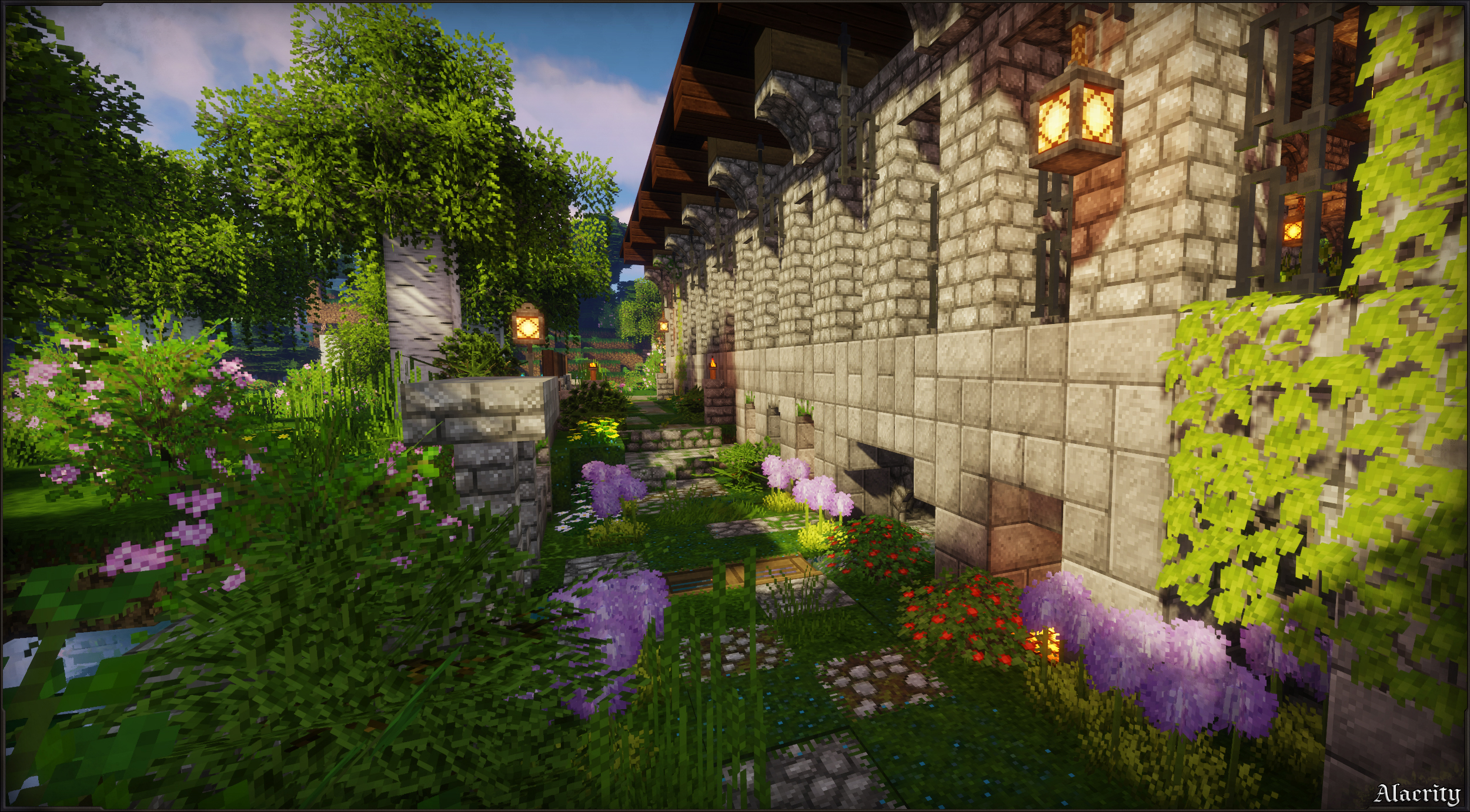
The creator has made every effort to improve everything as much as possible, and now you’ll have the chance not only to have a good time but also to start actively exploring your surroundings. We hope you enjoy yourself and wish you all the very best. In any case, we encourage you not to waste any time and to strive for a favourable outcome.
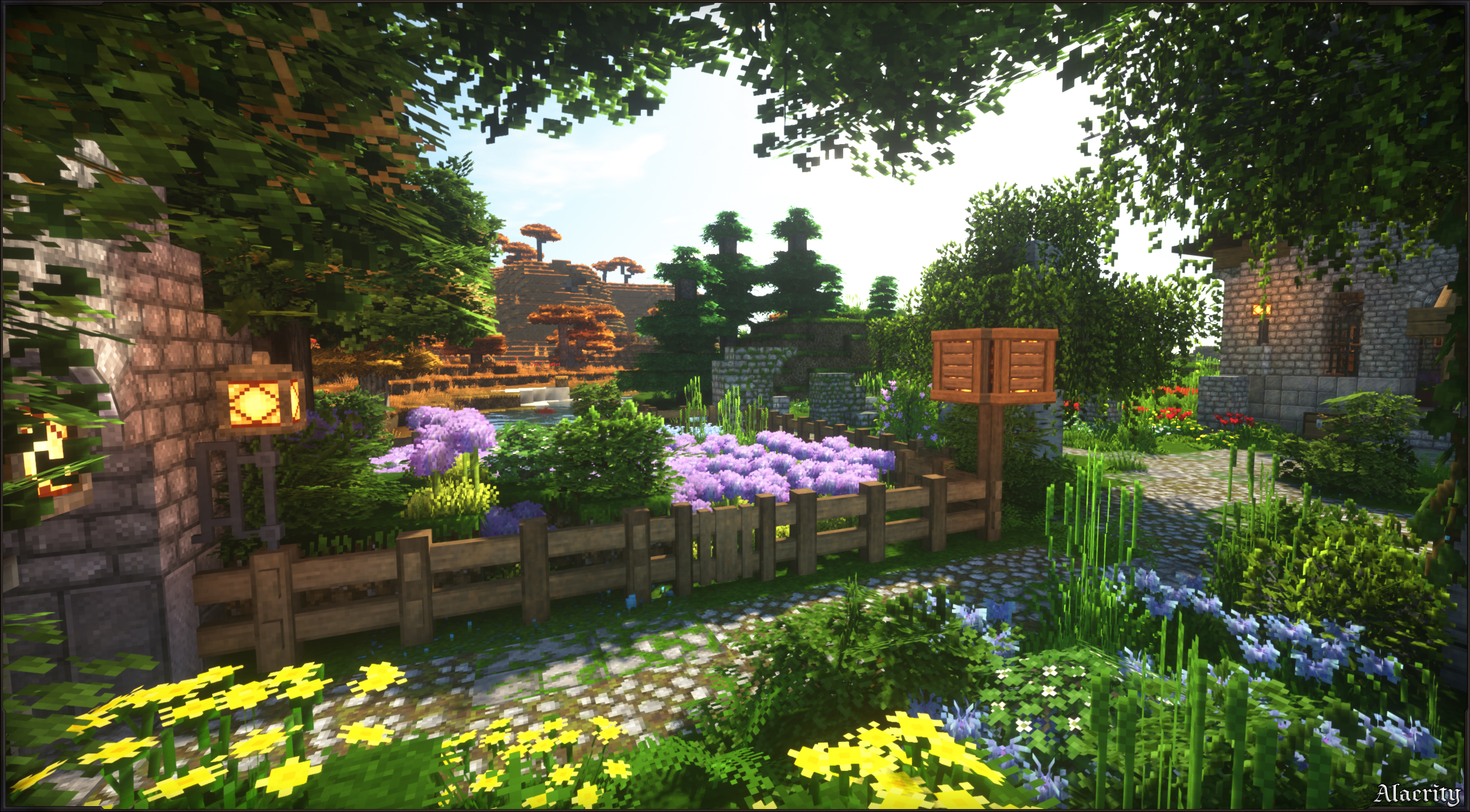
How to install the texture pack:
Step 1: Download the texture pack using the link below.
Step 2: Extract the downloaded archive and copy the Alacrity folder to c:\Users\Пользователь\AppData\Roaming\.minecraft\resourcepacks\ (if this folder does not exist, create it yourself) (For Windows)
Step 3: In the game, go to Settings, then Resource Packs. Click on the icon for the new texture pack in the list on the left.
Comments (0)