



Better Grass for Minecraft 1.15.2
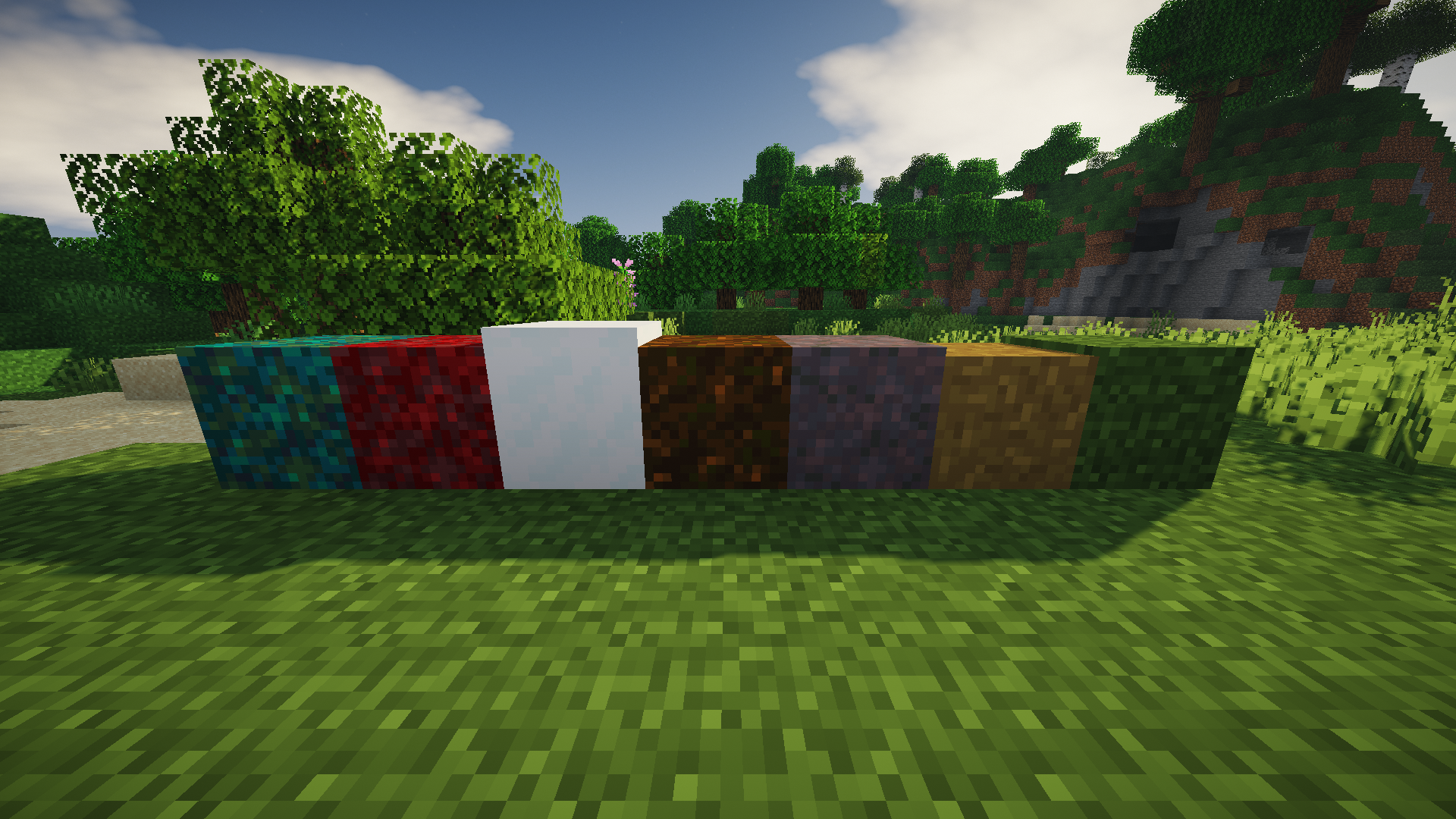
 Better Grass 1.15.2 for Minecraft is a major add-on that lets you use a wide variety of textures. This time, you’ll have the chance to refresh the appearance of the following elements: grass blocks, dirt paths, podzol and much more.
All you need to do is try to achieve good results in your adventures. Don’t underestimate the new elements; at the very least, they’ll be beautiful and appealing, so you just need to start playing actively and fully enjoy what you see. We wish you good luck and excellent results.
How to install the texture pack:
Step 1: Download the texture pack using the link below.
Step 2: Extract the downloaded archive and copy the folder Better grass to the following path: c:\Users\Пользователь\AppData\Roaming\.minecraft\resourcepacks\ (if this folder does not exist, create it yourself) (For Windows)
Step 3: In the game, go to Settings, then Resource Packs. There, click on the icon for the new texture pack in the left-hand list.
Comments (0)