



Brewing Stand 3D for Minecraft 1.15.2
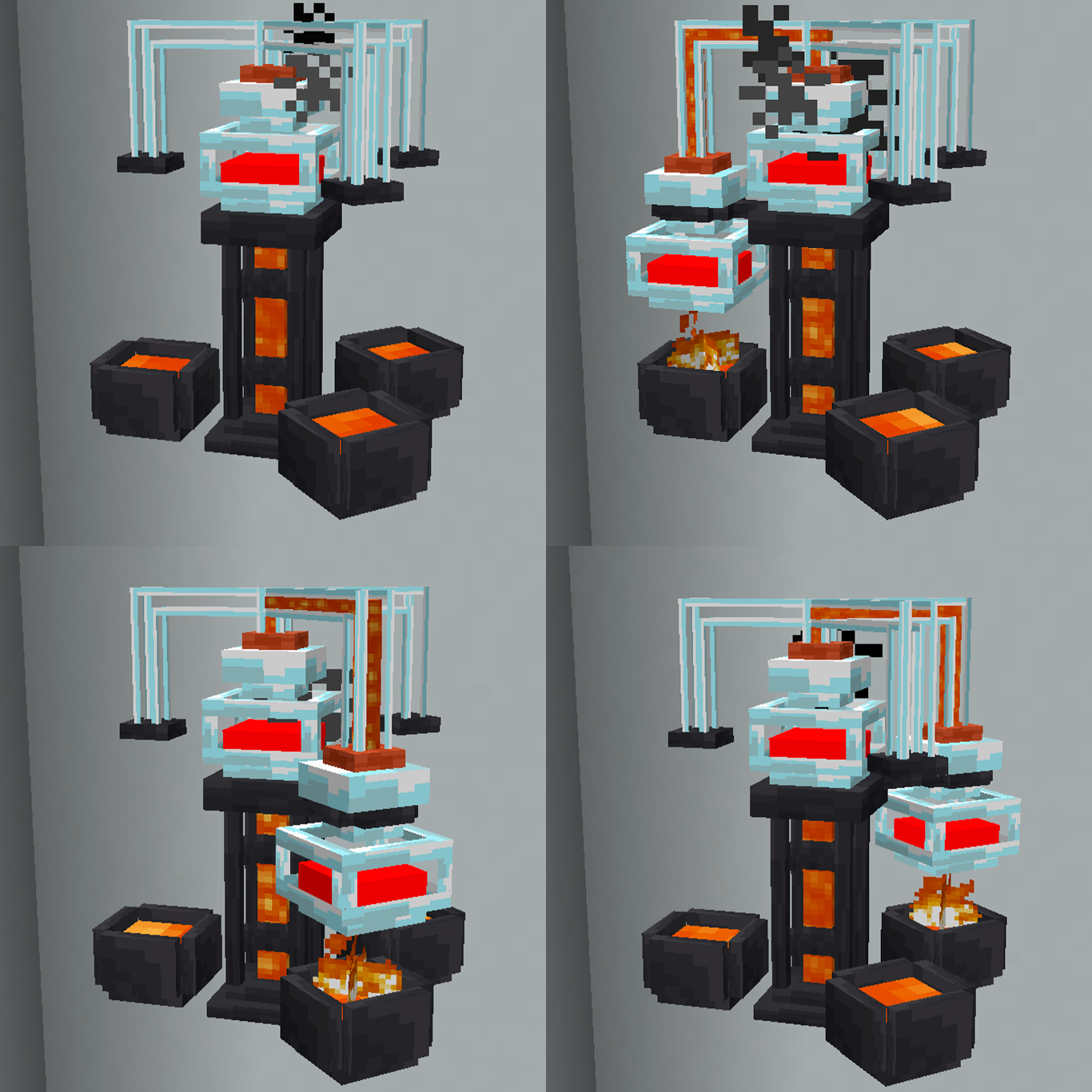
 It’s time to add a wide variety of improvements that are sure to provide plenty of fun. To start with, we’d like to draw your attention to the Brewing Stand 3D 1.15.2 add-on for Minecraft.
Thanks to these improvements, you’ll be able to use a new brewing stand featuring 3D elements. Don’t underestimate these possibilities—it’s best to start actively working towards a good result. We’re confident you’ll experience plenty of new emotions and achieve a positive outcome. All that remains is for us to wish you good luck and every success in your new adventures.
How to install the texture pack:
Step 1: Download the texture pack using the link below.
Step 2: Extract the downloaded archive and copy the folder Brewing Stand 3D to the following path: c:\Users\Пользователь\AppData\Roaming\.minecraft\resourcepacks\ (if this folder does not exist, create it yourself) (For Windows)
Step 3: In the game, go to Settings, then Resource Packs. Click on the icon for the new texture pack that appears in the left-hand list.
Comments (0)