



Conquest for Minecraft 1.15.2
 Conquest 1.15.2 for Minecraft is another interesting way to make use of a large number of new textures. This time, you simply need to set off on an adventure and try to achieve a favourable outcome.
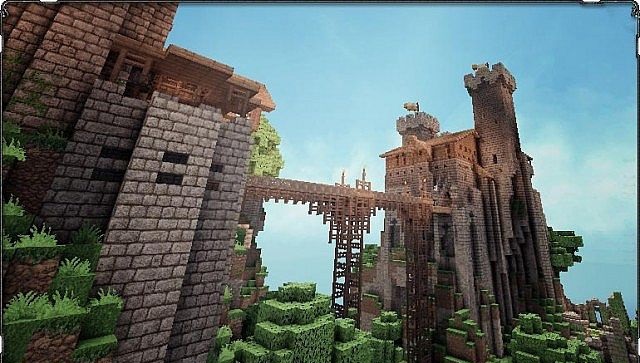
A large number of fans worked on this add-on, so you’ll have the chance to appreciate the community’s contribution. Virtually every texture was created individually and boasts not only an attractive design but also a wealth of detail. Take a look at the textures, which significantly transform the environment and aim to deliver the best possible experience.

How to install the texture pack:
Step 1: Download the texture pack using the link below.
Step 2: Extract the downloaded archive and copy the Conquest folder to c:\Users\Пользователь\AppData\Roaming\.minecraft\resourcepacks\ (if this folder does not exist, create it yourself) (For Windows)
Step 3: In the game, go to Settings, then Resource Packs. In the list on the left, click on the icon for the newly added texture pack.
Comments (2)