



Demon for Minecraft 1.15.2
 Unusual textures have always sparked a great deal of curiosity among fans, so don’t waste any time—just set off on your adventure. We’re sure that the Demon 1.15.2 add-on for Minecraft will, at the very least, bring you some enjoyment and spark your curiosity.
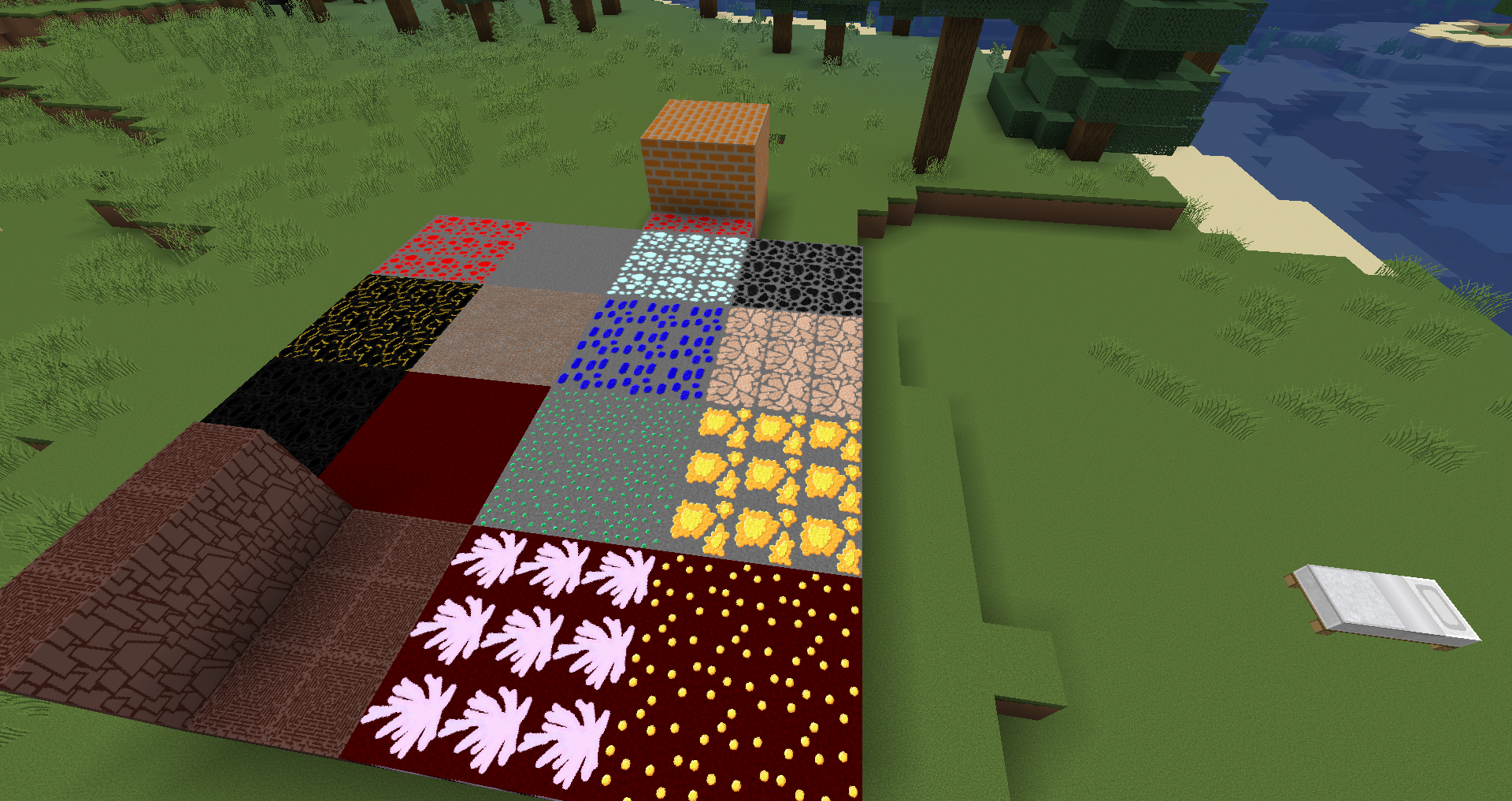
This time, all you need to do is make full use of your abilities and enjoy the gameplay. We want to wish you all the very best and give you a chance to show everything you’re capable of. Yes, at first glance, the mystical textures might not seem all that unique, but it’s best to examine all the details before drawing any conclusions. We wish you the best of luck!
How to install a texture pack:
Step 1: Download the texture pack using the link below.
Step 2: Extract the downloaded archive and copy the Demon folder to c:\Users\Пользователь\AppData\Roaming\.minecraft\resourcepacks\ (if this folder does not exist, create it yourself) (For Windows)
Step 3: In the game, go to Settings, then Resource Packs. There, click the icon for the newly added texture pack in the left-hand list.
Comments (0)