



Steampunk Wings for Minecraft 1.15.2
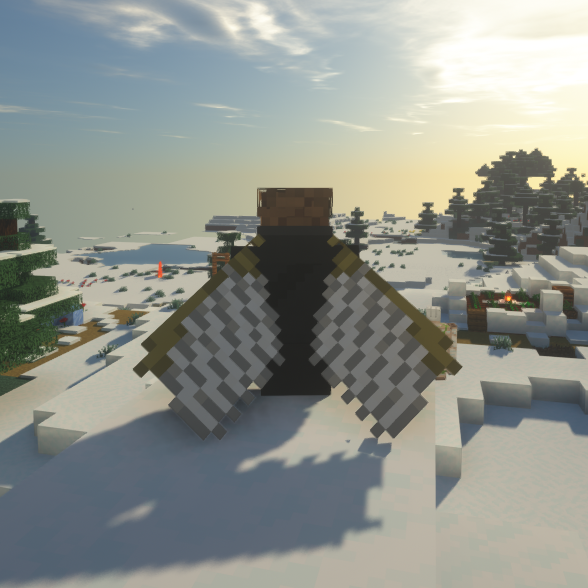 Steampunk Wings 1.15.2 for Minecraft – if you’re a fan of the steampunk theme, we’re eager to offer you the chance to customise your elytra. These devices allow you to fly and use air currents to reach various locations.
Now, a variety of textures will allow you to enhance this aspect and make the game significantly better. All you need to do is try out the new elytra designs and then decide how best to use them. We’re confident you’ll like them and that they’ll provide an excellent foundation for another adventure in the game’s world.

How to install the texture pack:
Step 1: Download the texture pack using the link below.
Step 2: Extract the downloaded archive and copy the folder Steampunk Wings to the path c:\Users\Пользователь\AppData\Roaming\.minecraft\resourcepacks\ (if this folder does not exist, create it yourself) (For Windows)
Step 3: In the game, go to Settings, then Resource Packs. There, click on the icon for the new texture pack in the left-hand list.
Comments (0)