



8BitCraft 2 for Minecraft 1.16.5
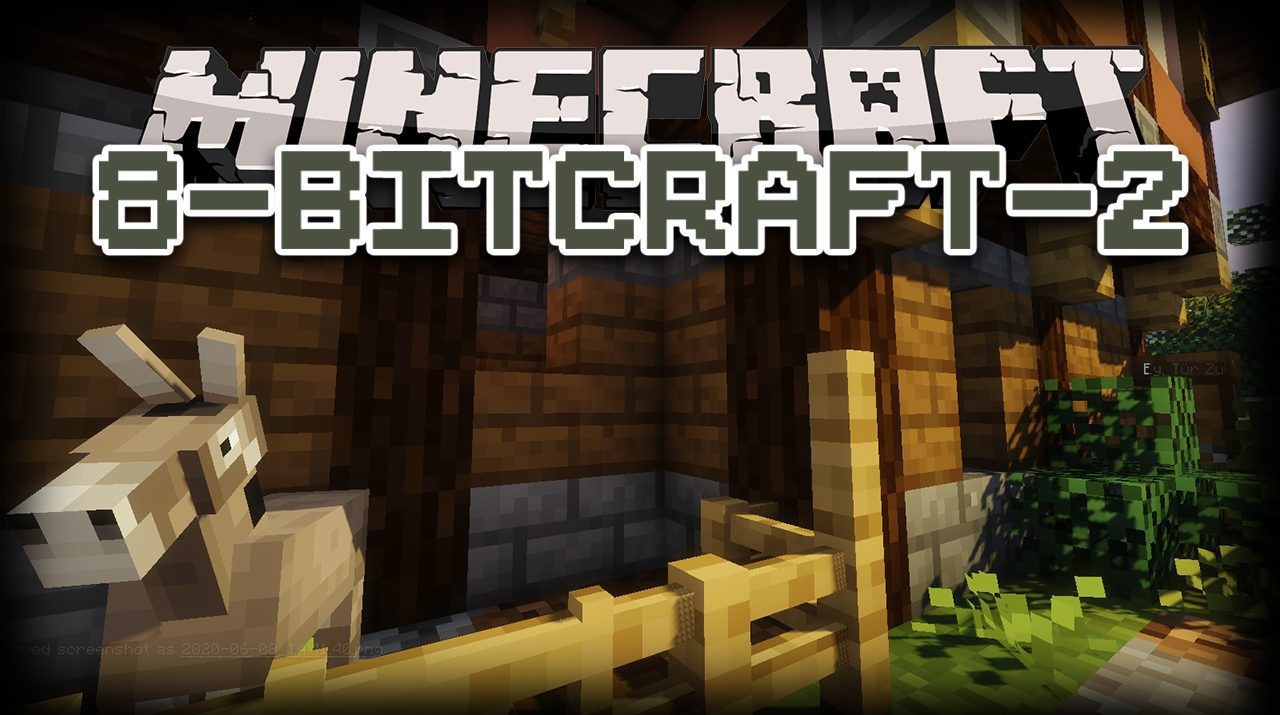
If you want to look at the game through the lens of minimalism, 8BitCraft 2 becomes the perfect choice. It does not overload the world with details; on the contrary, it simplifies it, creating a clear pixel style with large textures and clean shapes. The colors become noticeably brighter, and the interface more compact, giving the game a special retro charm.
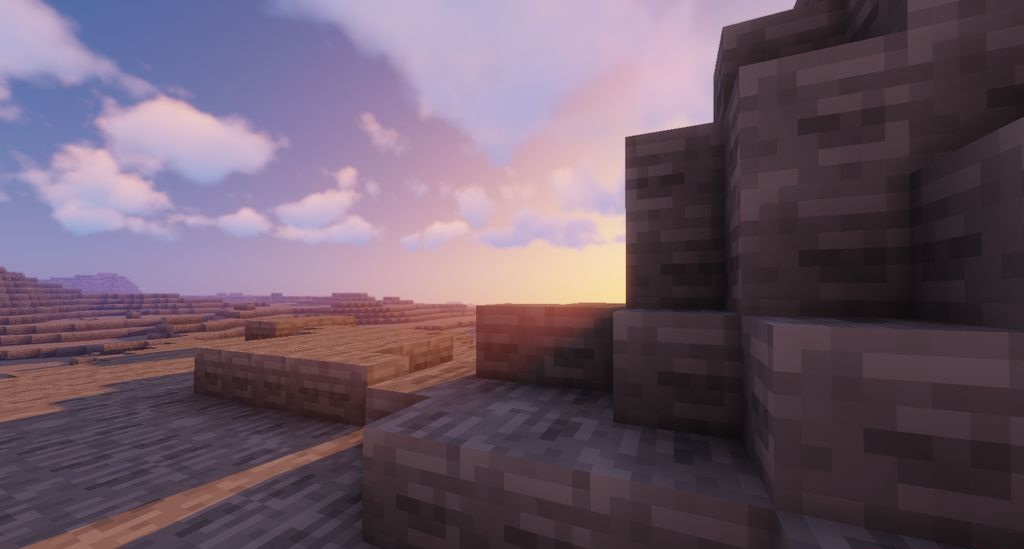
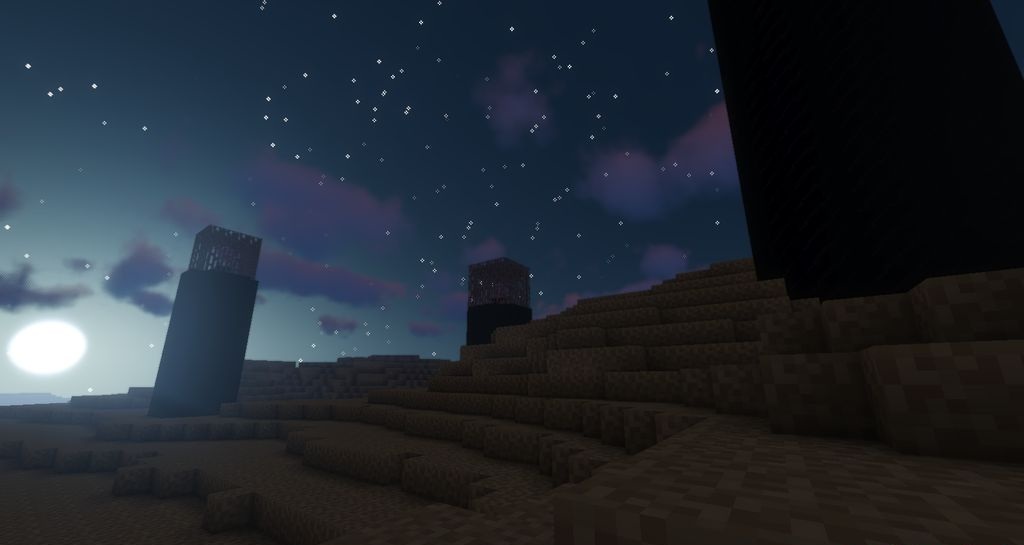
Thanks to the lightweight textures, the pack is suitable for weak PCs, maintaining smooth FPS even in dense biomes. The second version significantly improves the original idea, making minimalism expressive and lively. Everything here is aimed at ease of perception and the atmosphere of old-school games.
How to install the texture pack:
First step: download and install 8BitCraft 2
Second step: copy the texture pack to the C:\Users\USER_NAME\AppData\Roaming\.minecraft\resourcepacks
Third step: in game settings choose needed resource pack.
Comments (0)