



Alpha GUI for Minecraft 1.16.5
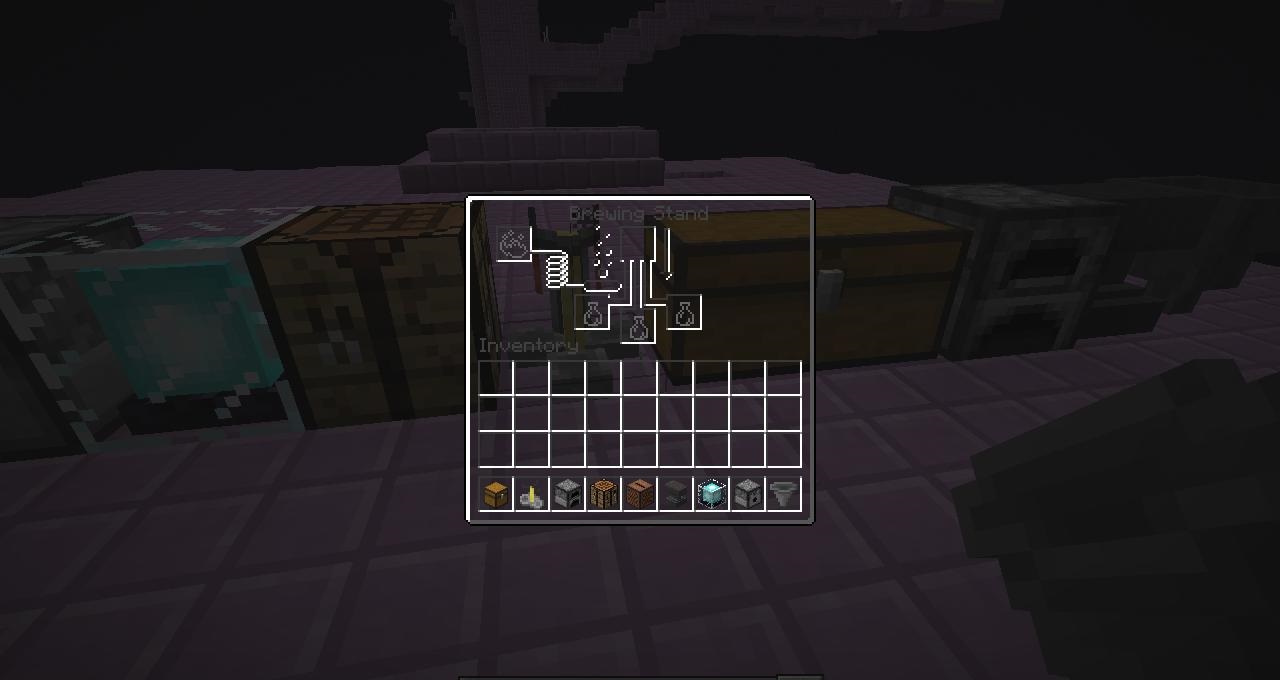
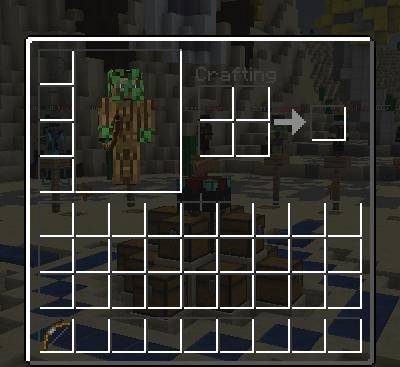 Many fans of the game enjoy customising the look of the interface, allowing players not only to have a good time but also simply to enjoy the pleasant atmosphere of adventure. This time, you’ll have the chance to download the Alpha GUI add-on for Minecraft, which will lay the foundation for new experiences.
All you need to do is give the concept itself a little thought and simply enjoy the pleasant atmosphere of adventure. We’re confident that this style of gameplay will lay the foundation for your new achievements and make the interface more comfortable to use. We hope you enjoy the game!
How to install the texture pack:
Step one: Download the texture pack using the link below.
Step two: Extract the downloaded archive and copy the folder Alpha GUI to the path c:\Users\Пользователь\AppData\Roaming\.minecraft\resourcepacks\ (if this folder does not exist, create it yourself) (For Windows)
Step three: In the game, go to Settings, then Resource Packs. There, click on the icon for the new texture pack that appears in the left-hand list.
Comments (0)