



Better Wooden Fence for Minecraft 1.16.5
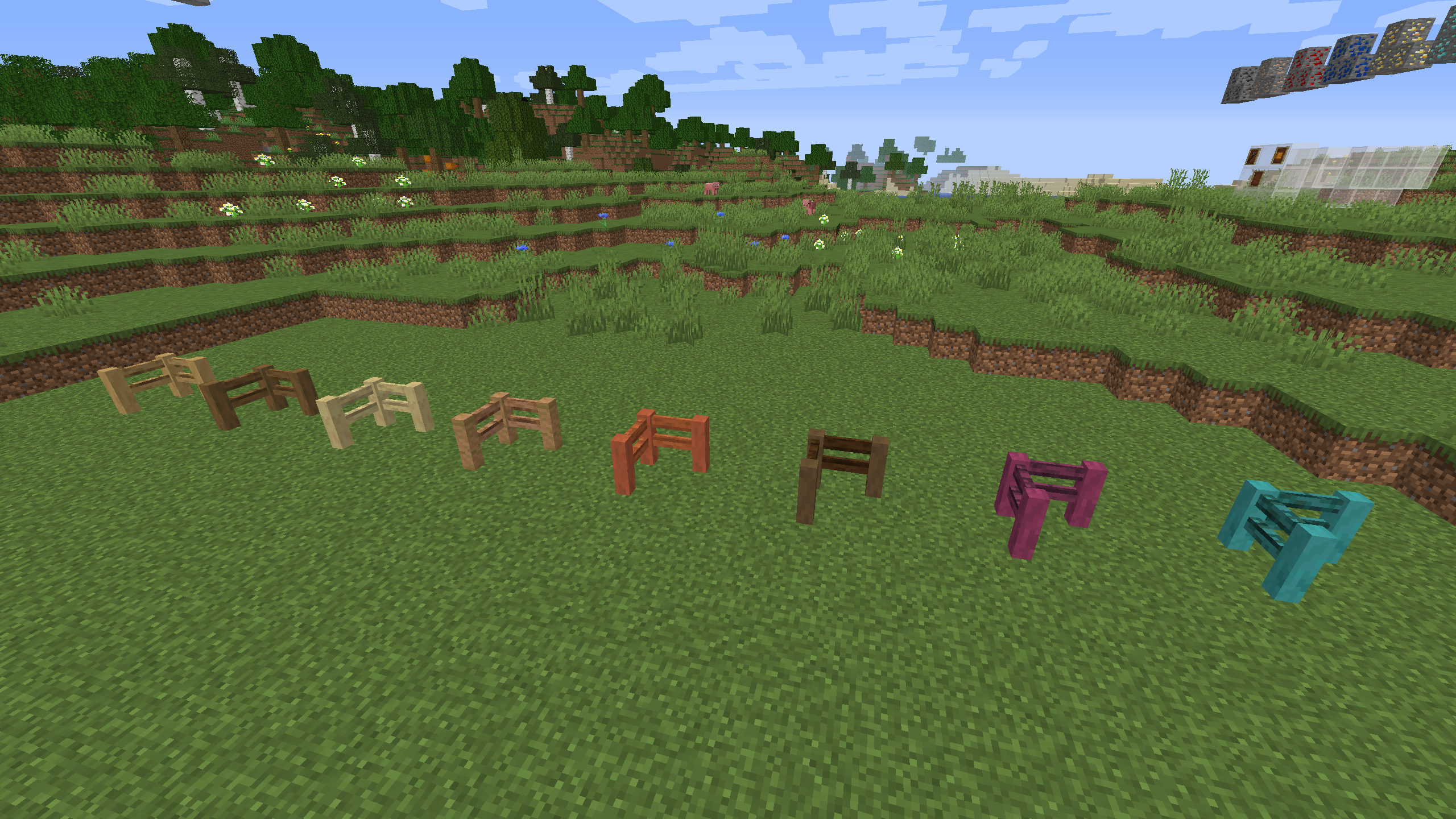 To start creating a pleasant environment, we suggest taking a look at the Better Wooden Fence add-on for Minecraft. It’s simply a visual enhancement that allows you not only to have a good time but also to enjoy every moment of the game.
After all, you’ll now have several wooden fence options that you can use to mark out your territory. That means interesting and fascinating discoveries await you, which are sure to delight you and give you a reason to make full use of your capabilities. We wish you the best of luck!
How to install the texture pack:
Step 1: Download the texture pack using the link below.
Step 2: Extract the downloaded archive and copy the folder Better Wooden Fence to c:\Users\Пользователь\AppData\Roaming\.minecraft\resourcepacks\ (if this folder does not exist, create it yourself) (For Windows)
Step 3: In the game, go to Settings, then Resource Packs. There, click the icon for the new texture pack in the left-hand list.
Comments (0)