



Classic 3D for Minecraft 1.16.5
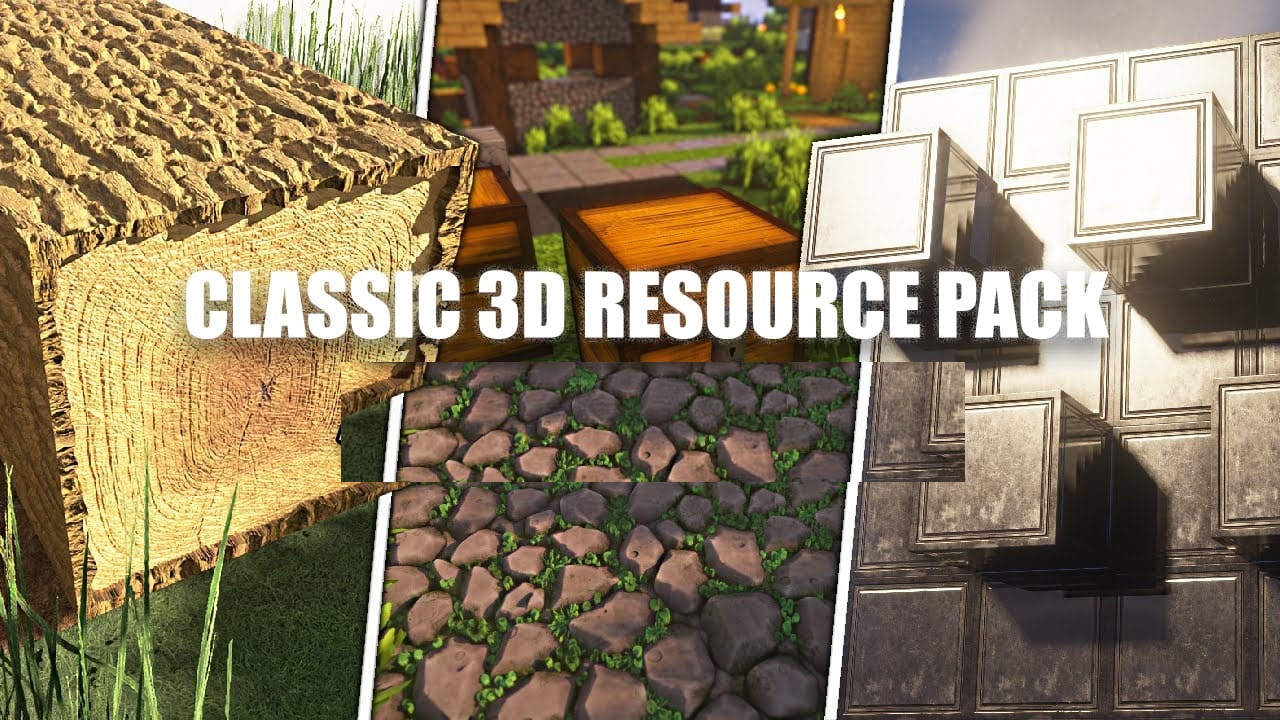
When you want to add more depth to the game without changing its style, Classic 3D comes to the rescue. This resource pack turns familiar two-dimensional textures into three-dimensional models while preserving Minecraft’s signature visual language. Many blocks receive small indentations, protrusions, and faceted elements that bring the world to life without overloading it with details.
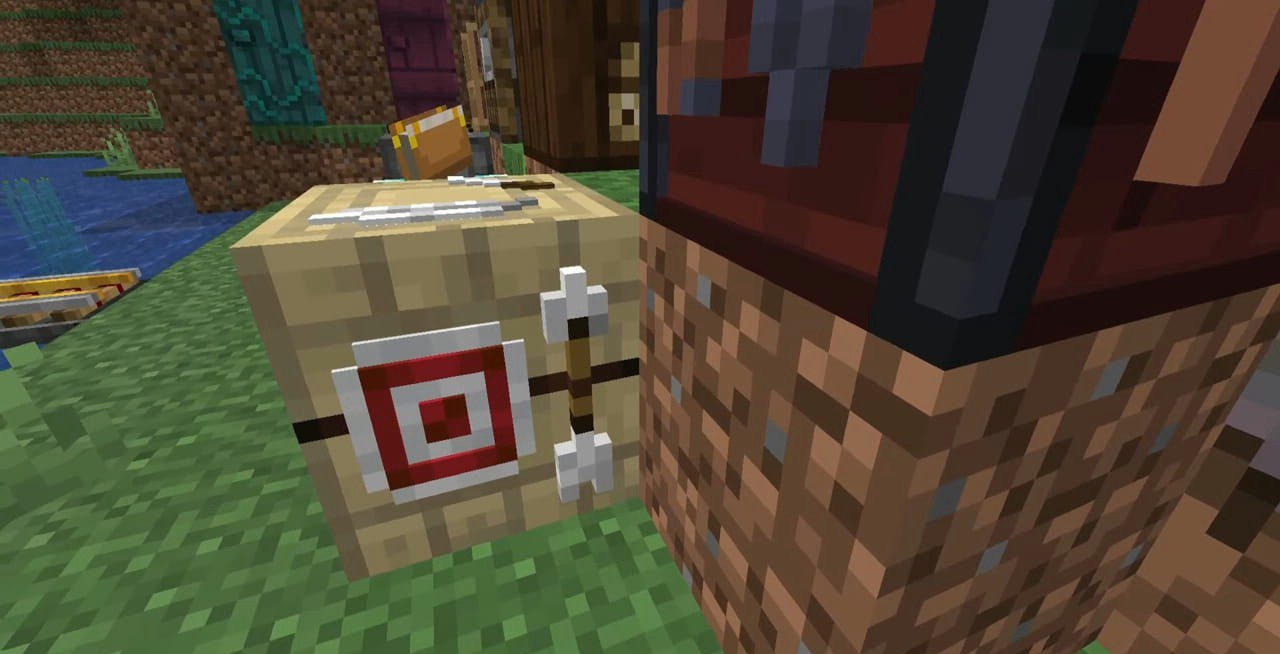
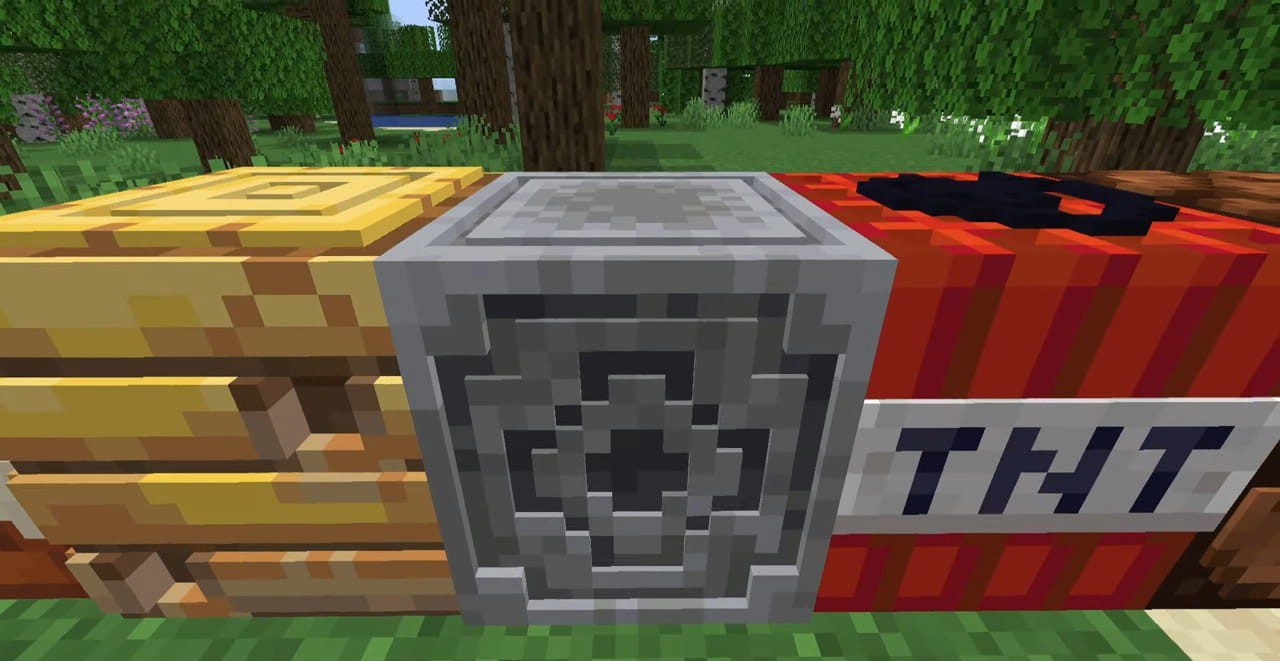
The effect is especially noticeable on wood, ore, bricks, and decorative blocks. At the same time, the pack does not aim to make the game realistic — it only gently emphasizes the relief so that the image becomes richer and more interesting. The pack is suitable for players who appreciate the classic style but want a bit of depth and modernity in their buildings and landscapes.
How to install the texture pack:
First step: download and install Classic 3D
Second step: copy the texture pack to the C:\Users\USER_NAME\AppData\Roaming\.minecraft\resourcepacks
Third step: in game settings choose needed resource pack.
Comments (4)