



Epic Adventures for Minecraft 1.16.5
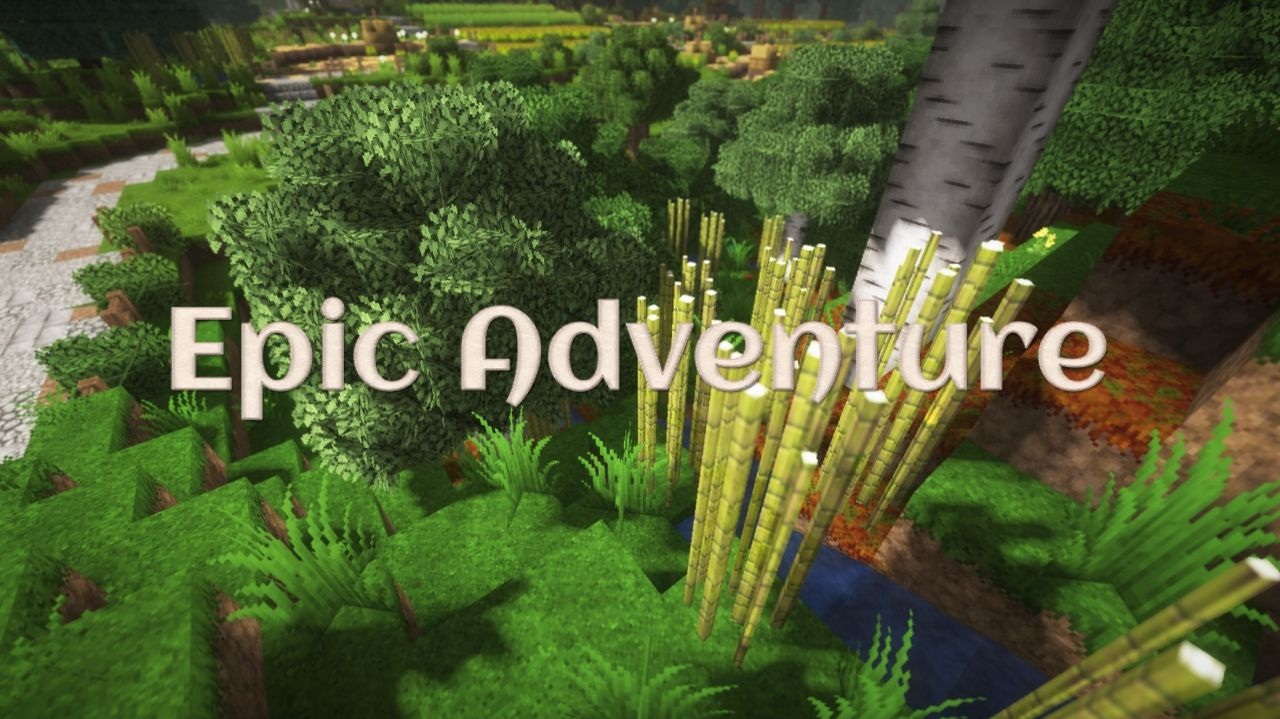
When setting off on new journeys, it is pleasant when the world looks truly epic — and that is exactly what Epic Adventures achieves. It does not choose a single direction but mixes elements of realism, artistic stylization, and a slightly muted color palette. Thanks to this, the textures become richer and deeper, while not losing their cleanliness. The blocks look detailed but not noisy, which makes the image soft yet convincing.
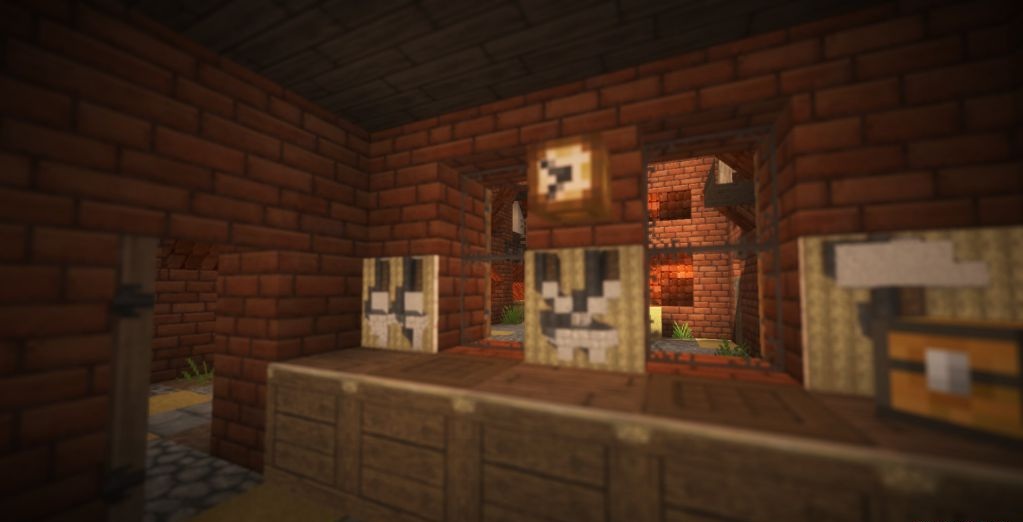
The atmosphere becomes more serious: nights are darker, forests denser, and caves more dangerous. This style will suit players who want to experience new emotions while exploring the world and make their adventures visually richer.
How to install the texture pack:
First step: download and install Epic Adventures
Second step: copy the texture pack to the C:\Users\USER_NAME\AppData\Roaming\.minecraft\resourcepacks
Third step: in game settings choose needed resource pack.
Comments (1)