



Middle-Earth Parchment for Minecraft 1.16.5
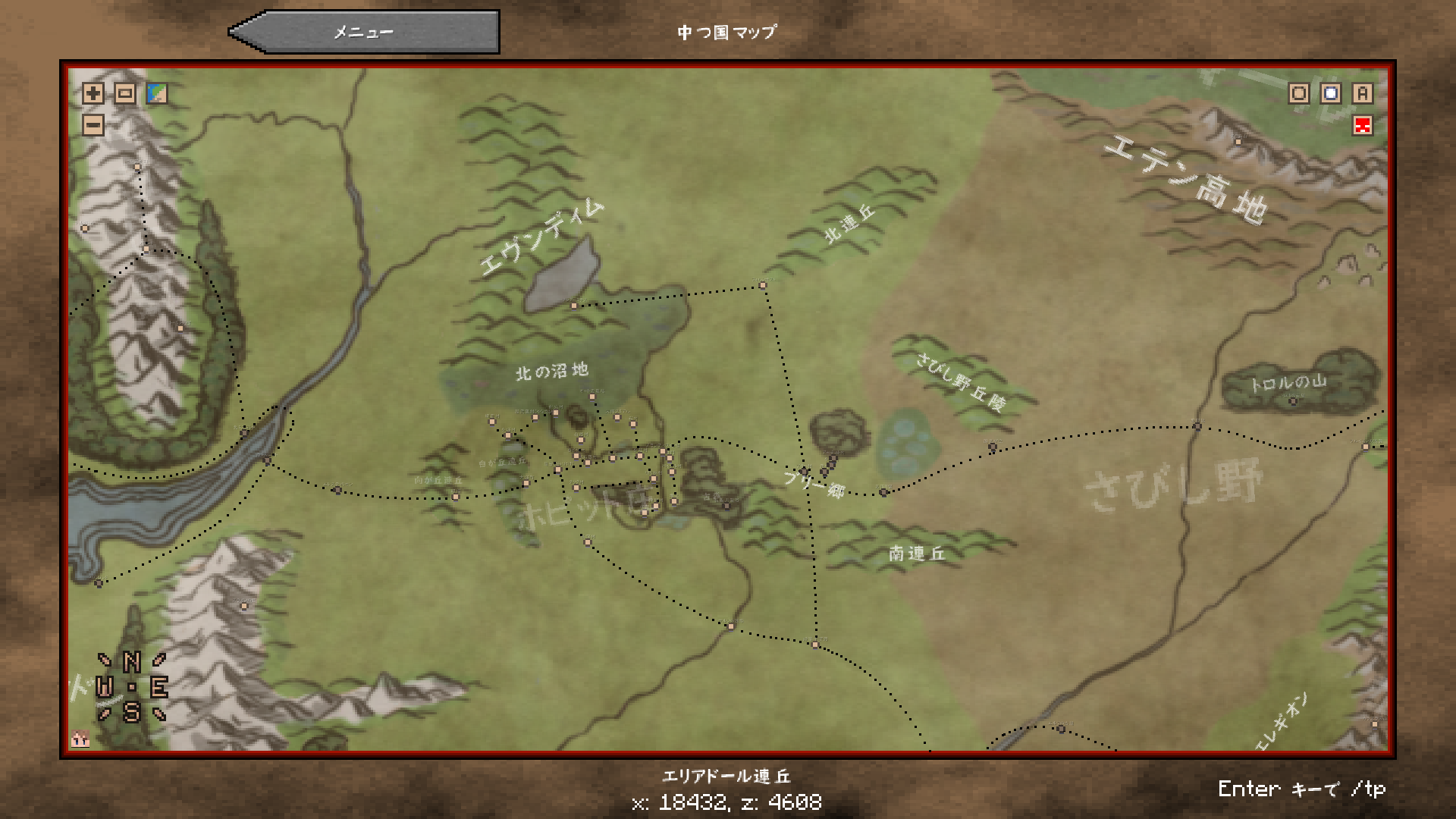 Middle-Earth Parchment for Minecraft is an interesting add-on that will not only let you have a good time but also allow you to enjoy every moment of your adventure. After all, you now have the chance to get your hands on a brand-new map that’s a real treat to look at.
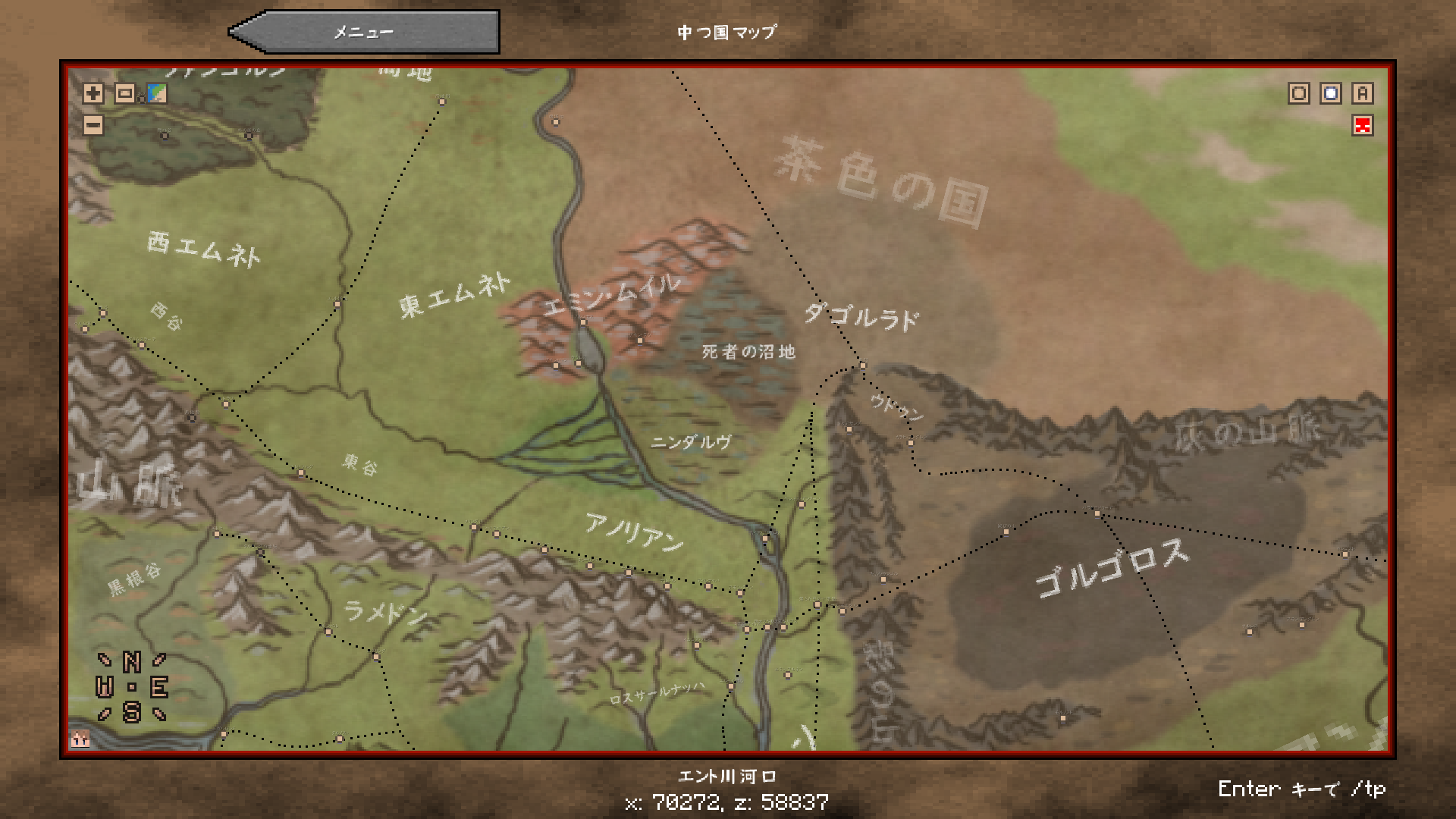
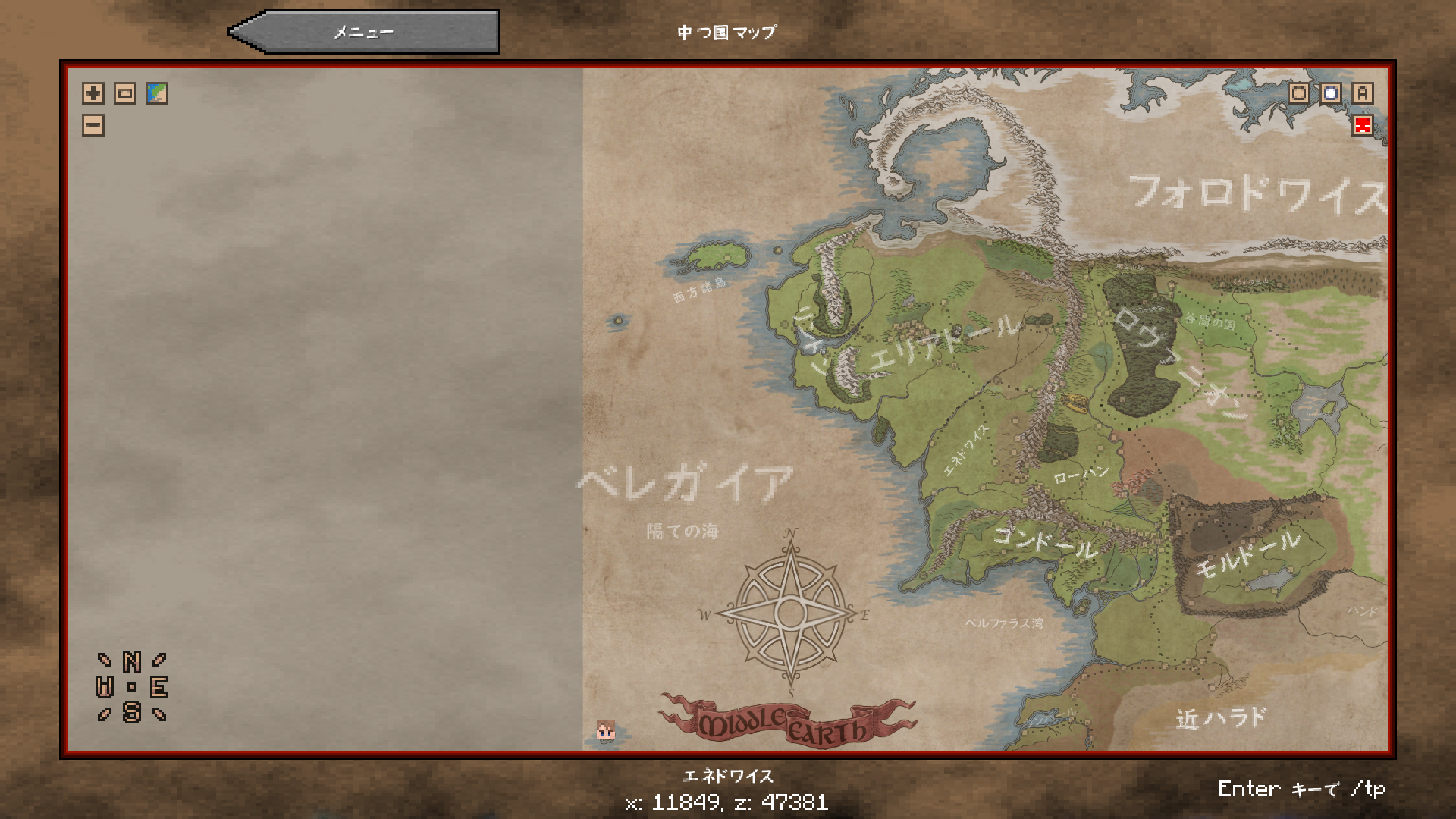
It will be virtually identical to the map of Middle-earth in terms of design and is sure to delight those who appreciate aesthetic appeal. This type of adventure is bound to appeal to many seeking new thrills. Simply enjoy the game’s refreshed atmosphere. We wish you the best of luck!
How to install the texture pack:
Step 1: Download the texture pack using the link below.
Step 2: Extract the downloaded archive and copy the Middle-Earth Parchment folder to c:\Users\Пользователь\AppData\Roaming\.minecraft\resourcepacks\ (if this folder does not exist, create it yourself) (For Windows)
Step 3: In the game, go to Settings, then Resource Packs. There, click on the icon for the new texture pack in the left-hand list.
Comments (1)