



Mizuno’s 16 Craft for Minecraft 1.16.5
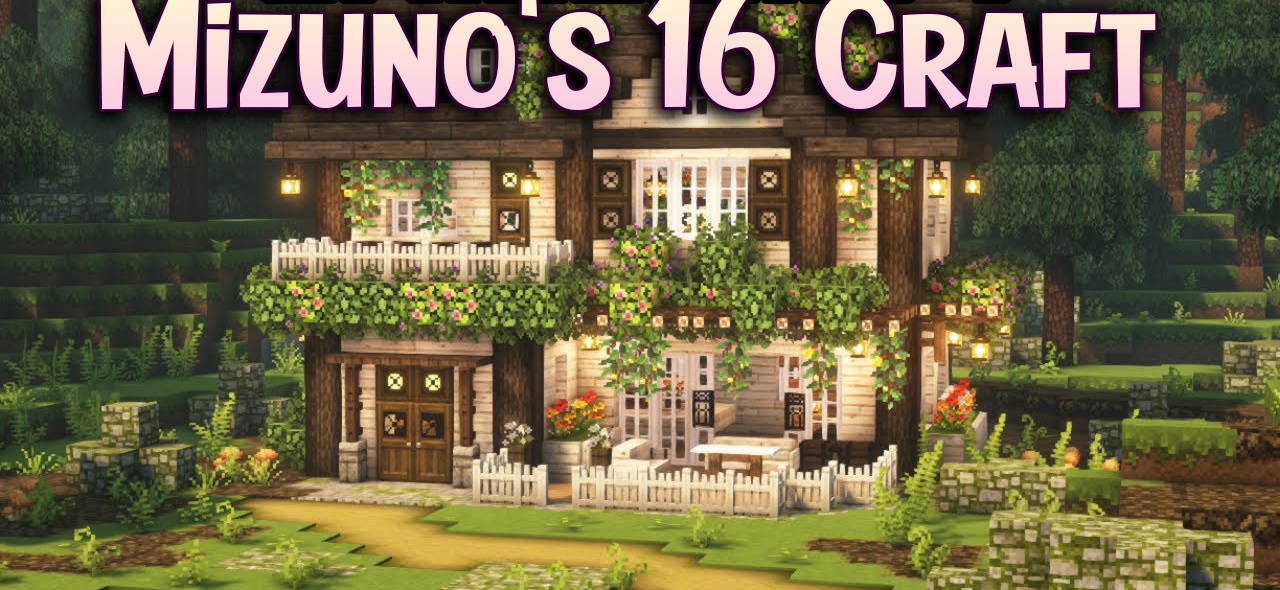
Minecraft with Mizuno’s 16 Craft resource pack turns into a cozy, bright, and very stylish world. The textures have a 16×16 resolution, but they look so neat that they easily compete with higher-detail packs. The colors are chosen very carefully — they are rich, soft, and without excessive sharpness. Armor, mobs, interfaces, decorative elements — everything is made in a single cute artistic style reminiscent of a mix of fairytale and Eastern motifs.
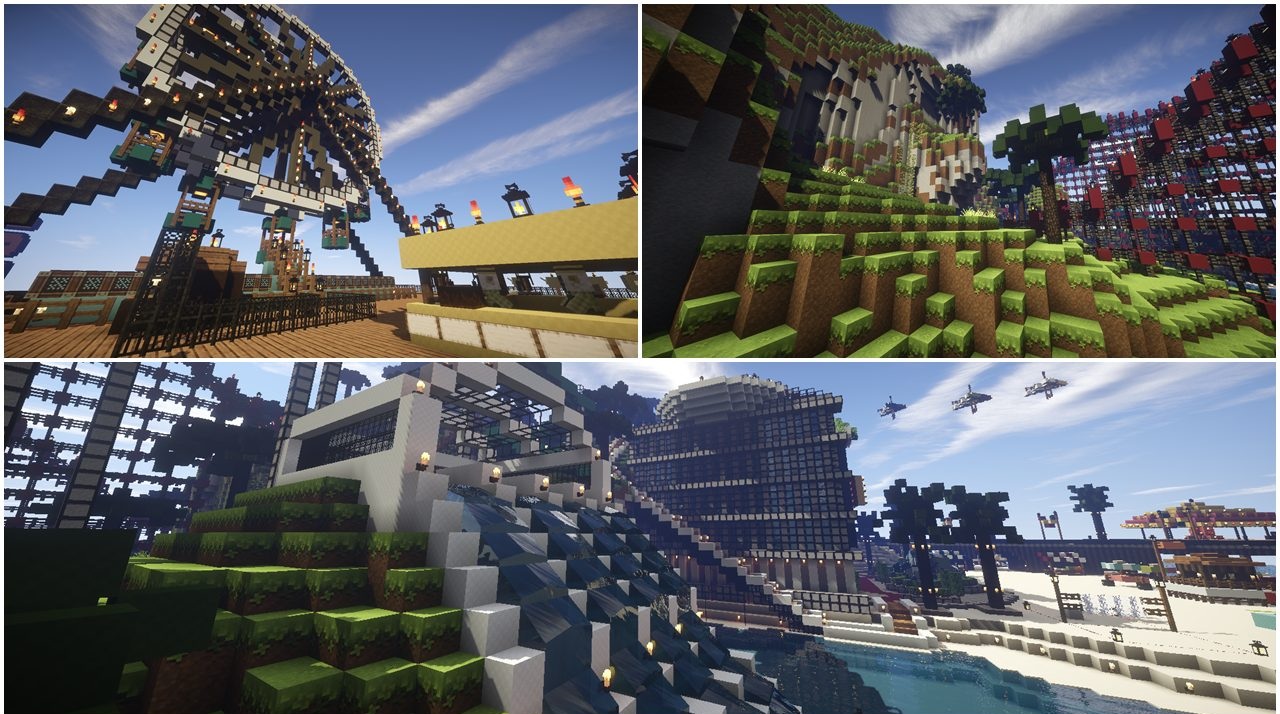
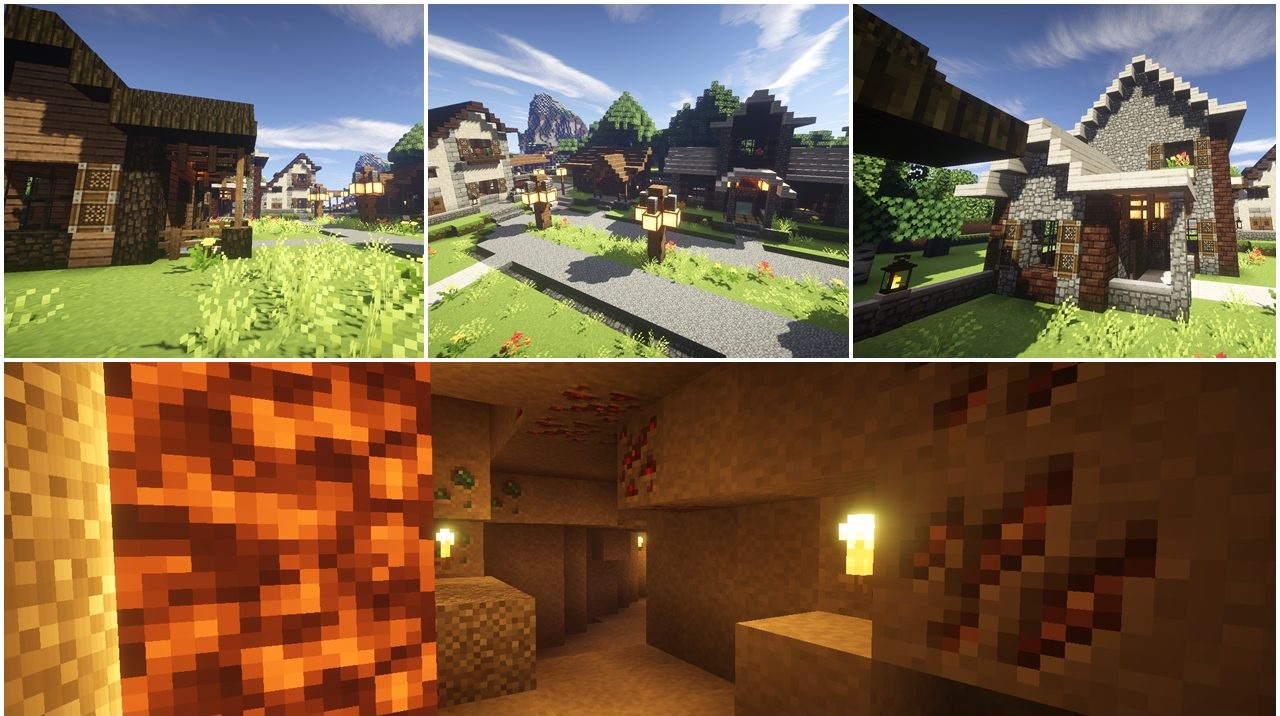
Landscapes become more atmospheric, and buildings warmer. The resource pack is perfect for those who love a colorful yet clean and tidy visual approach that refreshes the game without complicating it.
How to install the texture pack:
First step: download and install Mizuno’s 16 Craft
Second step: copy the texture pack to the C:\Users\USER_NAME\AppData\Roaming\.minecraft\resourcepacks
Third step: in game settings choose needed resource pack.
Comments (0)