



Perch – A Tiny RPG Experience for Minecraft 1.16.5
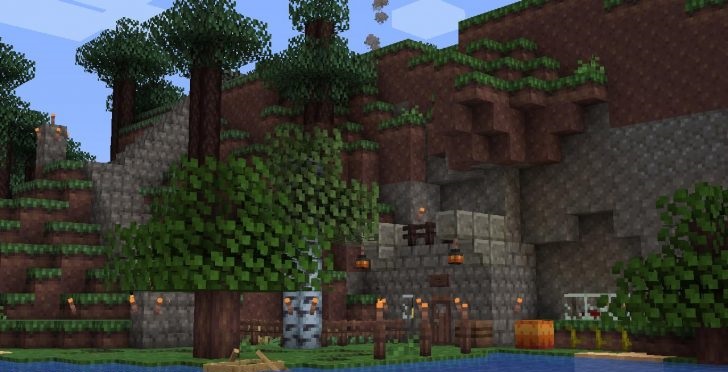 Perch – A Tiny RPG Experience for Minecraft is a handy enhancement that lets you use transparent textures for your interface with ease. This will help you avoid those frustrating situations where you open the interface and simply don’t see an enemy running towards you.
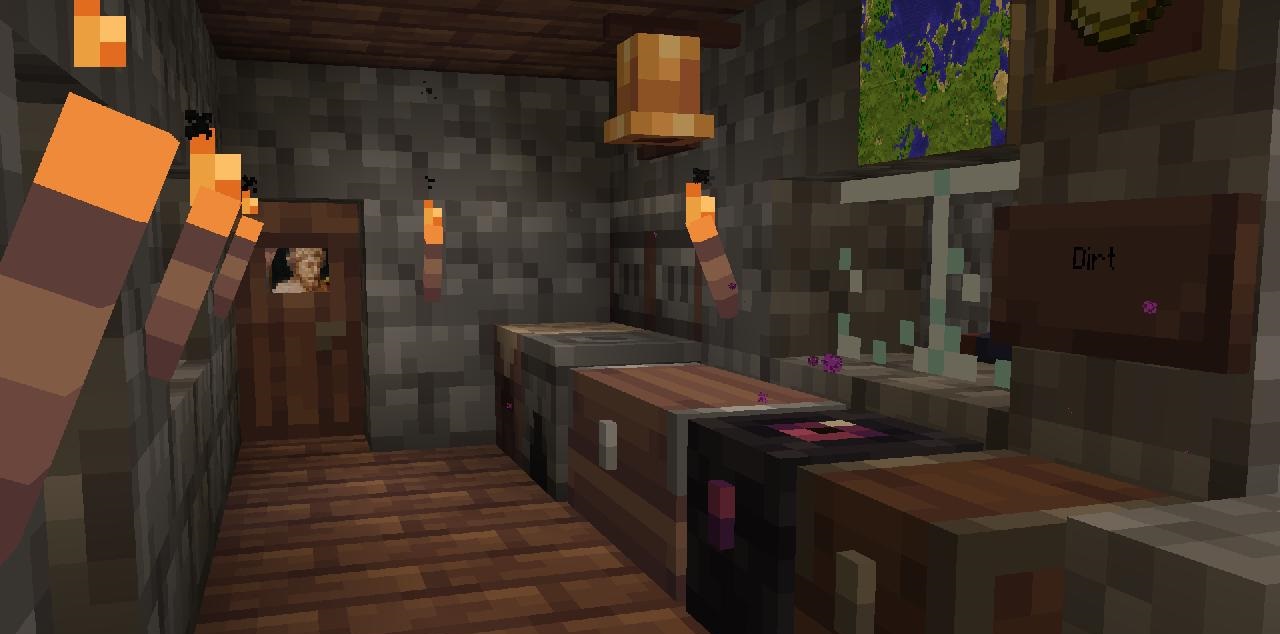
Now this will no longer be a problem; you just need to put a little effort into using the add-on, which will form the basis for your new discoveries. There’s no need to rush, though, as whether you use this enhancement depends entirely on your own preference, despite how useful it is.
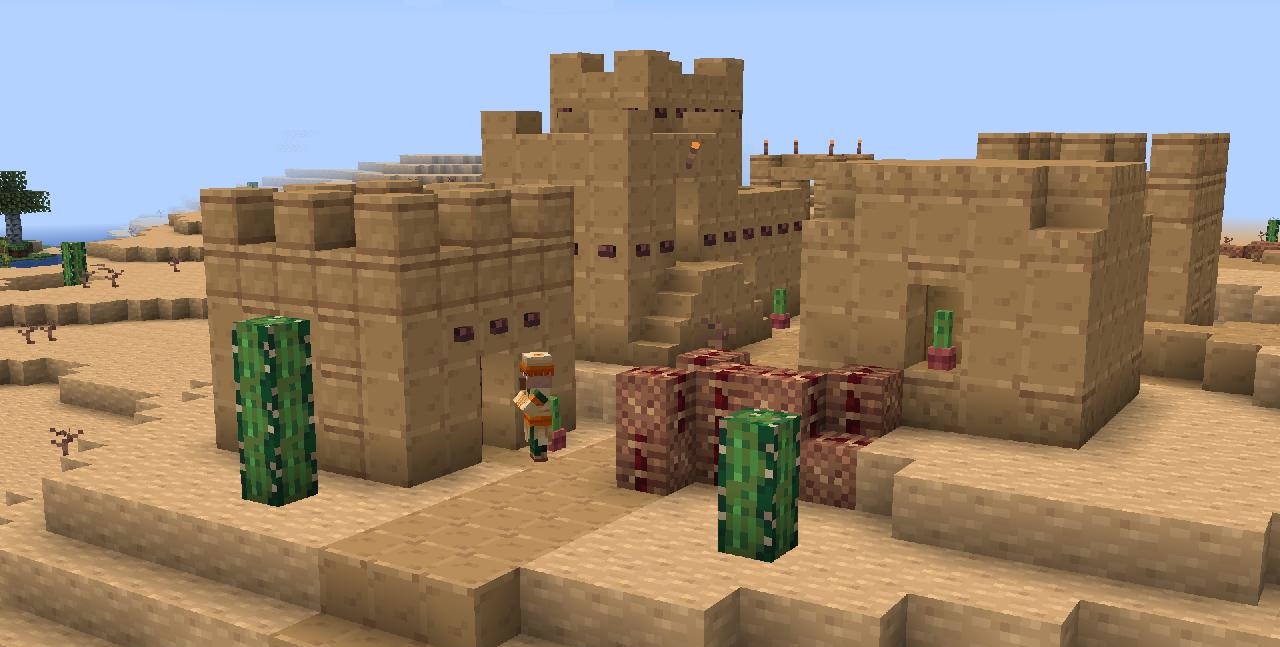
How to install the texture pack:
Step 1: Download the texture pack using the link below.
Step 2: Extract the downloaded archive and copy the folder Perch - A Tiny RPG Experience to c:\Users\Пользователь\AppData\Roaming\.minecraft\resourcepacks\ (if this folder does not exist, create it yourself) (For Windows)
Step 3: In the game, go to Settings, then Resource Packs. Click the icon for the newly added texture pack in the list on the left.
Comments (0)