



Qwertyle’s More for Minecraft 1.16.5
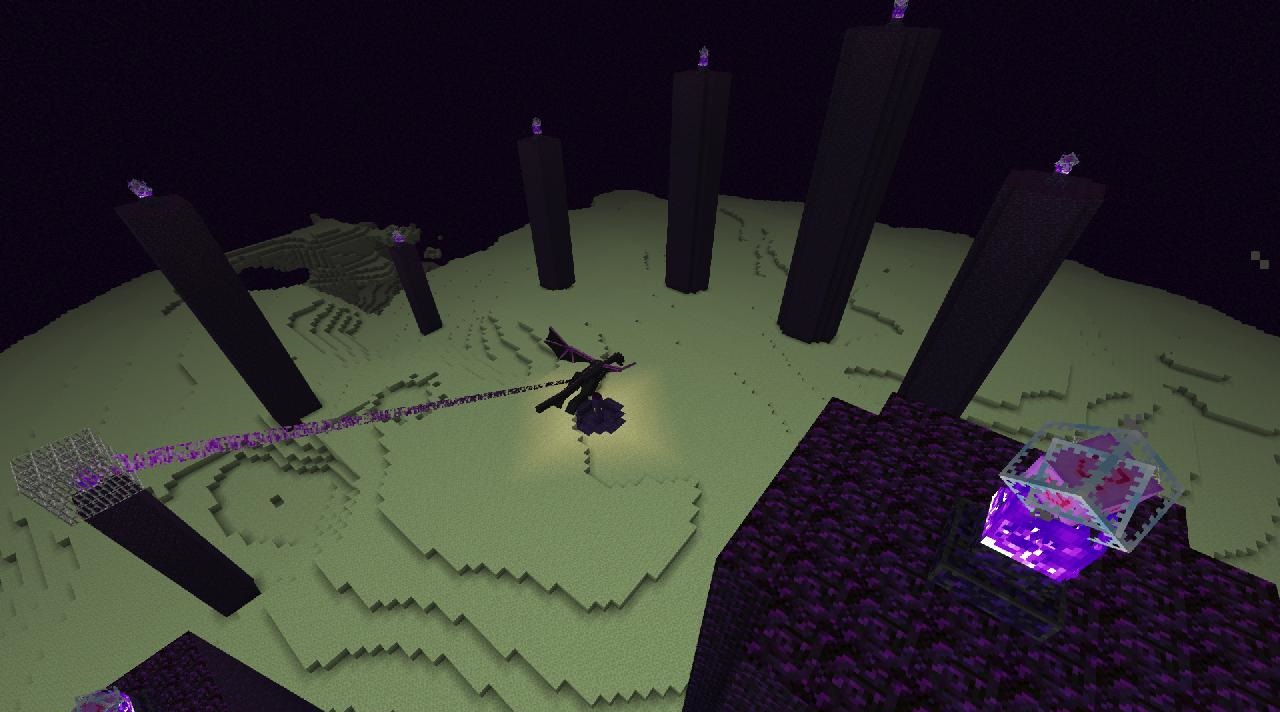 Qwertyle’s More for Minecraft – customisation of all existing content. That said, don’t expect any major changes, as the author has decided to make a number of adjustments exclusively to the texture resolution.
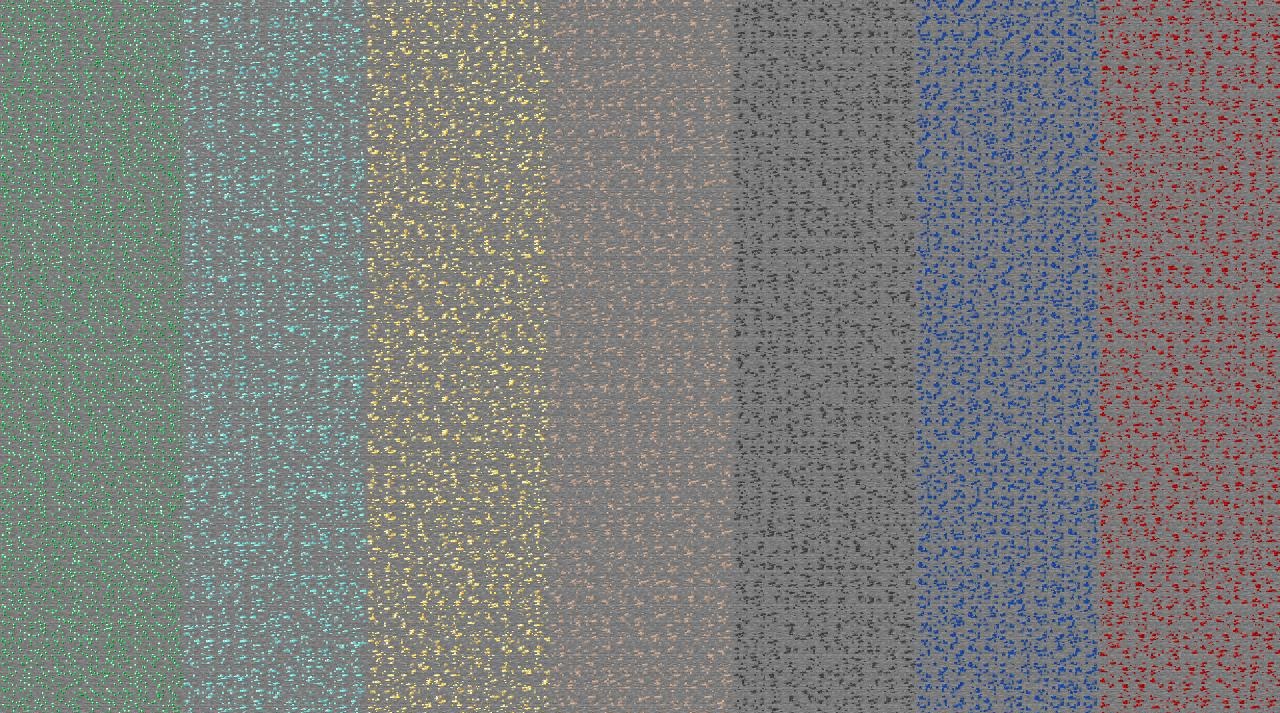
Initially, the work was carried out at an 8×8 resolution, but the author then decided to raise the bar to 64×64. This change has improved the quality, and now every user can enjoy the gameplay without any issues and get the most enjoyment out of the adventure. All you have to do is set off on this journey yourself and appreciate all the changes that have been made.
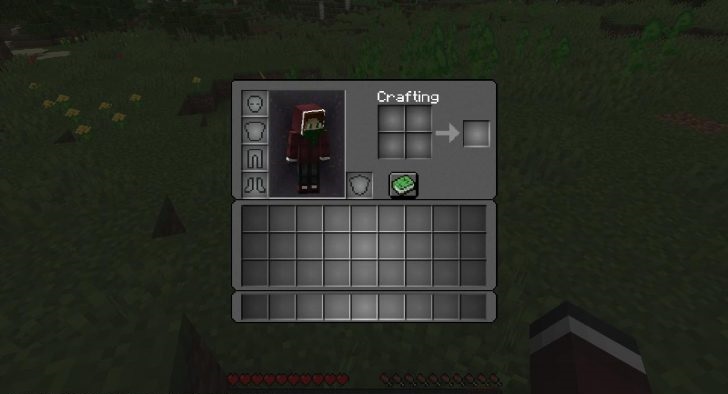
How to install the texture pack:
Step 1: Download the texture pack using the link below.
Step 2: Extract the downloaded archive and copy the folder Qwertyle’s More to c:\Users\Пользователь\AppData\Roaming\.minecraft\resourcepacks\ (if this folder does not exist, create it yourself) (for Windows)
Step 3: In the game, go to Settings, then Resource Packs. Click on the icon for the newly added texture pack in the left-hand list.
Comments (0)